Questions, answered
Short, honest answers about buying and using our apps.
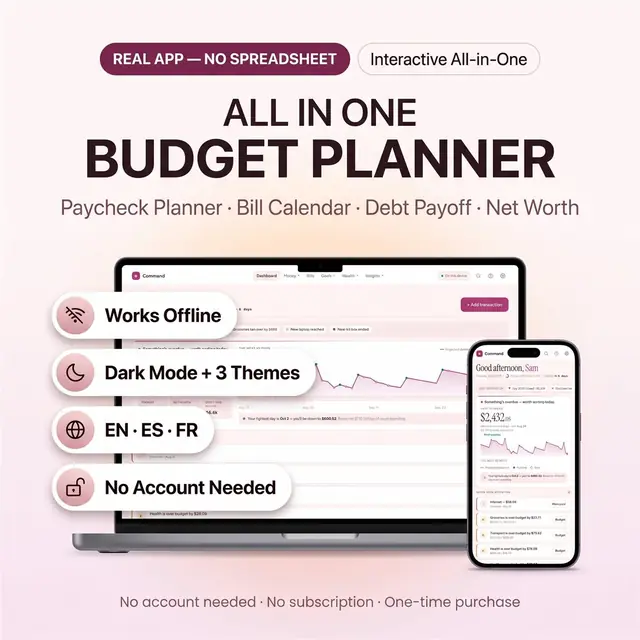
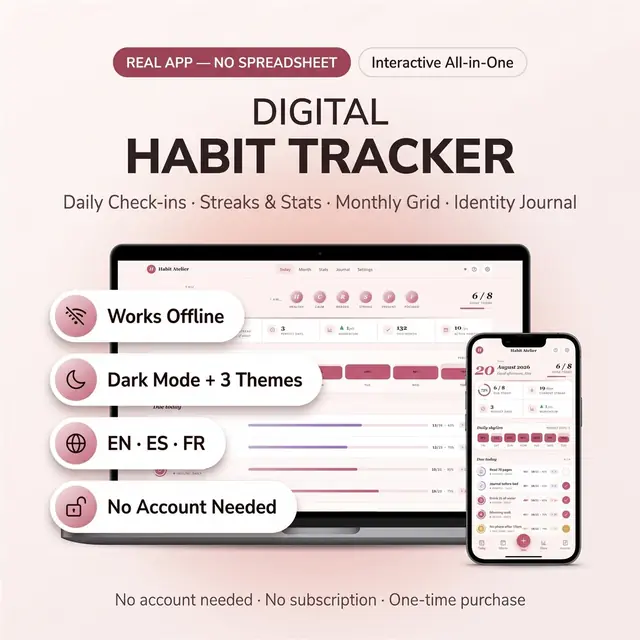
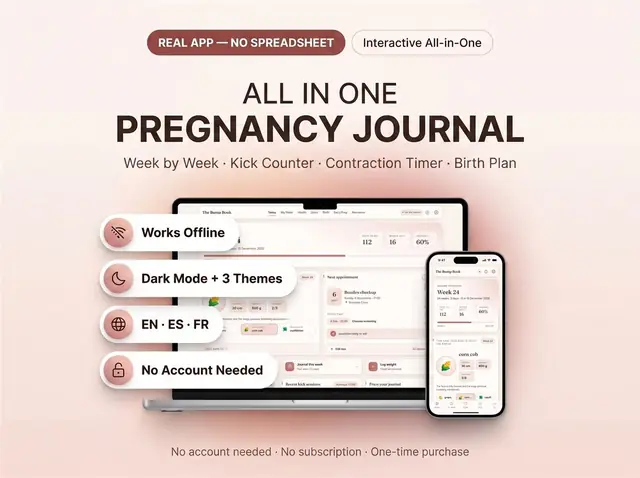
Buying and getting your app
Paying, delivery and what you receive.
01How do I pay?
You check out on Whop’s secure checkout page, one app at a time. You can pay by card, Apple Pay, Google Pay or crypto.
02What do I get after I buy?
A PDF with your private link to the app and a quick-start guide. The guide shows how to open it on your phone, tablet or computer.
03Is it a subscription?
No. You pay once and it is yours to keep. There are no renewals.
04Do I need an account?
No, you can start without one. Cloud sync is optional and only needs a free account if you want your data on more than one device.
05Will anything be shipped to me?
No. These are digital apps. Your private link arrives instantly after you buy, and nothing physical is sent.
Using your app
Devices, languages, offline use and your data.
01Which devices and languages does it work on?
Any phone, tablet or computer with a current browser. The apps are available in English, Spanish and French.
02Does it work offline?
Yes. Your data is saved on your own device, in your browser. Cloud sync is optional, if you want the same data on more than one device.
03Where is my data saved?
On your own device, in your browser. It is a good habit to export a backup from Settings now and then. With optional cloud sync, your data can follow you across devices.
04What happens if I clear my browser data?
Data saved only on your device can be lost when you clear your browser’s cache or cookies. Export a backup from Settings, or turn on cloud sync, to keep it safe.
05Can I use the same app on my phone and my computer?
Yes. Turn on cloud sync with a free account and your data follows you on every device.
Help, refunds and changes
When something is wrong, or you want something different.
01What if something does not work?
Tell us what is wrong and we will fix it. If we cannot fix it, you get a refund.
02Can I ask for a change to my app?
Yes. You can ask for a feature, a language or an add-on and we build it for you. Look for the “Customize it + lifetime updates” option next to the Buy button.
03Can I share the app or resell it?
Each purchase is for your own personal use. Please do not resell, share or redistribute it.
04Do the apps give financial, tax, legal or medical advice?
No. The apps help you organise your own information. They are not professional advice, so please talk to a qualified professional when you need one.