
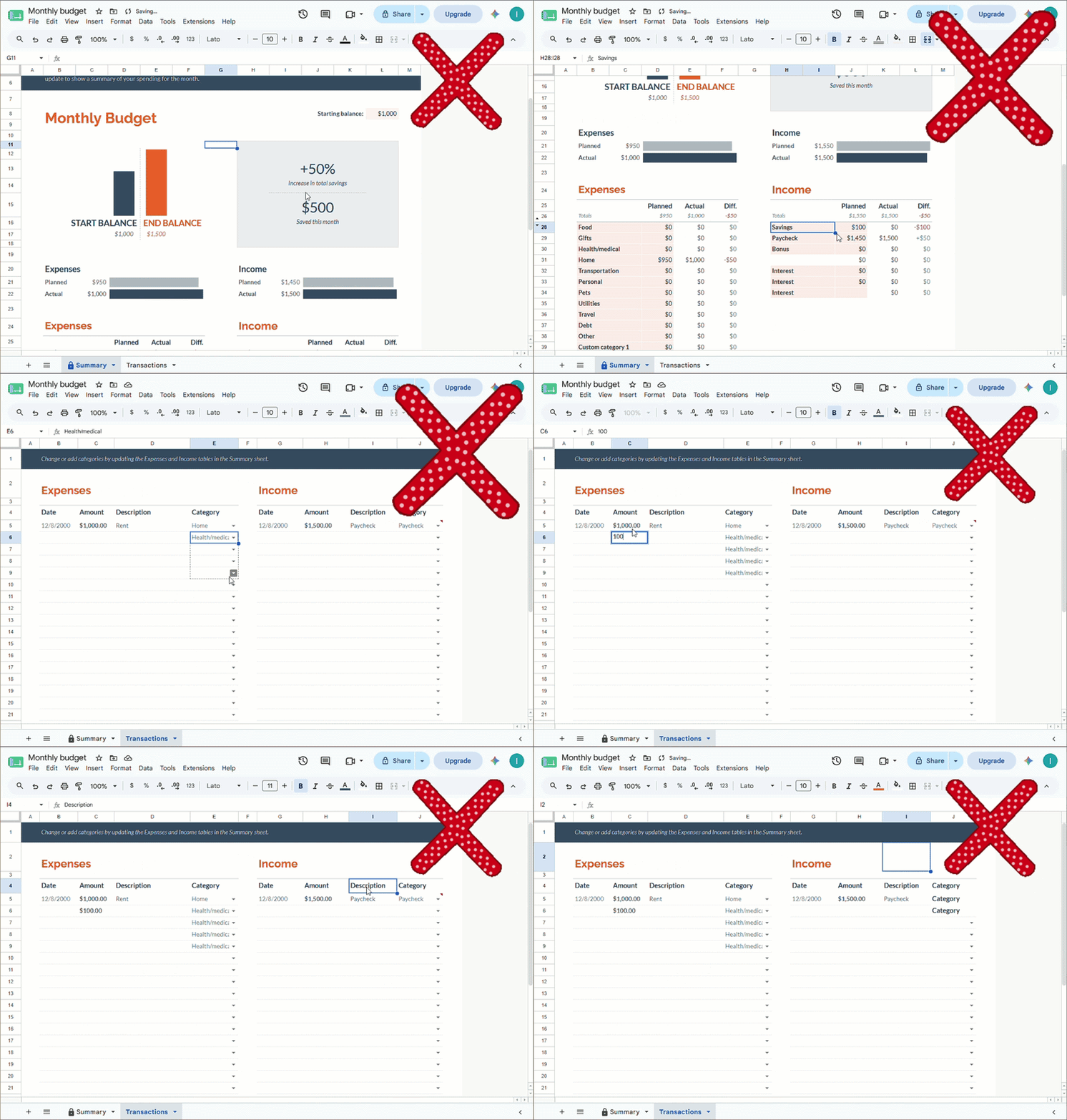
- Users must understand cells, tabs, formulas, and file saving.
- Phone use feels cramped, especially for daily tracking.
- A small edit can change totals or damage the template.
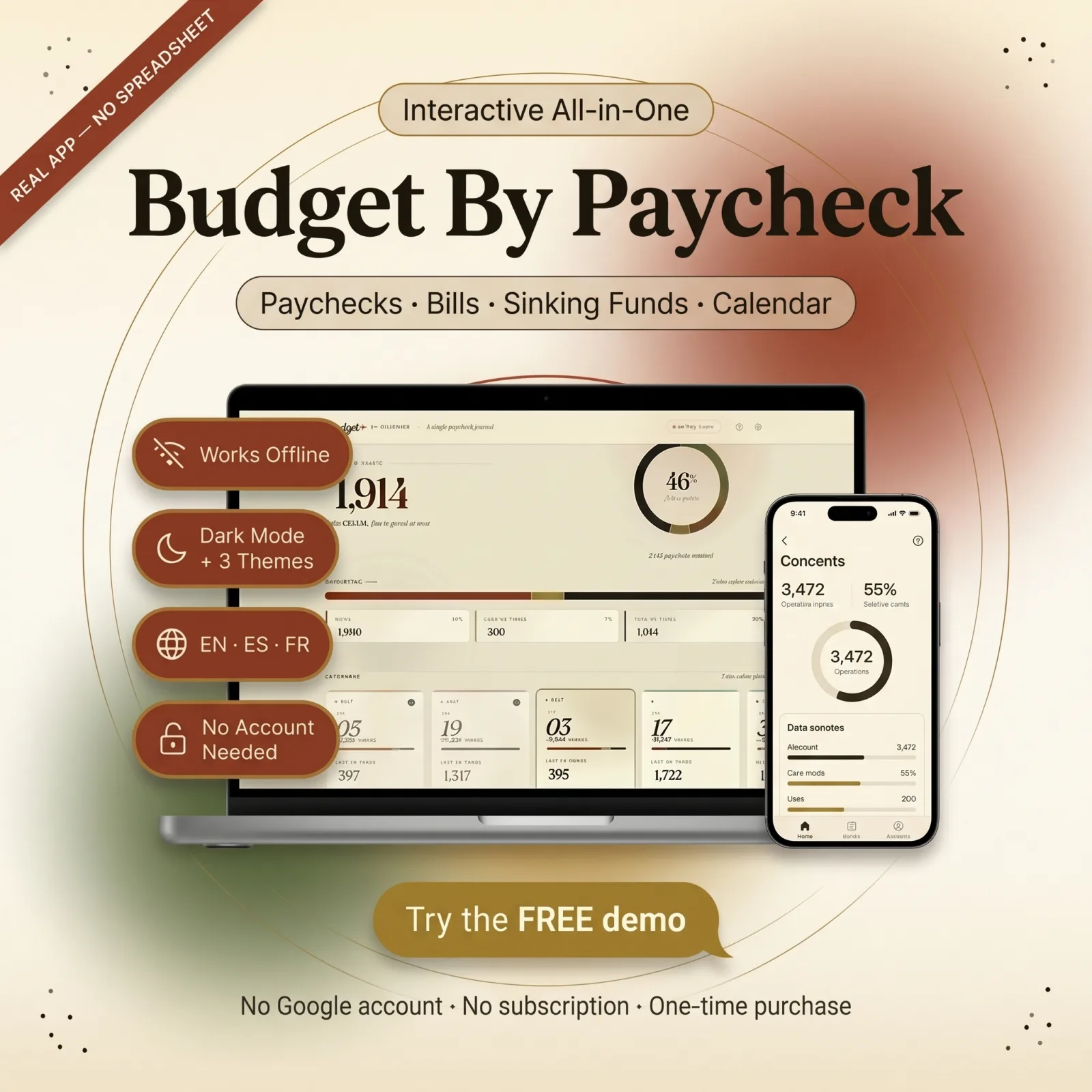
Know what each paycheck has to cover — bills, savings, and what’s actually left to spend — before you spend it.
What’s inside
Download it, open it in any browser, and tap to start budgeting. No install, no account.
Works offline, on your phone and your desktop. One-time purchase. Free lifetime updates. Free customization.
You get digital access after checkout. You download a short ReadMe PDF with a Google Drive link — open that link to get the app's HTML file, then open it in your browser. It works on desktop, tablet, and phone, with optional cloud sync when the product includes account save.
Not right? Tell us first — we fix faults free, and we change anything you want, free. If you still do not want it, you have 30 days to get your money back. No forms, no arguing.
Know what each paycheck has to cover — bills, savings, and what’s actually left to spend — before you spend it.
What’s inside
Download it, open it in any browser, and tap to start budgeting. No install, no account.
Works offline, on your phone and your desktop. One-time purchase. Free lifetime updates. Free customization.
You get digital access after checkout. You download a short ReadMe PDF with a Google Drive link — open that link to get the app's HTML file, then open it in your browser. It works on desktop, tablet, and phone, with optional cloud sync when the product includes account save.
Not right? Tell us first — we fix faults free, and we change anything you want, free. If you still do not want it, you have 30 days to get your money back. No forms, no arguing.
Sheets vs FluVana
How it works
Get the digital file after checkout and keep access through your customer account.
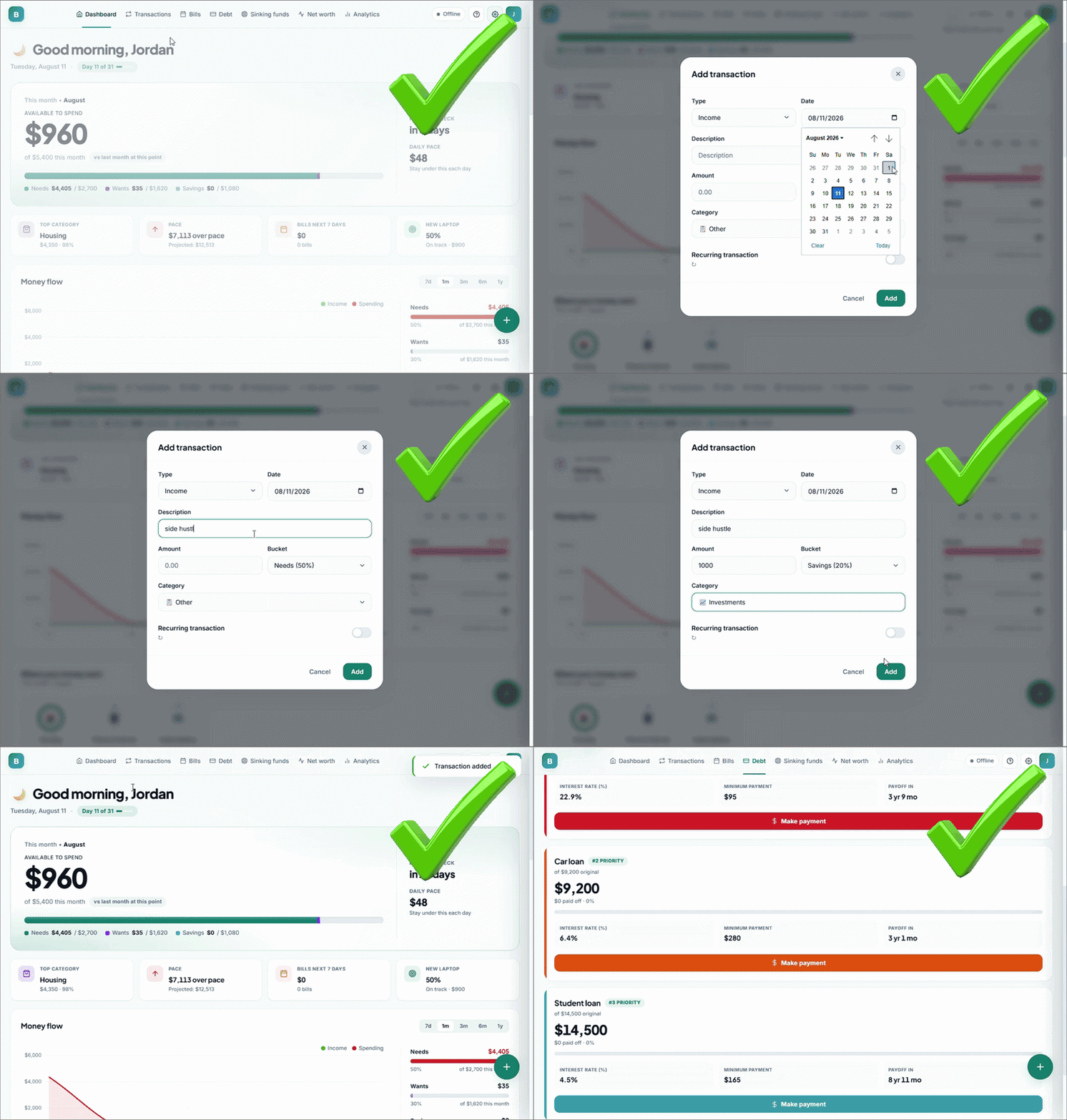
Open the ReadMe PDF, follow its Google Drive link to download the app, then open it in your browser without installing extra software.
Use guided buttons, dashboards, and phone-ready screens instead of editing cells.
Join the list and the discount is yours — plus first look at new planners and free updates news. No spam, ever.
Nothing to copy, nothing to type — the discount is already on your cart and comes off automatically at checkout. Works on bundles too.
One use per customer · stays active until you use it