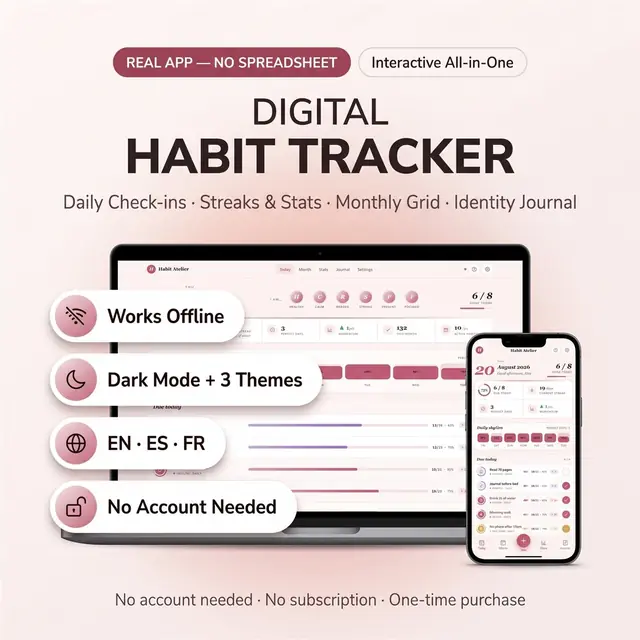
Habit Tracker
Build streaks without a spreadsheet or a subscription
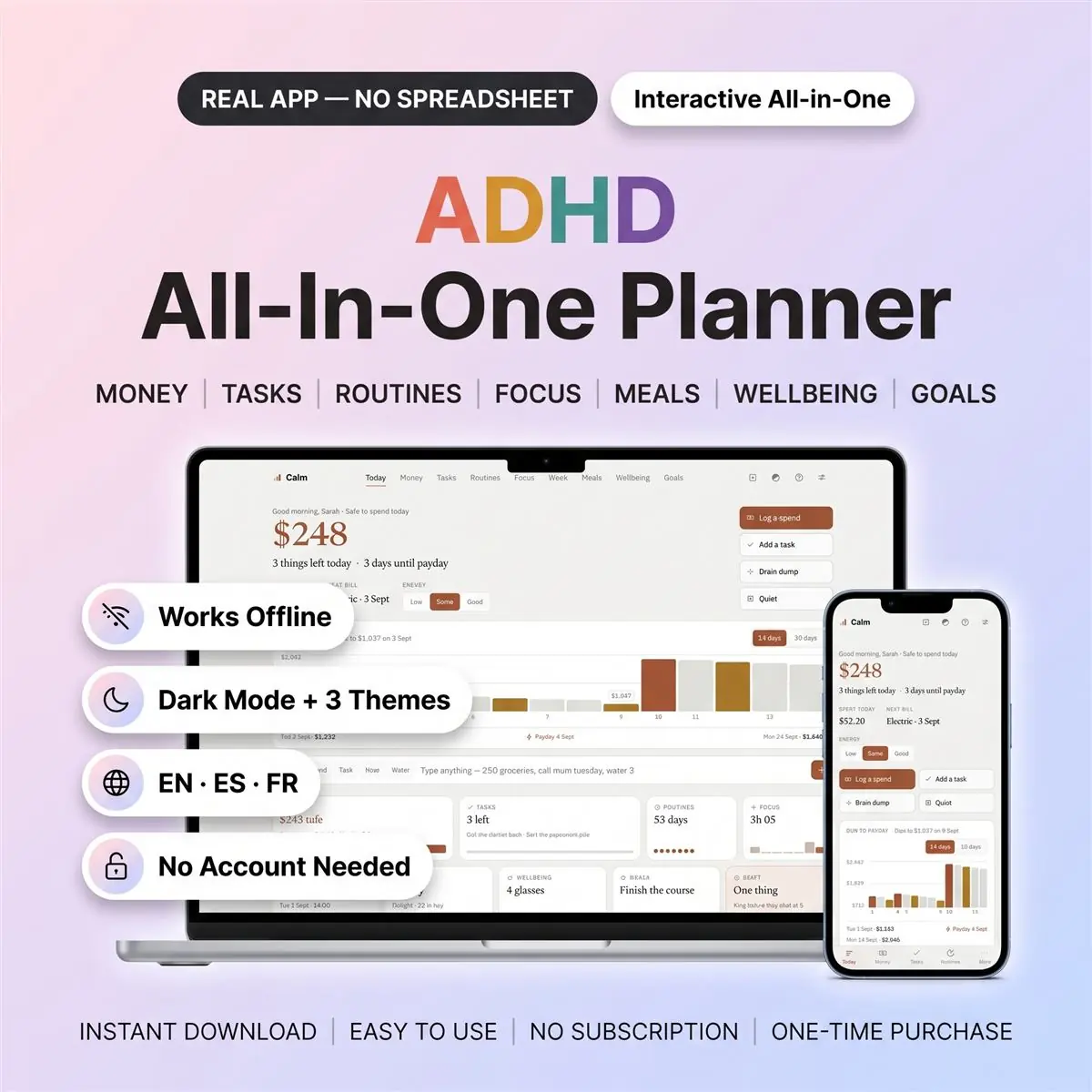
Hides everything except the part you need right now
Secure checkout by Whop
You get: a PDF with your private app link and a quick-start guide.
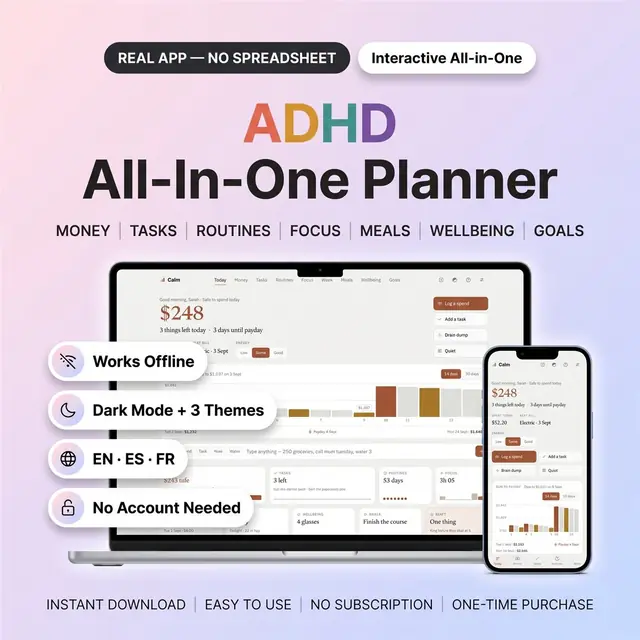
An ADHD planner that finally feels small.
Most planners answer overwhelm with more tabs. This one hides everything except the part you need right now. It opens in your browser, saves the second you type, and works with no account and no internet connection.
It is a real interactive app you own outright. Not a file of cells and formulas.
Put in your balance and your payday. Pick three things for today. Then type anything at all into the box on the home screen.
Type "250 groceries" and it becomes a spend. Type "call mum tuesday" and it becomes a task for Tuesday. Type "water 3" and it lands in Wellbeing.
That is the whole setup. No tutorial, no template to copy, no formulas to repair.
The top of the money screen answers one question. Is it safe to spend today?
Your bills and your payday are already taken out of that figure. You never work it out yourself and you never open a calculator.
Inside the money section you get:
It works as a budget tracker, an expense tracker and a bill tracker at once. Want a simple budget and nothing more? Use that part and ignore the rest.
Three is the whole list for the day. That is deliberate, not a limitation.
A list of thirty is a list you abandon by lunchtime. Three you can finish, and finishing is the thing that makes tomorrow easier.
Every task breaks into steps small enough to actually start. "Sort the paperwork" becomes tip it on the table, make three piles, bin pile out.
The task tracker keeps your daily to do list short. Everything else waits in the brain dump until you want it. Nothing is deleted and nothing is lost.
Tasks you did not finish carry themselves over. No guilt screen, no wall of red.
Morning steps and evening steps, each a short tick list you build once.
Then a habit tracker with a streak that dents instead of dying. Miss a day and it drops by one. It does not reset to zero.
That single difference is why people keep going. Starting again at zero is where most habit trackers lose you for good.
Every habit shows ninety days as a grid. You see the shape of the habit, not just whether you managed it today. Missed a day last week? Tap it and put it right.
Pick fifteen, twenty-five, forty-five or sixty minutes and start.
Every finished session records itself. You never write anything down and you never lose track of where the afternoon went.
Weekly time blocking gives the hard thing an actual slot in the day. There is a body double mode for when starting alone is the part you cannot do.
A chart shows the last fourteen or thirty days of focus time. Good weeks and bad weeks both look like something you can learn from.
A seven-day view of appointments, plus a deadline list and a coming-up list for everything that sits past this week.
Add something to any day in two taps. See the whole week without scrolling.
A weekly meal planner covering breakfast, lunch and dinner for all seven days.
Save the recipes you actually cook. Build the week from them, then generate the shopping list from that plan in one tap. No writing the same list twice.
Sleep, mood, water and medication, each logged in a single tap.
Meds show what is still to take today. Water is one button. Mood is a row of five. Sleep is a number you enter once.
All four sit on the same chart, so the pattern shows itself. A bad week of sleep next to a bad week of mood is a thing you can finally see.
Big things broken into milestones you tick off as they land.
Plus a wins log for the days you swear you achieved nothing at all. Open it and the evidence is right there. It is the most underrated screen in here.
Press Quiet and the entire app disappears. One thing appears in the middle of an empty screen. Do it, mark it done, and the next one arrives.
Nothing is lost while you are in there. It is all still waiting when you come out.
Tell it how your energy is and your list re-sorts to match. Low days get the low effort jobs. Good days get the hard one.
Choose Simple to see four screens, or Everything to see all nine. Switch whenever you like. Nothing is ever deleted when you switch.
iPhone, iPad, Android phones and tablets, Mac and Windows.
One file. No app store, nothing to install, no second app to buy alongside it.
Many browser planners are desktop only, and buyers find that out afterwards. This one is not. There is a one-tap opener for iPhone and iPad in the guide.
Basalt is warm and plain. Wisteria is soft and light. Nightshift is a real dark mode, not a grey filter over a white screen.
English, Spanish and French, switchable any time from Settings. Every screen and every word of it, not only the menus.
It saves the moment you type. There is no save button to forget.
Everything stays on your own device by default. Cloud saving is optional and free, and only if you want the same planner on more than one device.
Export a backup any time. Import it back on a new device in seconds.
An ADHD digital planner only works if it fits the life you already have.
So use this ADHD planner however suits you. It can be an ADHD daily planner. It can be an ADHD budget planner. It can be all nine screens at once.
However you use it, this is one ADHD planner that never asks you to keep up.
One-time purchase. No subscription. Instant download. Free updates forever.
If you want a tailored version, just ask.
Card, Apple Pay, Google Pay or crypto. Checkout is by Whop.
It holds your private link to the app and a quick-start guide.
Tap the link on your phone, tablet or computer. The guide shows every step.
The Homeschool planner has helped me tremendously as we start the first year of homeschooling. It has helped me stay organized.
This Inventory Tracker has a classy interface with lots of useful features, and is very user friendly for beginners.
definitely recommend! the planner set up is very user friendly and I love how interactive it is.
Customer Service is Excellent!!! The lesson planner is easy to use. Love it!!
GET THIS ONE! forget the other ones out there. This is the real deal.
Some hiccups with the planner, but seller was very communicative and quick to find a solution.
A PDF with your private link to the app and a quick-start guide. The guide shows how to open it on your phone, tablet or computer.
Any phone, tablet or computer with a current browser. The apps are available in English, Spanish and French.
Yes. Your data is saved on your own device, in your browser. Cloud sync is optional, if you want the same data on more than one device.
No. You pay once and it is yours to keep. There are no renewals.
Build streaks without a spreadsheet or a subscription
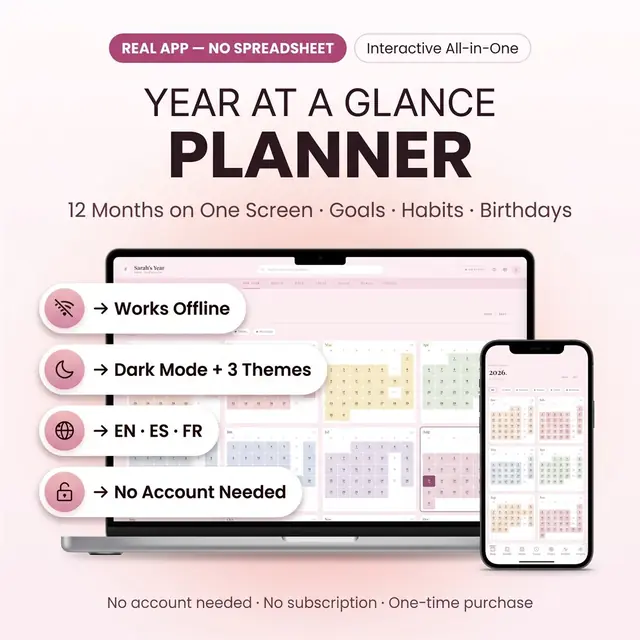
The whole year on one screen, with room for the months
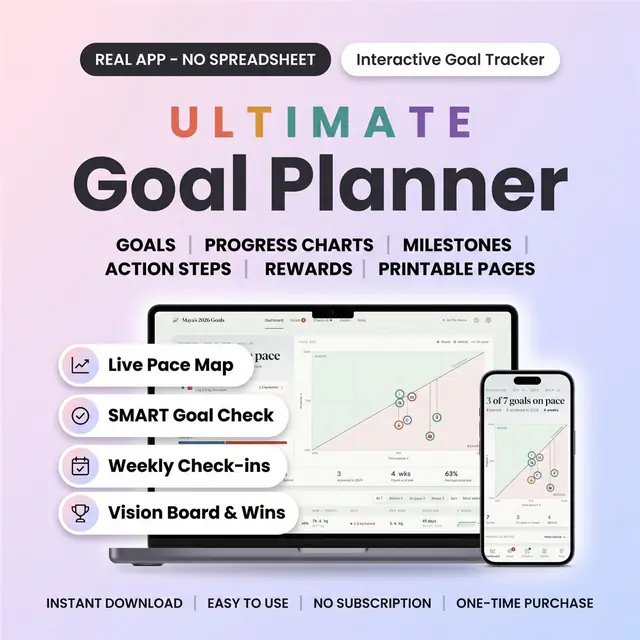
Turn a goal into weekly steps you can actually check off
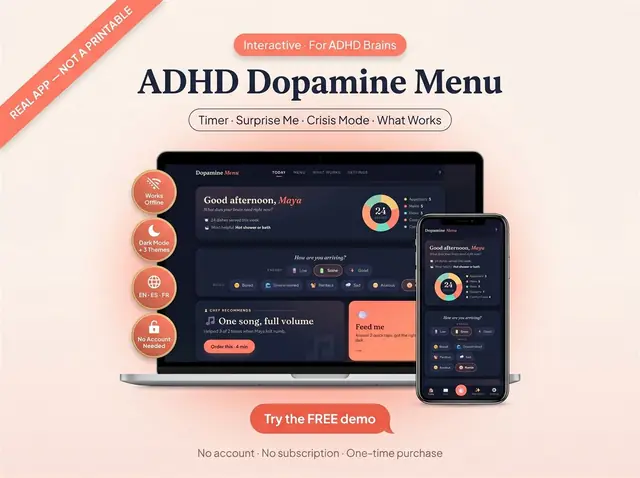
A menu of easy, medium, and high-effort resets
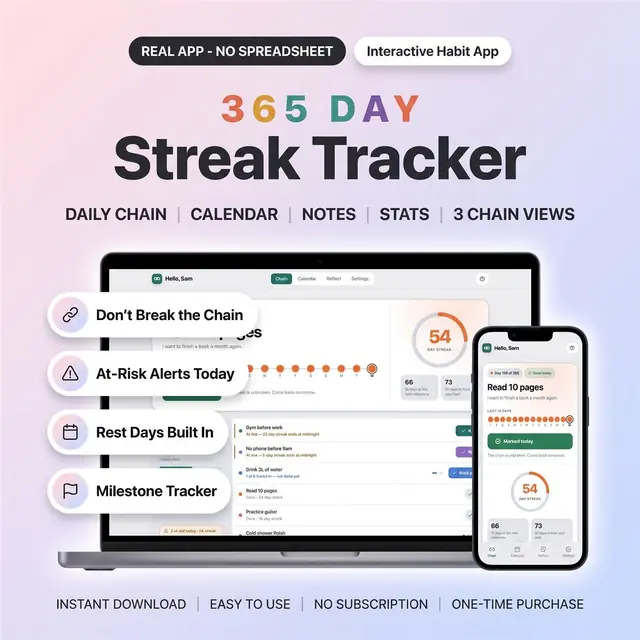
One box a day for the whole year
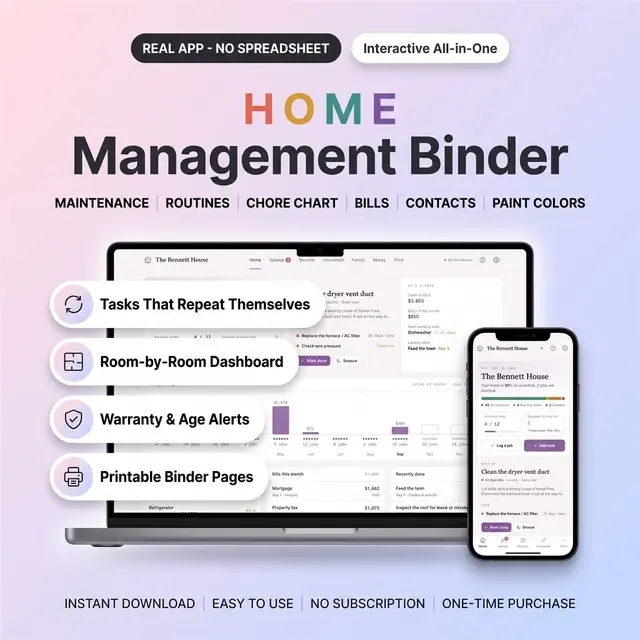
Household tasks, contacts, and home info in one binder app
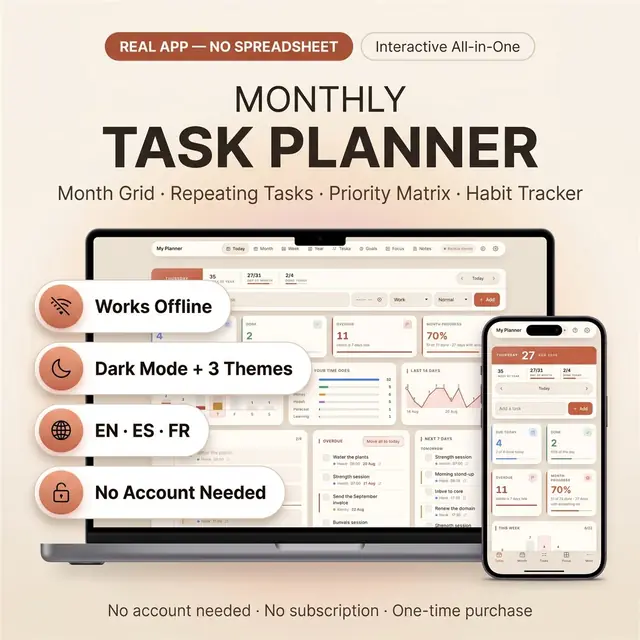
Month, week, and today without extra tabs
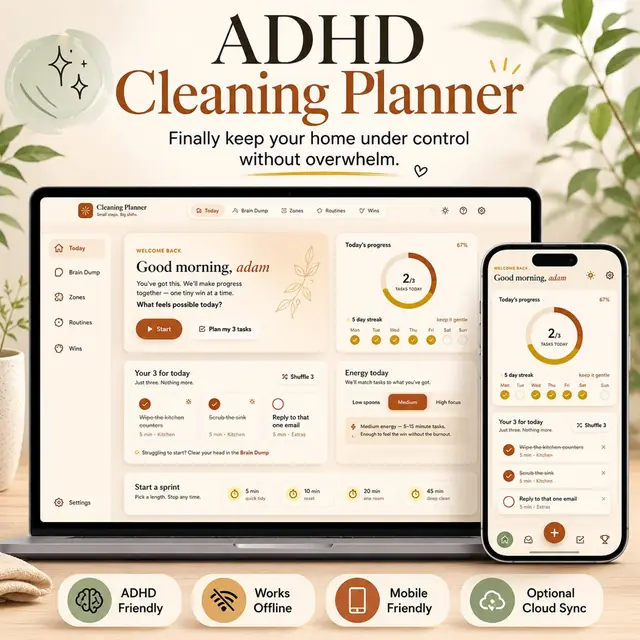
Small cleaning tasks, not a giant chore list