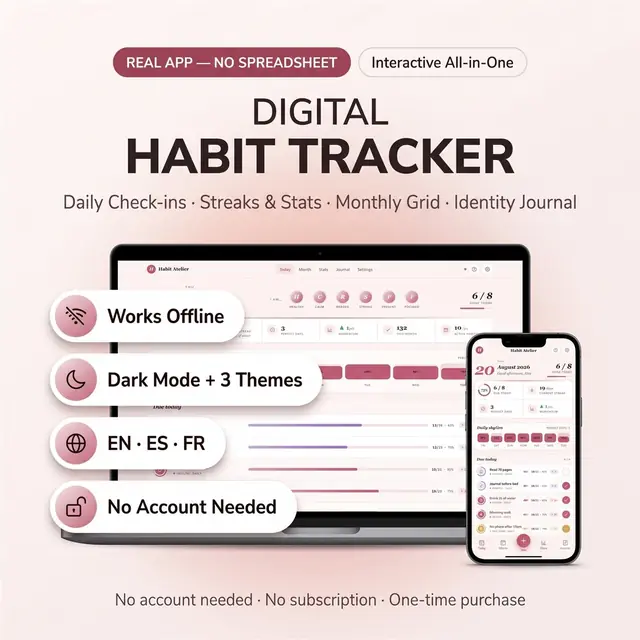
Habit Tracker
Build streaks without a spreadsheet or a subscription
Turn a goal into weekly steps you can actually check off
Secure checkout by Whop
You get: a PDF with your private app link and a quick-start guide.
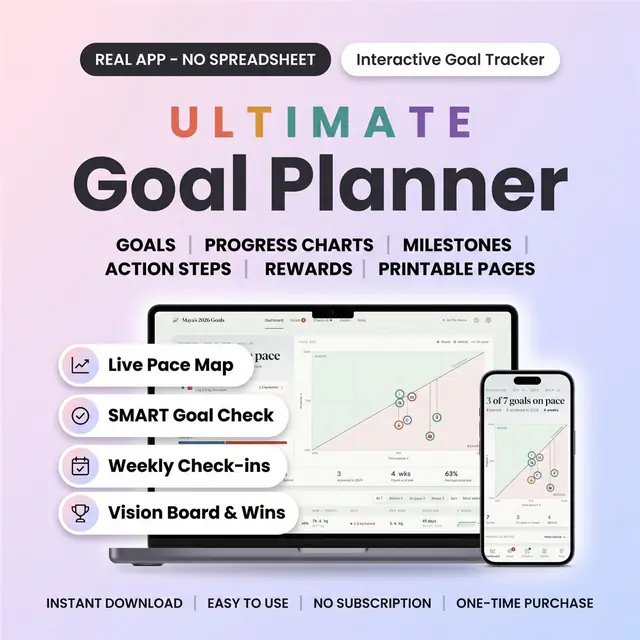
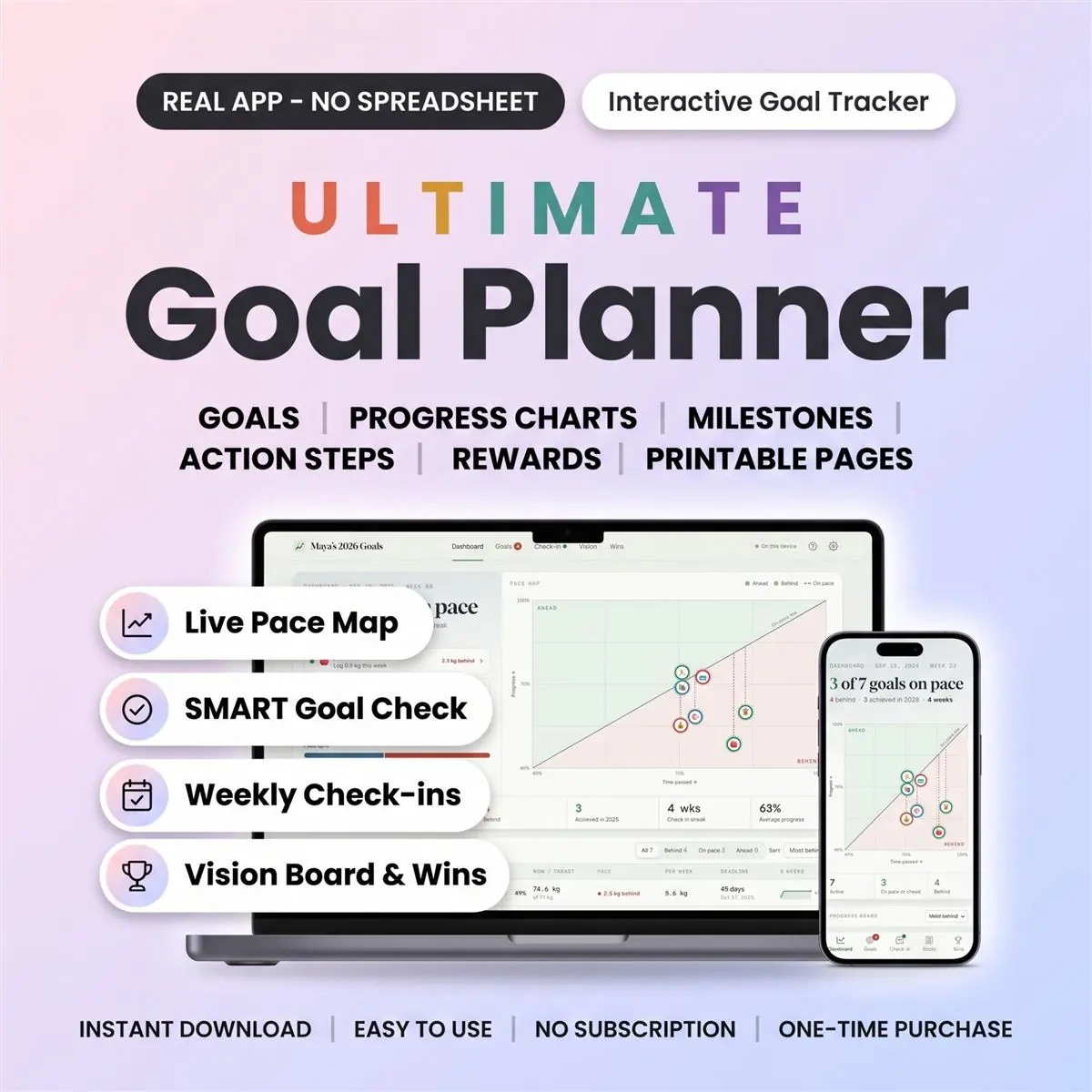
See which goals are on track—and which need attention. This digital goal planner and tracker helps you set SMART goals, break them into action steps, and compare your progress with your deadlines.
An interactive browser app with a built-in vision board, weekly check-ins, and progress charts. Use it on your phone, tablet, or computer. You enter your progress; the planner calculates your pace.
You receive a PDF guide with setup instructions and a private link to download the HTML app. No physical item will be shipped. This is an interactive app, not an Excel, Google Sheets, Notion, or Goodnotes template.
The Pace Map compares completed progress with time passed for goals with deadlines. See whether you are ahead, on pace, or behind without checking every goal separately.
Track books read, money saved, a project to finish, or a number you want to reduce. Use number targets, action steps, or a simple yes/no goal. For active number-based goals with deadlines, see the weekly amount needed to reach your target.
Choose English, Spanish, or French. Switch between three colour themes, including a dark theme. Choose a Monday or Sunday week start and personalise your goal categories.
The planner is undated. Start any week, use it for your 2027 goals, and continue beyond the year. Weekly check-ins support a 52-week goal-planning routine; this is not a set of 52 prewritten lessons or worksheets.
1. Once payment is confirmed, download your PDF guide. 2. Open the PDF and follow its link to download the HTML app. 3. Follow the guide's setup instructions for your device, then create your first goal and log your progress.
Choose local saving without an account, or turn on optional cloud sync with a free account to access your goals across devices. Cloud sync requires an internet connection.
For local saving, keep using the same file and browser to return to your data. Export a backup from Settings regularly: clearing browser data can remove locally saved goals.
Local planning works offline. An internet connection is needed to download the app and use cloud sync; web fonts may need a connection to load.
Card, Apple Pay, Google Pay or crypto. Checkout is by Whop.
It holds your private link to the app and a quick-start guide.
Tap the link on your phone, tablet or computer. The guide shows every step.
The Homeschool planner has helped me tremendously as we start the first year of homeschooling. It has helped me stay organized.
This Inventory Tracker has a classy interface with lots of useful features, and is very user friendly for beginners.
definitely recommend! the planner set up is very user friendly and I love how interactive it is.
Customer Service is Excellent!!! The lesson planner is easy to use. Love it!!
GET THIS ONE! forget the other ones out there. This is the real deal.
Some hiccups with the planner, but seller was very communicative and quick to find a solution.
A PDF with your private link to the app and a quick-start guide. The guide shows how to open it on your phone, tablet or computer.
Any phone, tablet or computer with a current browser. The apps are available in English, Spanish and French.
Yes. Your data is saved on your own device, in your browser. Cloud sync is optional, if you want the same data on more than one device.
No. You pay once and it is yours to keep. There are no renewals.
Build streaks without a spreadsheet or a subscription
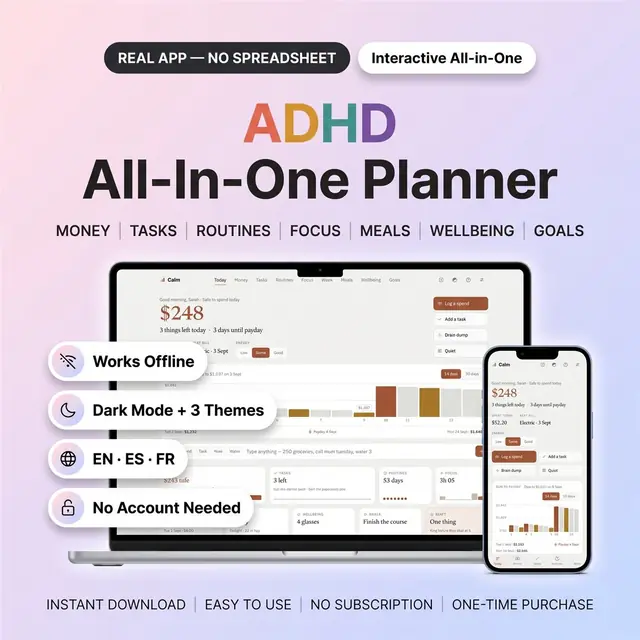
Hides everything except the part you need right now
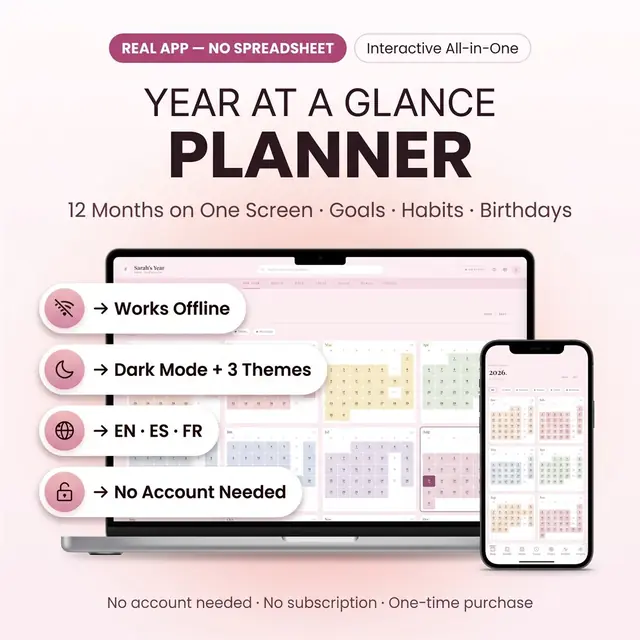
The whole year on one screen, with room for the months
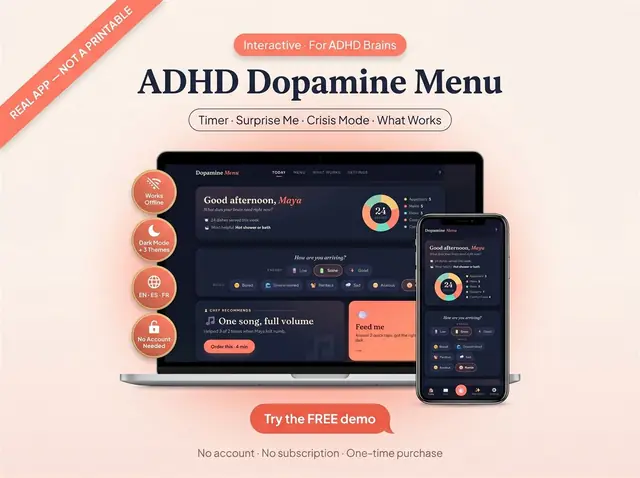
A menu of easy, medium, and high-effort resets
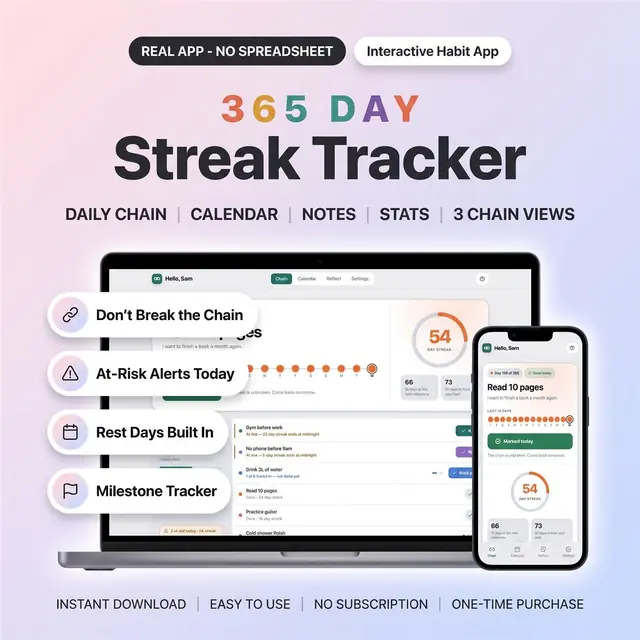
One box a day for the whole year
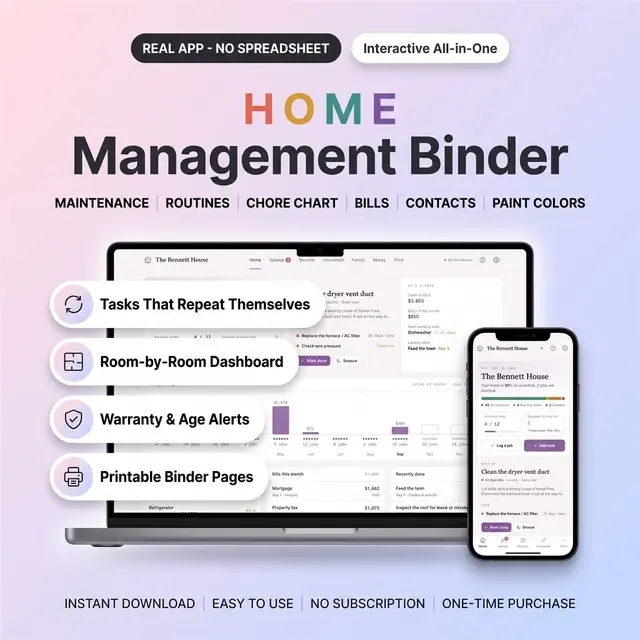
Household tasks, contacts, and home info in one binder app
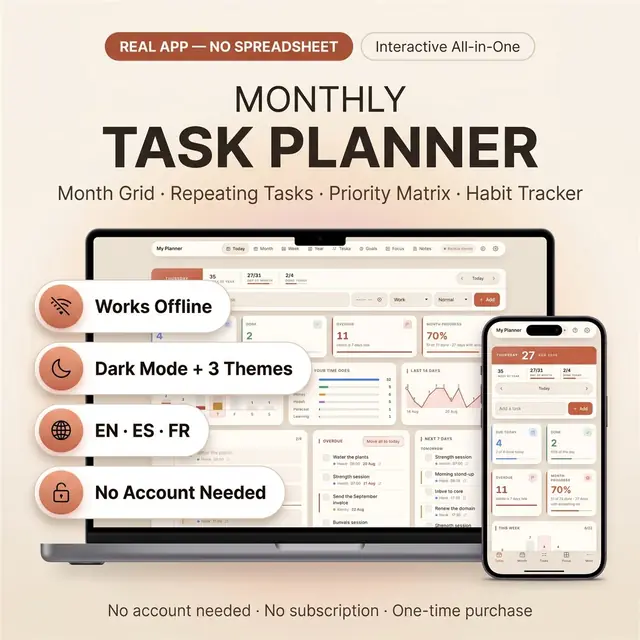
Month, week, and today without extra tabs
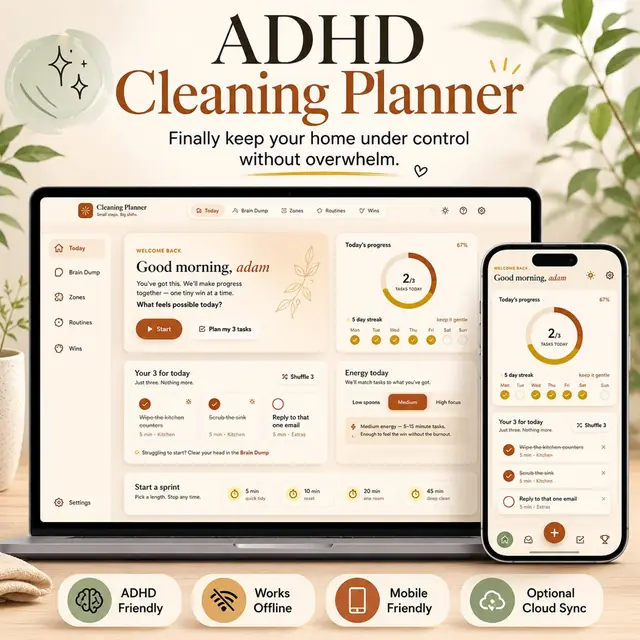
Small cleaning tasks, not a giant chore list