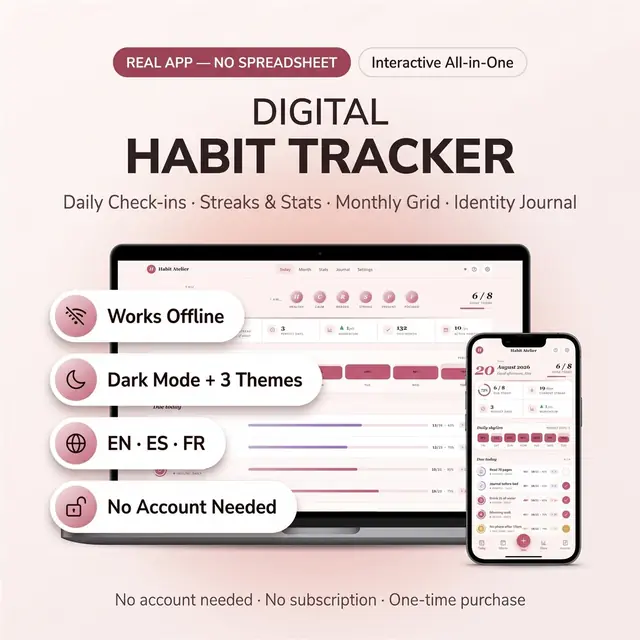
Habit Tracker
Build streaks without a spreadsheet or a subscription
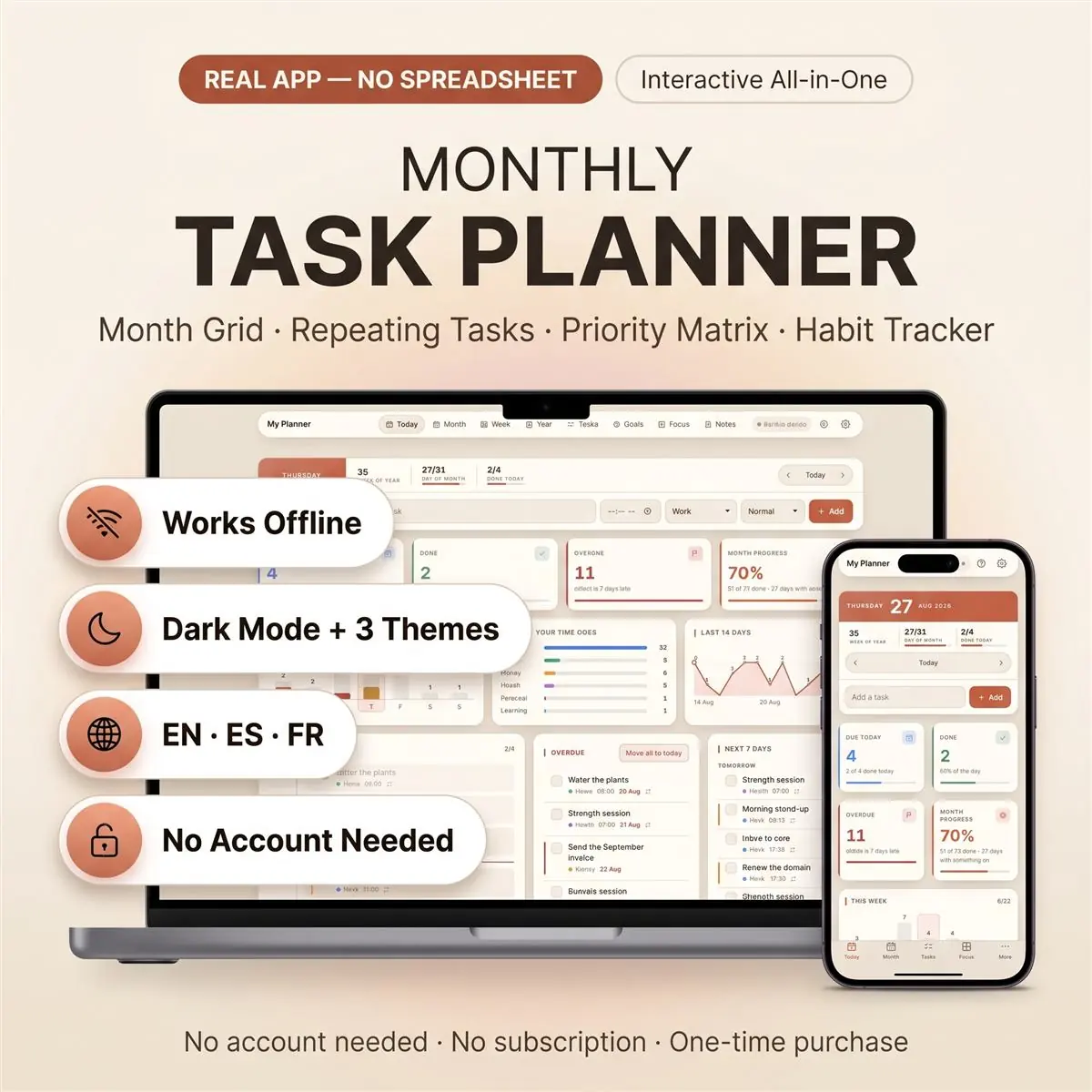
Month, week, and today without extra tabs
Secure checkout by Whop
You get: a PDF with your private app link and a quick-start guide.
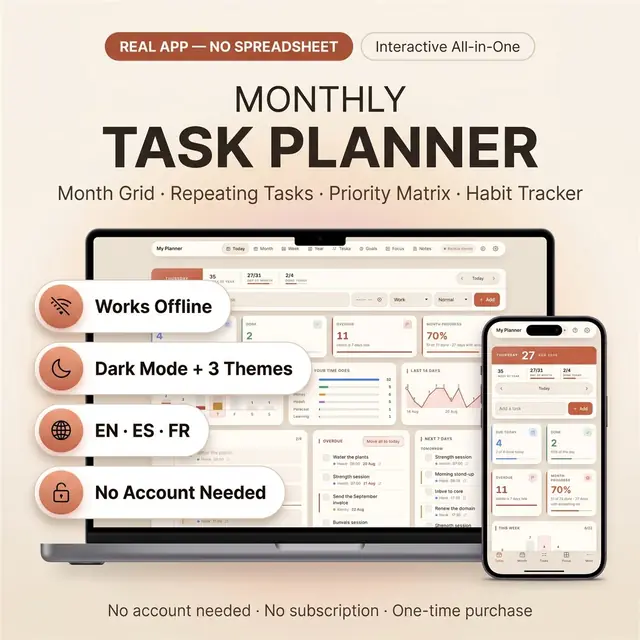
Not a spreadsheet. A monthly task planner that opens straight in your browser — recurring tasks, an hour-by-hour day, and a month grid you can actually read.
Type a task once. It turns up on the day, in the month, in the week and on the board — because there is only ever one copy of it.
Set a task to repeat — every weekday, every week, every month — and it fills itself in. When one particular day needs to be different, change it on that day only. Tick it, rename it, move it: the rest of the series carries on untouched. No formulas. No dragging a row down twelve times.
Whatever you miss stays in Overdue instead of vanishing. One press moves the whole backlog to today — and a repeating task gives you one fresh copy, not one for every day you missed.
Print the month as a proper two-page spread in A4, A5, Letter or Half Letter, with an optional hole-punch margin for a ring binder. It prints what is actually in your planner — nothing else.
Three themes including a true dark mode. Three languages — English, Spanish, French — switching every word, month name included. Rename the categories to match your life; their colours follow them through every screen. Choose which day your week starts and which hours your day runs between. A density setting decides how much fits on screen at once.
No formulas to break. No cells or tabs to mess up. Nothing to install and nothing to set up — you open it and it works. No monthly fee, no account required, no licence to share. It looks and behaves like real software, not a grid you are fighting.
Nothing is shipped. After purchase you get a PDF with your private link, which gives you:
Double-click the .html file and it opens in whatever browser you already have — Chrome, Safari, Edge or Firefox — on Windows, Mac, iPad, Android or your phone. Nothing to install. No app store. No Excel, no Google account, no Notion, no subscription.
Keep everything on your own device — no account, works completely offline. Or turn on optional sync with a free sign-in and your planner follows you between phone, tablet and laptop, still working offline and catching up when you reconnect. Either way, Export in Settings downloads a backup file whenever you want one, and Import puts it straight back.
Card, Apple Pay, Google Pay or crypto. Checkout is by Whop.
It holds your private link to the app and a quick-start guide.
Tap the link on your phone, tablet or computer. The guide shows every step.
The Homeschool planner has helped me tremendously as we start the first year of homeschooling. It has helped me stay organized.
This Inventory Tracker has a classy interface with lots of useful features, and is very user friendly for beginners.
definitely recommend! the planner set up is very user friendly and I love how interactive it is.
Customer Service is Excellent!!! The lesson planner is easy to use. Love it!!
GET THIS ONE! forget the other ones out there. This is the real deal.
Some hiccups with the planner, but seller was very communicative and quick to find a solution.
A PDF with your private link to the app and a quick-start guide. The guide shows how to open it on your phone, tablet or computer.
Any phone, tablet or computer with a current browser. The apps are available in English, Spanish and French.
Yes. Your data is saved on your own device, in your browser. Cloud sync is optional, if you want the same data on more than one device.
No. You pay once and it is yours to keep. There are no renewals.
Build streaks without a spreadsheet or a subscription
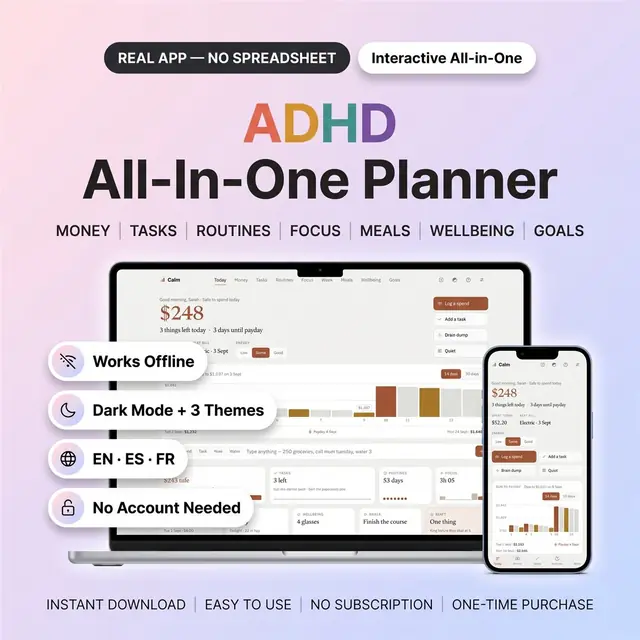
Hides everything except the part you need right now
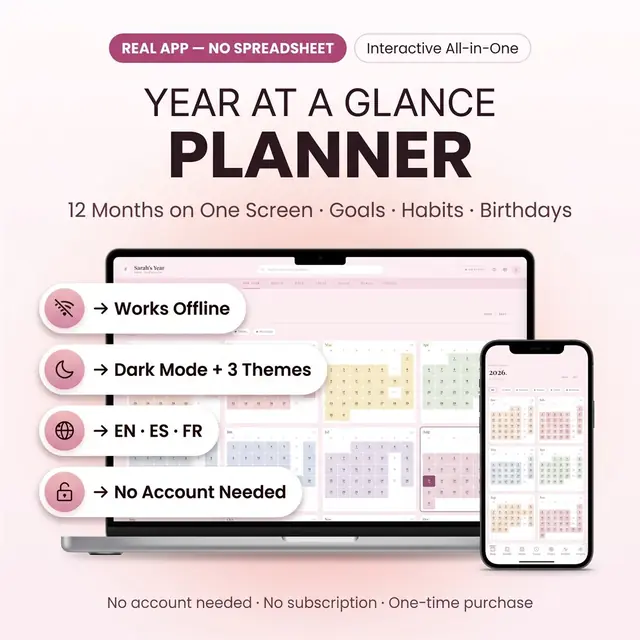
The whole year on one screen, with room for the months
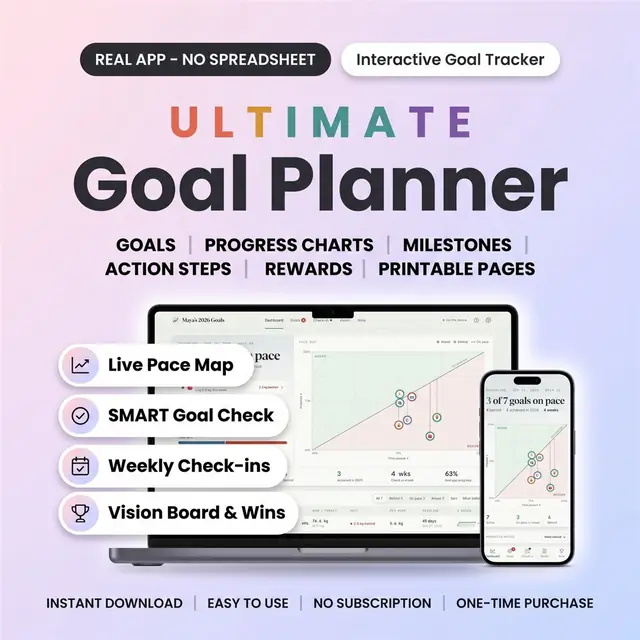
Turn a goal into weekly steps you can actually check off
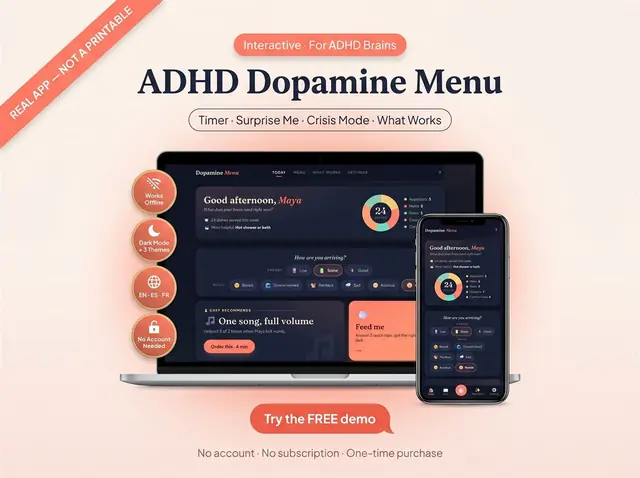
A menu of easy, medium, and high-effort resets
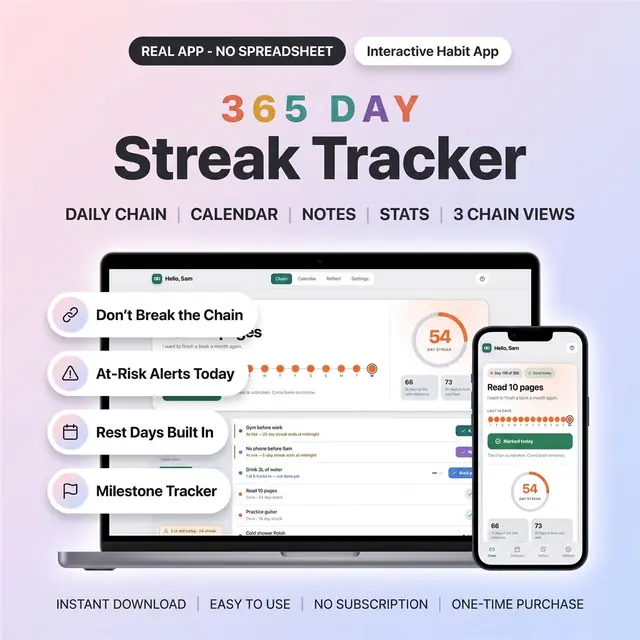
One box a day for the whole year
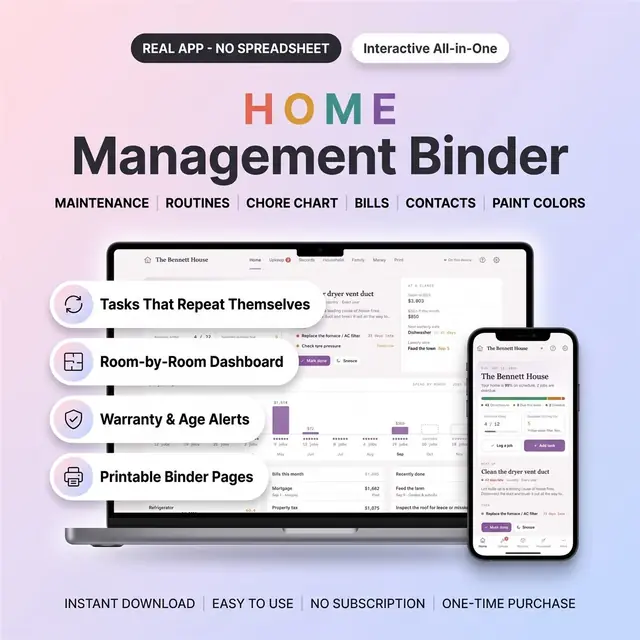
Household tasks, contacts, and home info in one binder app
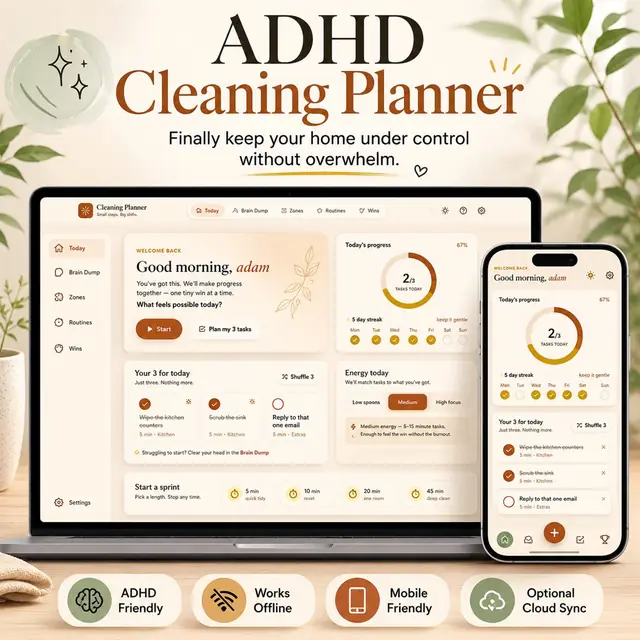
Small cleaning tasks, not a giant chore list