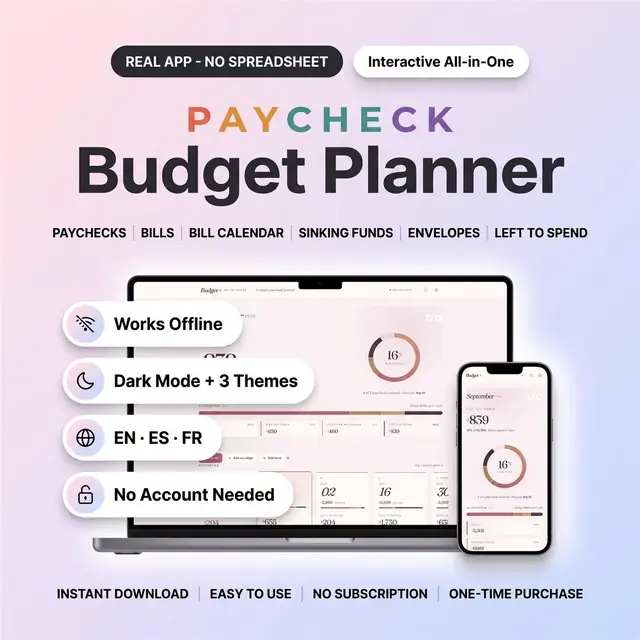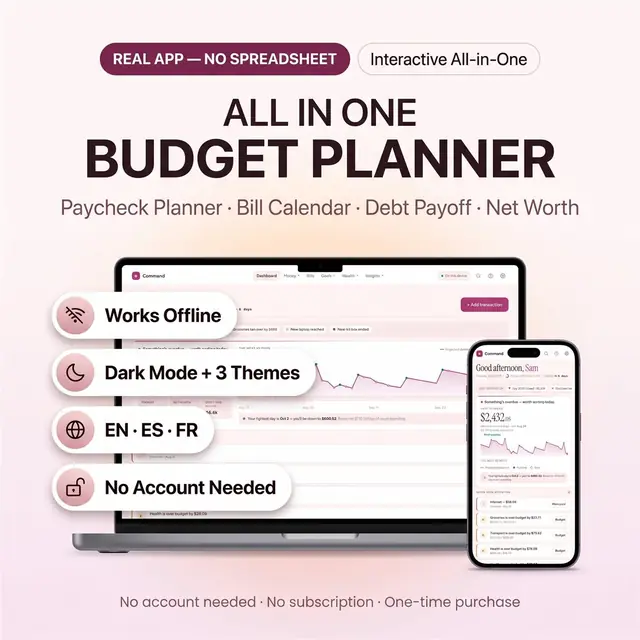
All-in-One Budget Planner — picture 1
1 / 8
Money & Budgeting
4.8 shop rating · 32 reviews on Etsy

All-in-One Budget Planner

Bills, savings, debt, and spending in one budget app

$29.97
  • Best seller
  • No subscription
  • Instant access
Buy now

Secure checkout by Whop

  • Instant access
  • Pay once
  • Any device
  • 3 languages

You get: a PDF with your private app link and a quick-start guide.

  • VISA
  • Mastercard
  • Apple Pay
  • Google Pay
  • Crypto
About this appFeatures and what you get

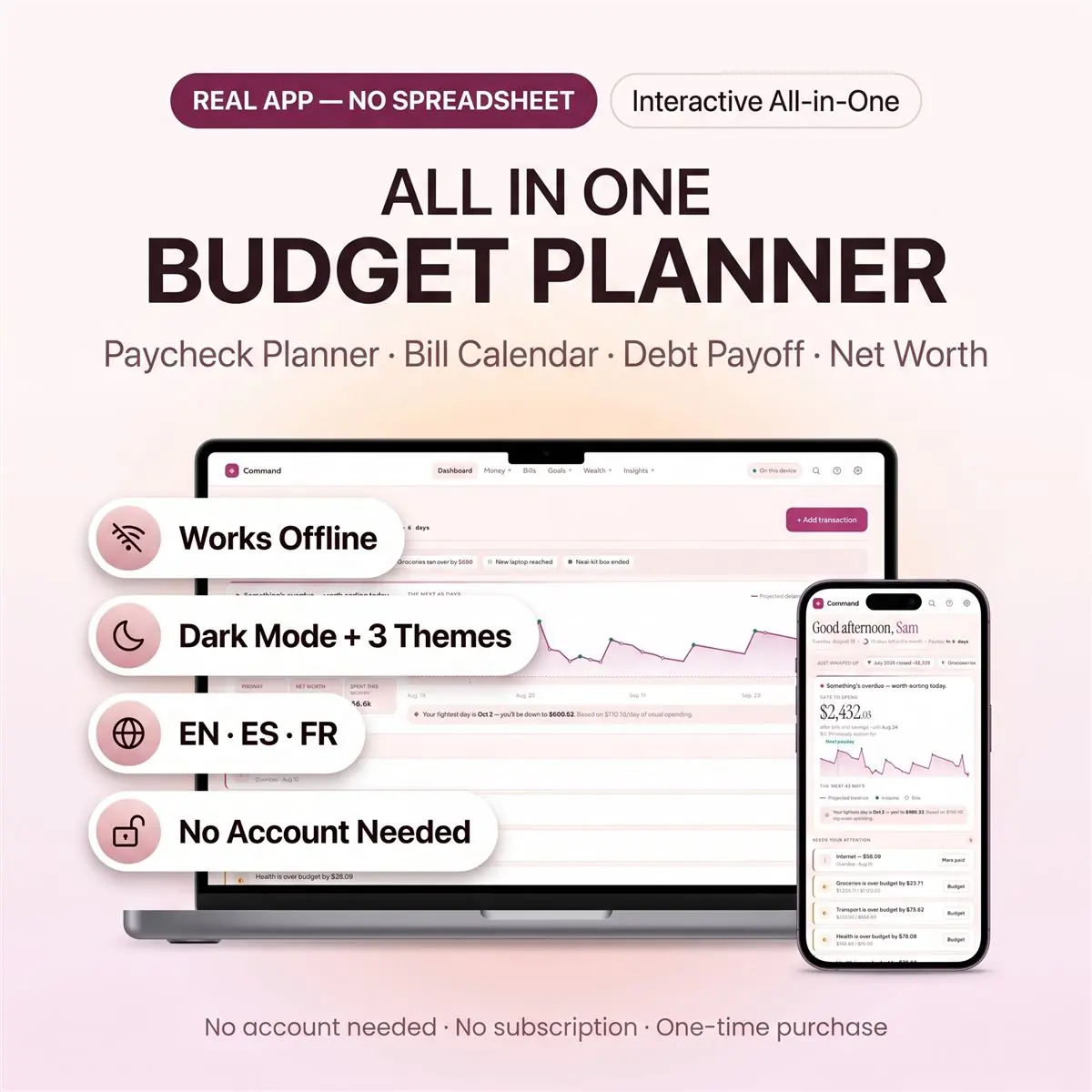
An all in one budget planner app that opens straight in your browser — paycheck budgeting, a bill calendar, debt payoff, sinking funds and a net worth tracker, together in one place. No spreadsheet to set up, no formulas to break, no subscription, and nothing to install.

Open the file, answer four quick questions, and you're budgeting in about two minutes. One calm number greets you every day — Safe to Spend — what's genuinely left after the bills, savings and debt payments due before your next payday.

What makes this different

  • A 45-day forecast that names your tightest day before you get there — "your tightest day is Sep 3, you'll be down to $890" — so a shortfall is something you plan around, not discover.
  • Optional cloud sync. Use it entirely on your device with no account at all, or sign in once and have the same figures on your phone, tablet and laptop — safe even if you clear your browser. Most browser-based budget files quietly lose your data on a phone. This one doesn't.
  • Years of history, not twelve months. Net worth is tracked year by year, with year-over-year reports showing where your money actually moved.
  • Built for a real pay cycle. Weekly, fortnightly, twice a month, monthly — or genuinely awkward ones like "the 15th and the last working day". Freelancers can plan from an average instead of a fixed payday.

What's inside — 14 screens

  • Dashboard — Safe-to-Spend, the 45-day cash-flow forecast, what needs attention today, and a recap of the month that just closed
  • Transactions — day-grouped feed, search, filters, bulk edit, CSV import from your bank
  • Monthly Budget — fixed commitments split from the spending you actually control, with a pace marker on every bar so "over budget" means something on the 8th, not just the 30th
  • Paycheck Planner — what's free to spend this pay period, split into bills, debt and savings, plus your running balance after every upcoming payment
  • Bills & Calendar — every bill and every payday on one month grid, one tap to mark paid, overdue follows you across months until it's sorted
  • Savings & Sinking Funds — goals with target dates and "save $X a month to hit it" coaching; a goal can track a real savings account
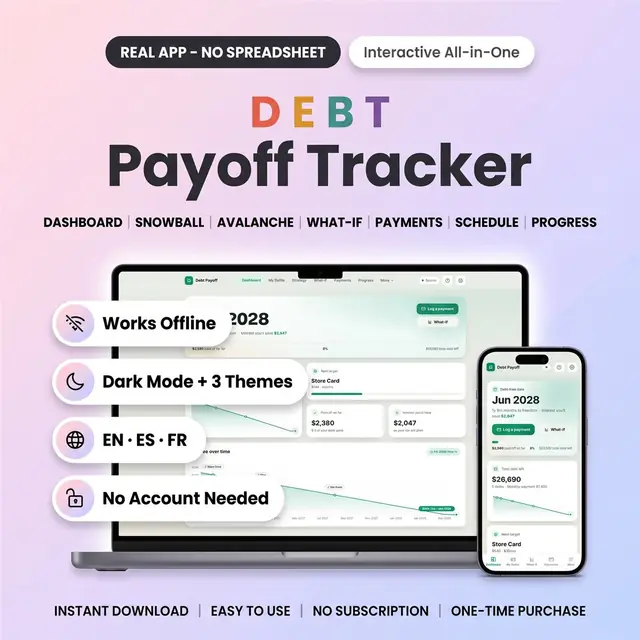
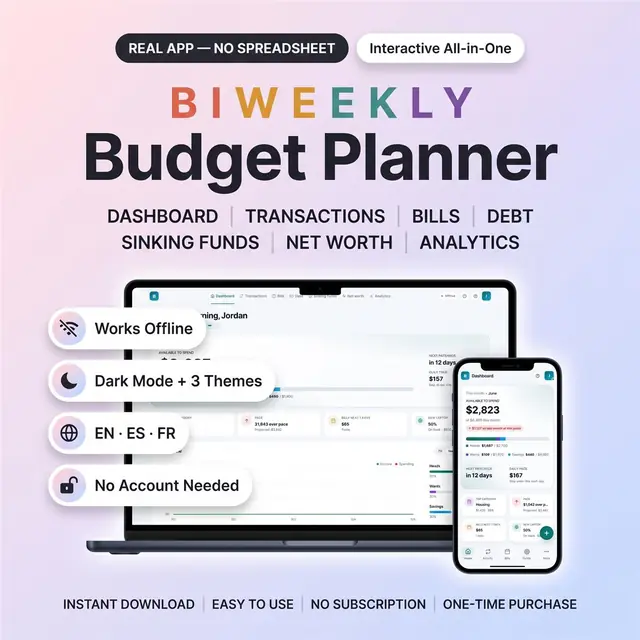
  • Debt Payoff — your debt-free date, snowball vs avalanche each priced with its own date and interest, and a slider showing what an extra payment really buys you
  • No-Spend Challenges — streaks and monthly targets
  • Accounts — current, savings, cash and credit cards, with reconciling
  • Net Worth — assets minus debts, tracked year by year
  • 50/30/20 — needs, wants and savings against your target, on one axis
  • Reports — year-over-year, biggest movers, spending insights
  • Household — who earns what and who spends what, side by side
  • Settings — themes, language, currency, categories, backup and restore

How it works

  • Open the PDF you receive and follow its private link to your app
  • Open the HTML file — it runs in Chrome, Safari, Edge or Firefox
  • Choose where your data lives: this device only, or synced to the cloud
  • Answer four setup questions and start

There is nothing to install and nothing to sign up for. It works offline. On a phone or tablet, add it to your home screen and it behaves like a normal app.

Included in your download

  • The app — one HTML file, works on any modern browser
  • demo-data.json — a full sample household you can load from Settings to explore every feature, then clear in one tap
  • A quick-start guide (PDF)

Good to know

  • 3 themes — Bloom, Midnight (dark) and Harbor
  • English, Español and Français — switch any time
  • 45 currencies
  • Works on phone, tablet and desktop
  • Print-ready pages for anything you want on paper
  • Export and import your data as a backup whenever you like
  • One-time purchase. No subscription, no ads, no upsells.

This is not

A spreadsheet, a Google Sheets or Excel template, a printable PDF, or an app-store app. It is a real browser application. If you specifically want a spreadsheet, this isn't the right product for you — and I'd rather say so here than have you find out after buying.

This is an instant digital download — no physical item will be shipped. For personal use only; not to be resold, shared or redistributed with or without modification. This product is provided for informational and organisational purposes only and does not constitute financial, tax or legal advice — please consult a licensed professional.

How it works

  1. Pay securely

    Card, Apple Pay, Google Pay or crypto. Checkout is by Whop.

  2. Get your PDF instantly

    It holds your private link to the app and a quick-start guide.

  3. Open it on any device

    Tap the link on your phone, tablet or computer. The guide shows every step.

What buyers say

4.8
Shop rating on Etsy
32
reviews
153
sales
The Homeschool planner has helped me tremendously as we start the first year of homeschooling. It has helped me stay organized.
KrisandraEtsy review · Homeschool Planner
This Inventory Tracker has a classy interface with lots of useful features, and is very user friendly for beginners.
BriannaEtsy review · Inventory Tracker
definitely recommend! the planner set up is very user friendly and I love how interactive it is.
LucianEtsy review · Student Nurse Planner
Customer Service is Excellent!!! The lesson planner is easy to use. Love it!!
BrittEtsy review · Homeschool Planner
GET THIS ONE! forget the other ones out there. This is the real deal.
Etsy buyerEtsy review · Homeschool Planner
Some hiccups with the planner, but seller was very communicative and quick to find a solution.
DanaEtsy review · Homeschool Planner

Questions before you buy

01What do I get after I buy?

A PDF with your private link to the app and a quick-start guide. The guide shows how to open it on your phone, tablet or computer.

02Which devices and languages does it work on?

Any phone, tablet or computer with a current browser. The apps are available in English, Spanish and French.

03Does it work offline?

Yes. Your data is saved on your own device, in your browser. Cloud sync is optional, if you want the same data on more than one device.

04Is it a subscription?

No. You pay once and it is yours to keep. There are no renewals.

You may also like