Bill Tracker Web App — picture 1
1 / 10
Money & Budgeting
4.8 shop rating · 32 reviews on Etsy

Bill Tracker Web App

Every bill, due date, and remaining balance in one place

$19.99
  • Best seller
  • No subscription
  • Instant access
Buy now

Secure checkout by Whop

  • Instant access
  • Pay once
  • Any device
  • 3 languages

You get: a PDF with your private app link and a quick-start guide.

  • VISA
  • Mastercard
  • Apple Pay
  • Google Pay
  • Crypto
About this appFeatures and what you get

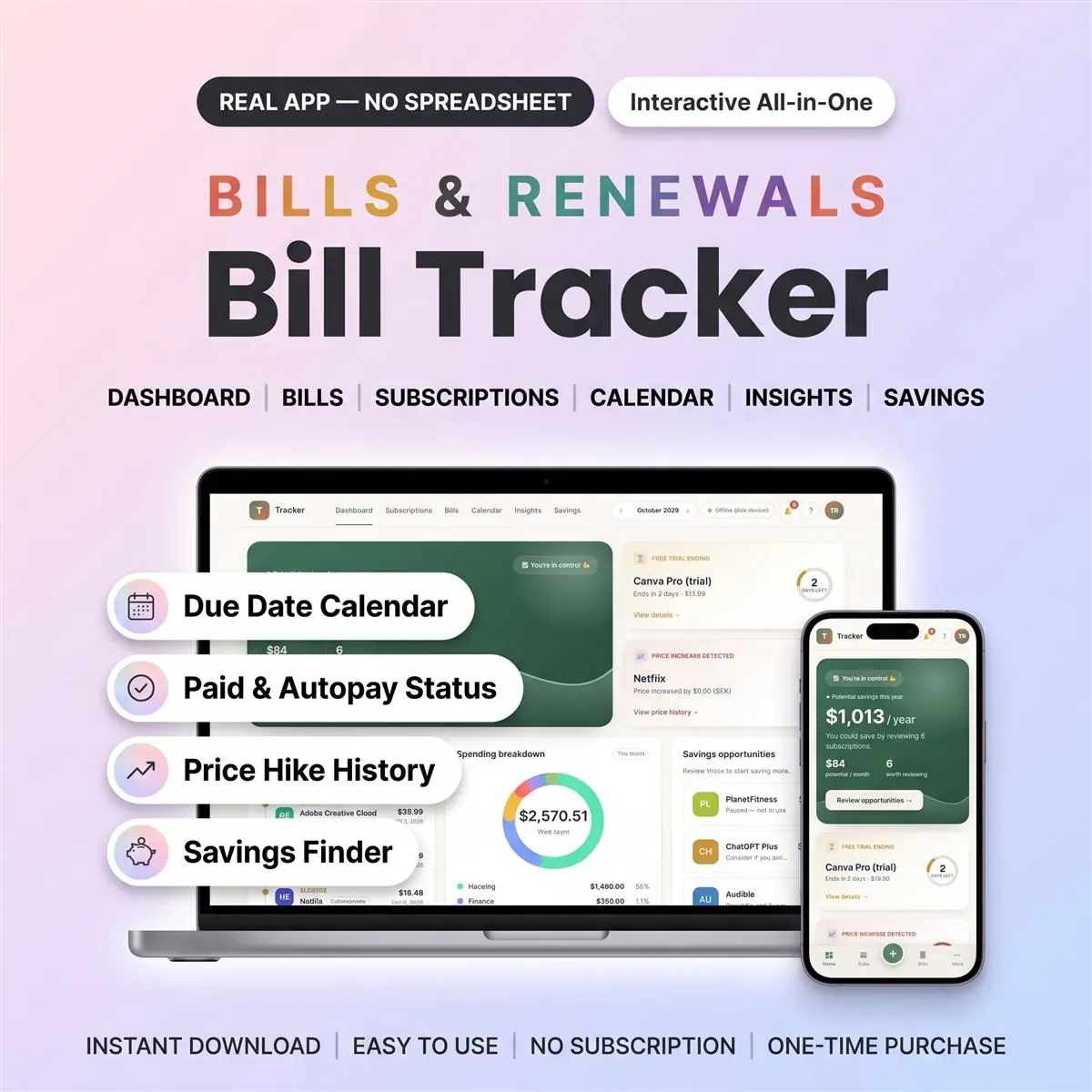
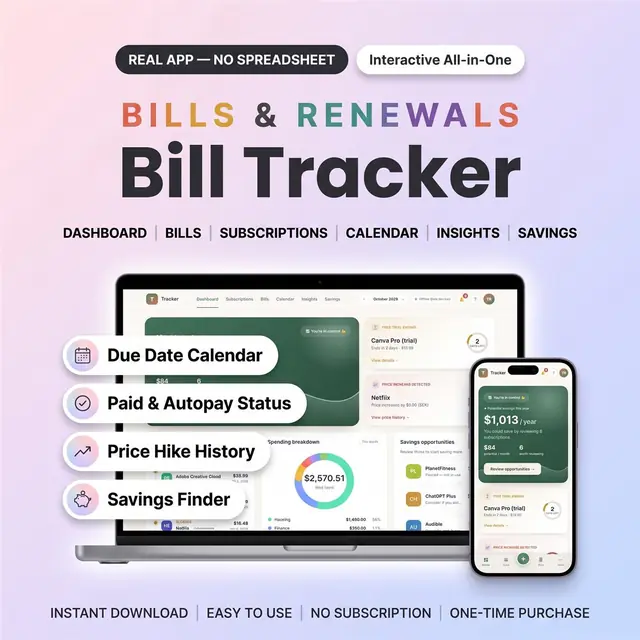
This bill tracker is an interactive web app that keeps every bill, due date and subscription in one clear, calm place.

Use it as your monthly bill tracker and bill organizer: add rent, utilities, phone, insurance or card payments, tap each one paid, and see straight away what is still due. A built-in bill calendar puts every due date and renewal on one month view.

It is a real app that opens in your web browser. It is not a spreadsheet, and not a Google Sheets, Excel or PDF template.

What you get

  • One PDF with your private download link and a quick-start guide
  • The app itself: one file that opens in any browser
  • Sample data you can import to explore every page before adding your own
  • Digital download, so nothing is shipped

How to open it

1. After purchase, your PDF includes the private access link and quick-start guide. 2. Tap the link inside to get your app. 3. Open it and start tracking your bills. The PDF shows the quick steps for every device, including iPhone and iPad.

Where it works

  • iPhone, iPad, Android, Mac and Windows, in the browser you already have
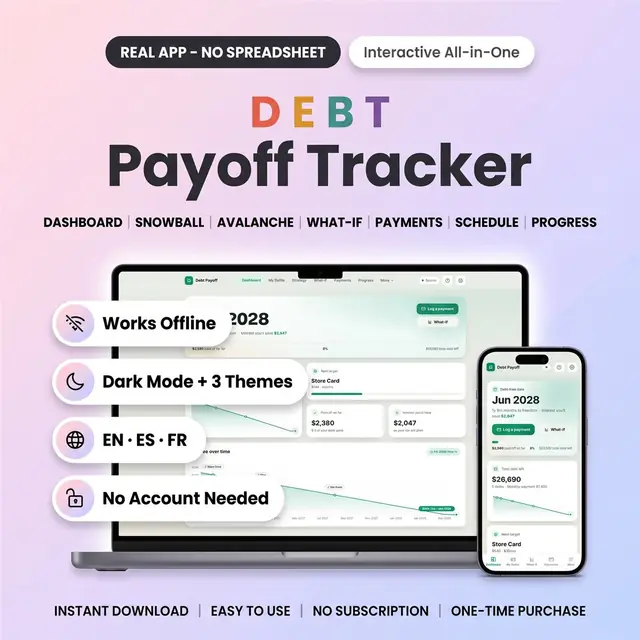
  • Works offline, with nothing to install
  • No account needed: your data saves on your device
  • Want it on your phone AND your laptop? Turn on the optional cloud sync (a free account you set up inside the app)

Inside the app: 6 pages

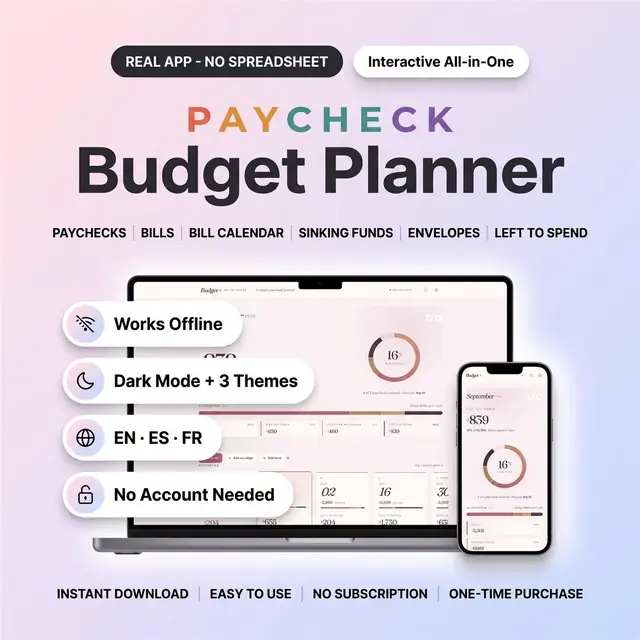
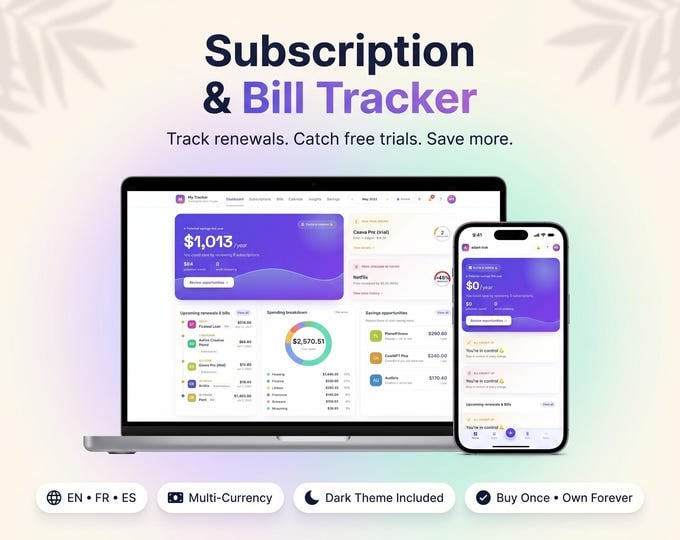
Dashboard

  • Upcoming bills and renewals on one timeline
  • Spending by category in a donut chart
  • Free-trial and price-increase cards, plus your potential yearly savings

Bills

  • Each bill gets a due date, amount, category and repeat (weekly to yearly, or one-time)
  • Tap paid / unpaid in one click
  • Autopay flag, so you know which bills pay themselves
  • A "Due soon" strip and overdue warnings

Calendar

  • A month grid with every bill due date and subscription renewal
  • Tap a day to see exactly what's due

Savings & Insights

  • A savings finder lists paused subscriptions, price hikes and ones worth reviewing, with a yearly total
  • A monthly spend trend chart and a category breakdown

Subscriptions

  • Streaming, apps and memberships with their renewal dates
  • A free-trial flag with a countdown to the trial's end
  • Price history: log a new price and see the % increase

Alerts

  • An alerts feed inside the app for bills due soon, overdue bills, renewals, trials and price increases
  • Optional browser pop-ups, which appear only while the app is open

Made to fit you

  • 3 themes: Midnight (dark), Calm Cloud and Aurora
  • English, Español, Français. Switch anytime in Settings
  • Multi-currency, with exchange rates you can edit
  • Print-ready pages, plus backup export / import anytime
  • A built-in help guide in plain words
  • Customization on request after purchase
  • Free updates. One-time payment, no subscription

Good to know

  • You need a phone, tablet or computer with a web browser
  • It does not connect to your bank or import transactions. You add your bills yourself
  • It is a bill and subscription tracker, not a budget planner, debt payoff or paycheck tool
  • Alerts show inside the app. It does not send texts, emails or phone push notifications
  • Saving on this device only? If you clear your browser data, your data is gone. Export a backup now and then, or use cloud sync

How it works

  1. Pay securely

    Card, Apple Pay, Google Pay or crypto. Checkout is by Whop.

  2. Get your PDF instantly

    It holds your private link to the app and a quick-start guide.

  3. Open it on any device

    Tap the link on your phone, tablet or computer. The guide shows every step.

What buyers say

4.8
Shop rating on Etsy
32
reviews
153
sales
The Homeschool planner has helped me tremendously as we start the first year of homeschooling. It has helped me stay organized.
KrisandraEtsy review · Homeschool Planner
This Inventory Tracker has a classy interface with lots of useful features, and is very user friendly for beginners.
BriannaEtsy review · Inventory Tracker
definitely recommend! the planner set up is very user friendly and I love how interactive it is.
LucianEtsy review · Student Nurse Planner
Customer Service is Excellent!!! The lesson planner is easy to use. Love it!!
BrittEtsy review · Homeschool Planner
GET THIS ONE! forget the other ones out there. This is the real deal.
Etsy buyerEtsy review · Homeschool Planner
Some hiccups with the planner, but seller was very communicative and quick to find a solution.
DanaEtsy review · Homeschool Planner

Questions before you buy

01What do I get after I buy?

A PDF with your private link to the app and a quick-start guide. The guide shows how to open it on your phone, tablet or computer.

02Which devices and languages does it work on?

Any phone, tablet or computer with a current browser. The apps are available in English, Spanish and French.

03Does it work offline?

Yes. Your data is saved on your own device, in your browser. Cloud sync is optional, if you want the same data on more than one device.

04Is it a subscription?

No. You pay once and it is yours to keep. There are no renewals.

You may also like