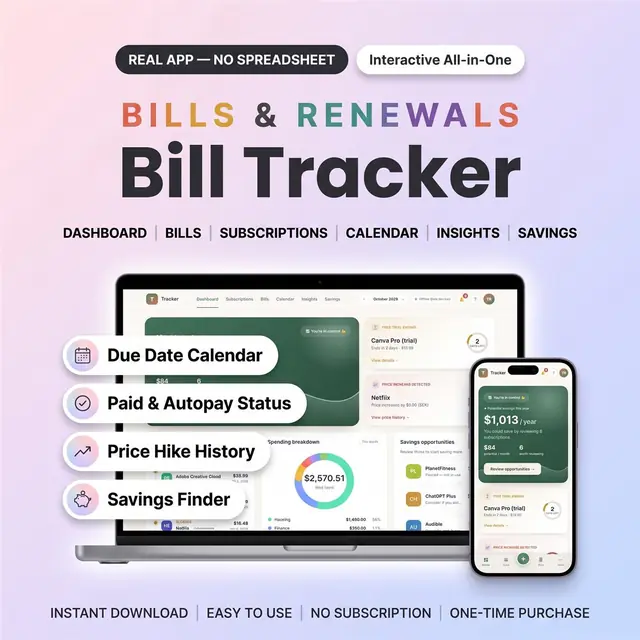
Bill Tracker Web App
Every bill, due date, and remaining balance in one place
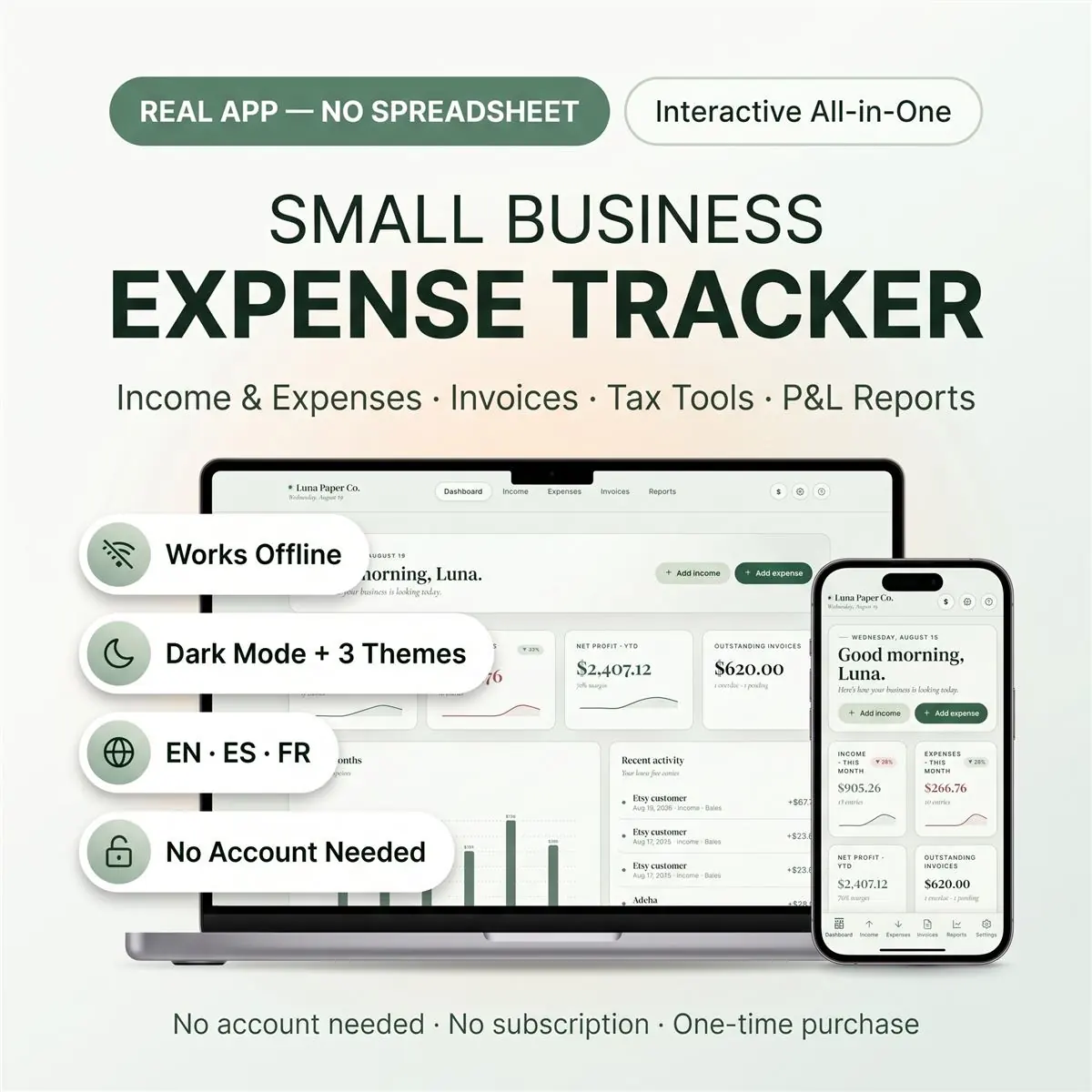
Log expenses by category and see the month at a glance
Secure checkout by Whop
You get: a PDF with your private app link and a quick-start guide.
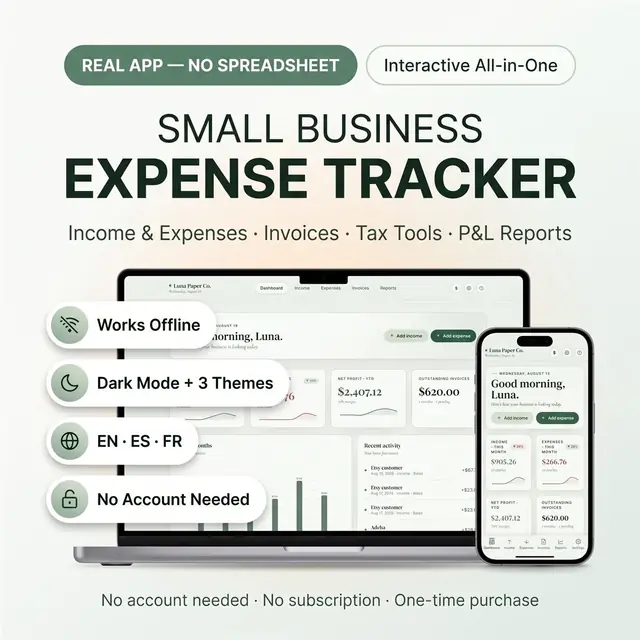
Business expense tracker and small business bookkeeping app with income and expense tracking, profit and loss reports, and invoice tracking — no Excel, no Google Sheets, no accounting skills needed. It's a real app that opens in your browser with one double-click and works on your computer, tablet, and phone.
If every bookkeeping spreadsheet you've tried felt like homework, this is the calm alternative: six clean screens, automatic totals, and print-ready reports.
Advanced tools, tucked away until you need them:
Small business owners, online sellers, freelancers, 1099 contractors, side hustlers, coaches, creators — anyone who wants clean books without becoming a spreadsheet person.
No install, no signup required. Open the private link in your PDF, open the tracker file, and a 2-question setup wizard has you running in under a minute.
For your personal business use only — please don't resell or share the file. Not tax or accounting advice; consult a professional before filing.
Card, Apple Pay, Google Pay or crypto. Checkout is by Whop.
It holds your private link to the app and a quick-start guide.
Tap the link on your phone, tablet or computer. The guide shows every step.
The Homeschool planner has helped me tremendously as we start the first year of homeschooling. It has helped me stay organized.
This Inventory Tracker has a classy interface with lots of useful features, and is very user friendly for beginners.
definitely recommend! the planner set up is very user friendly and I love how interactive it is.
Customer Service is Excellent!!! The lesson planner is easy to use. Love it!!
GET THIS ONE! forget the other ones out there. This is the real deal.
Some hiccups with the planner, but seller was very communicative and quick to find a solution.
A PDF with your private link to the app and a quick-start guide. The guide shows how to open it on your phone, tablet or computer.
Any phone, tablet or computer with a current browser. The apps are available in English, Spanish and French.
Yes. Your data is saved on your own device, in your browser. Cloud sync is optional, if you want the same data on more than one device.
No. You pay once and it is yours to keep. There are no renewals.
Every bill, due date, and remaining balance in one place
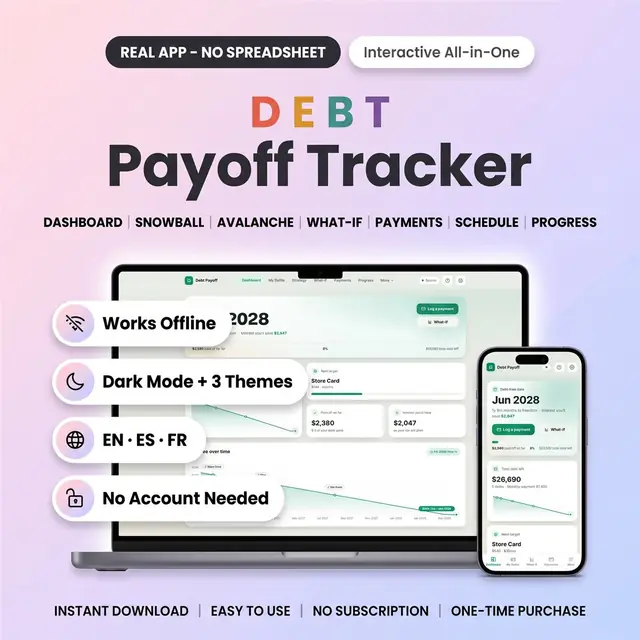
Snowball or avalanche, then watch your debt-free date move
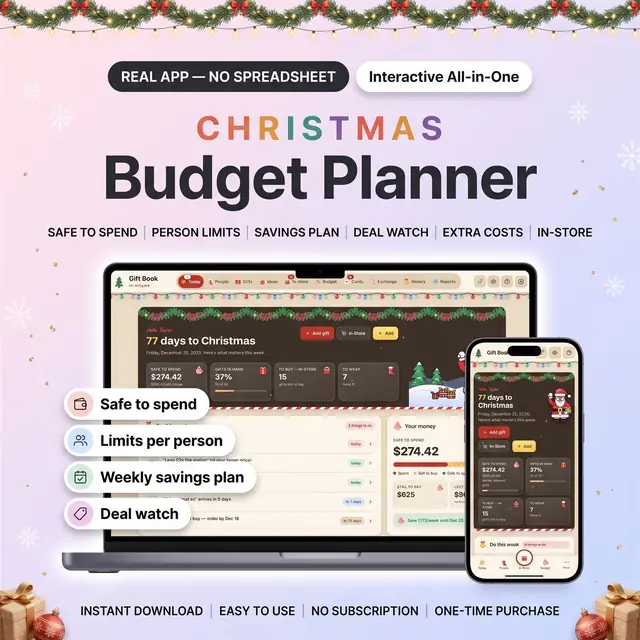
Know what is safe to spend before you buy
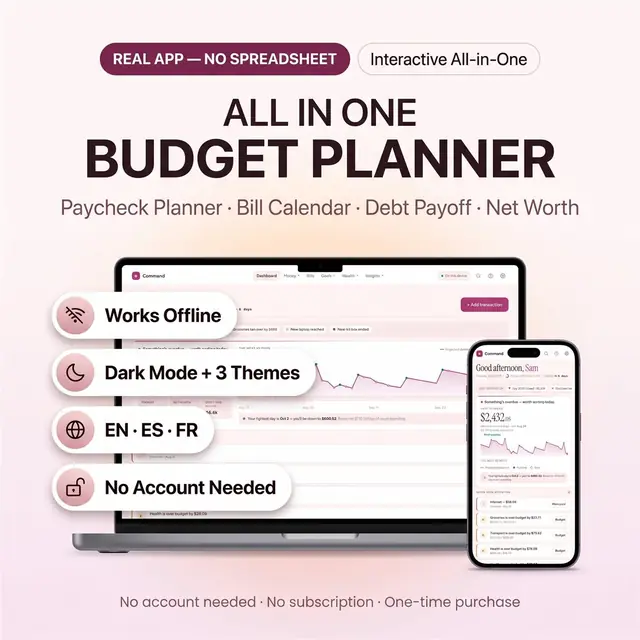
Bills, savings, debt, and spending in one budget app
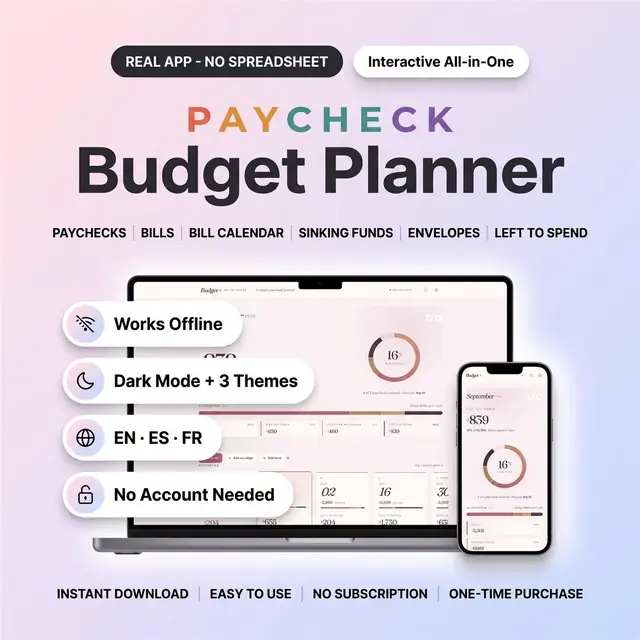
Plan bills and sinking funds one paycheck at a time
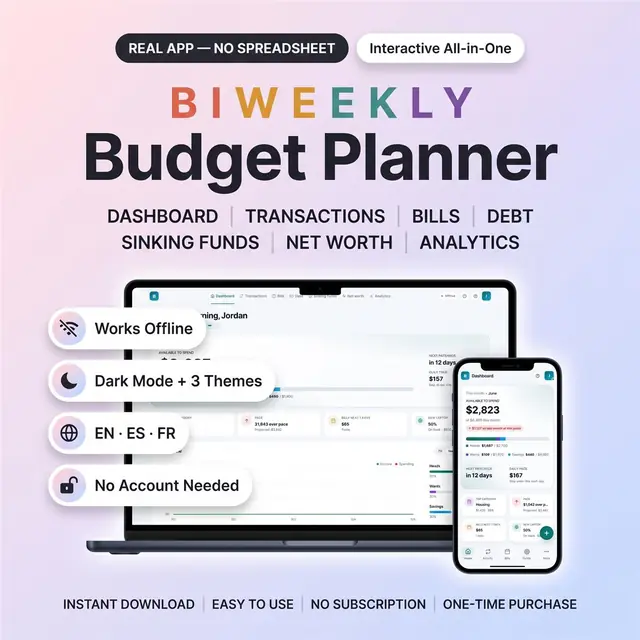
Budget on a two-week paycheck without leftover confusion
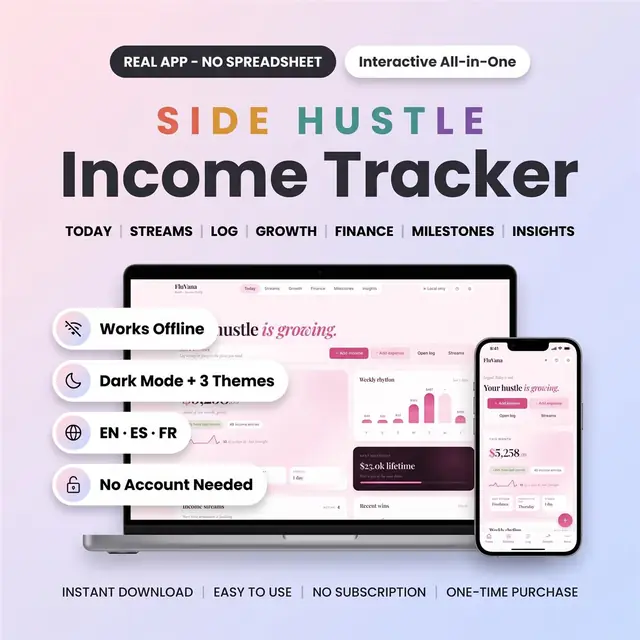
Track every hustle payment, fee, and leftover profit
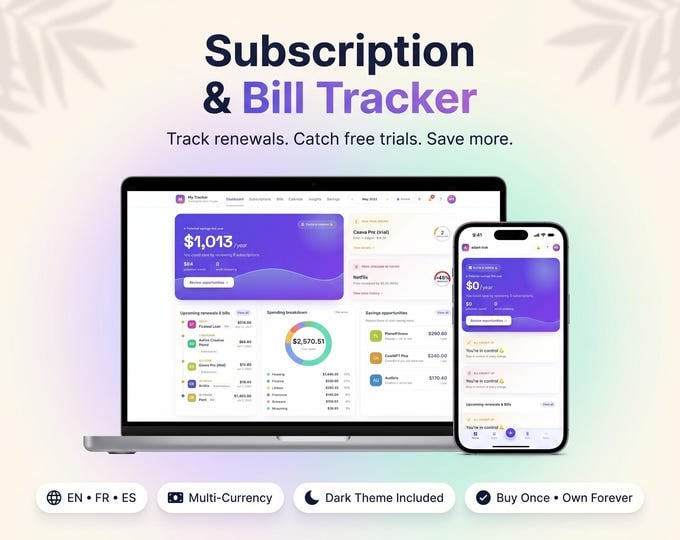
Every subscription, renewal, and yearly cost in one list