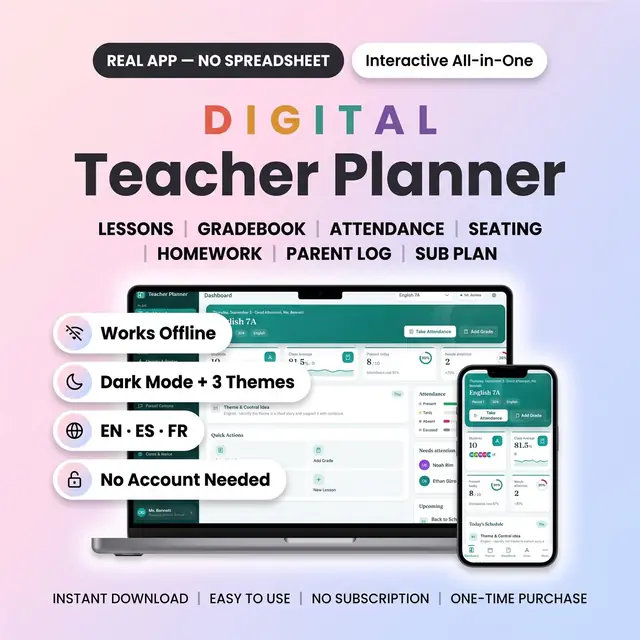
Digital Teacher Planner
Lessons, grades, and attendance in one classroom workspace
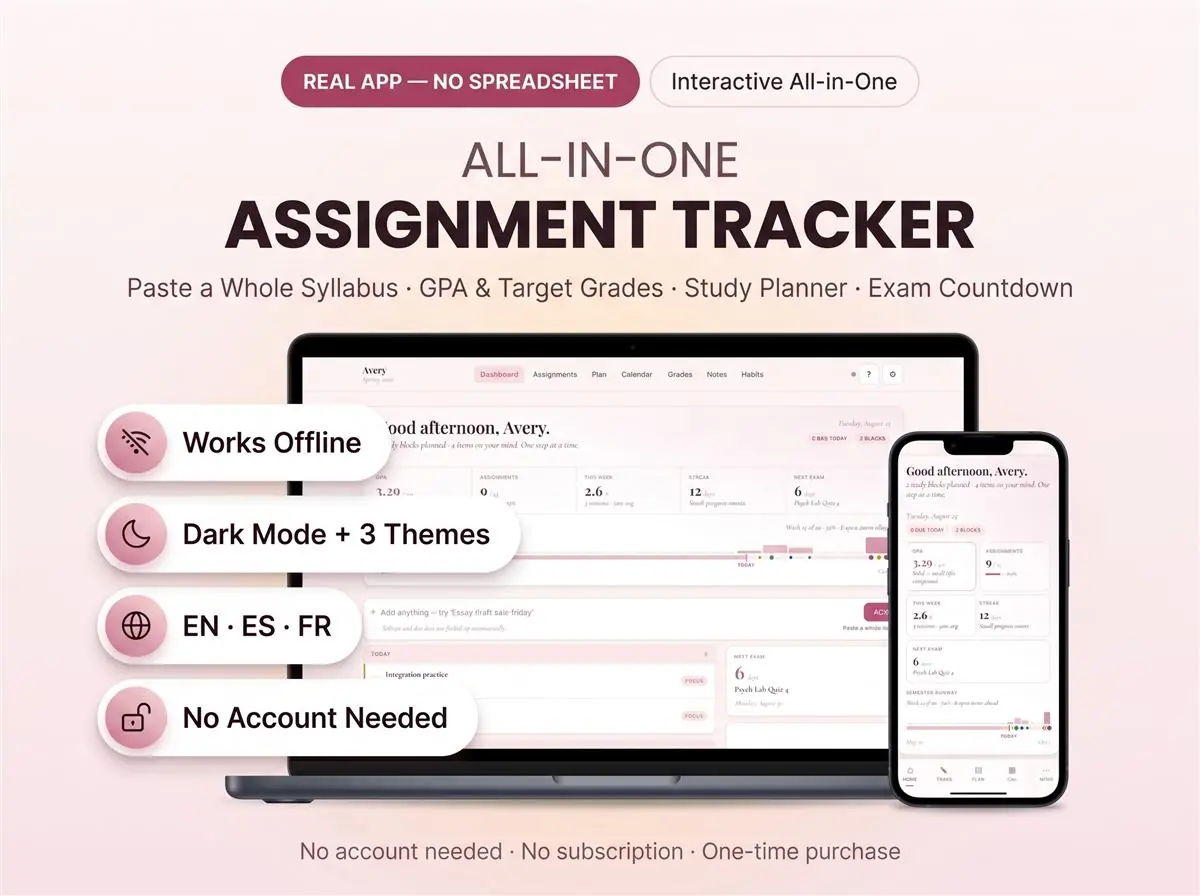
Due dates, classes, and what is still unfinished
Secure checkout by Whop
You get: a PDF with your private app link and a quick-start guide.
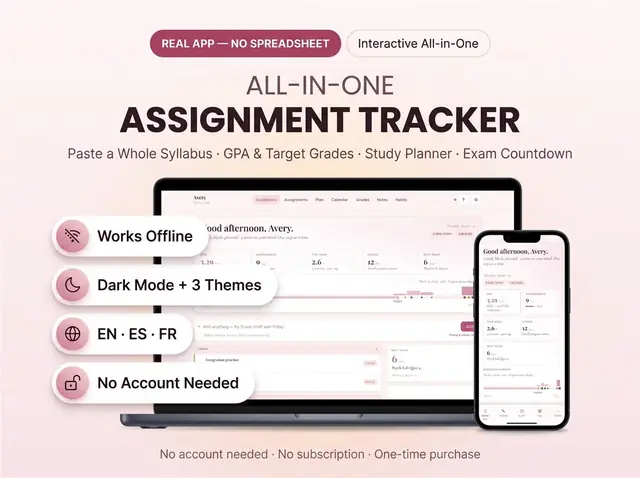
An assignment tracker and student planner that opens like real software. Type "Lab report psychology Friday" and it files itself. The course, due date and priority all come from that one line. Your grades, class schedule and exam calendar then update on their own.
Most student planners are a Google Sheet or a PDF. This one is not. There are no formulas to break and no cells to overwrite. You open one file and it works.
Most assignment tracker and homework planner templates make you fill a row. Title, then course, then date, then priority. Four fields, twelve times a week.
Here you type one line. Write "Final essay Modernism English next week" and it reads the course, works out the date, and files it. Or paste your syllabus and set up the whole semester at once.
Set a target for a course and the GPA calculator tells you what you still need to score. It works on percentages, a 4.0 scale, a 5.0 scale, or letter grades. You pick yours during setup and every screen follows it.
It works as an ADHD student planner because logging takes one line, never a form. The dashboard shows one next thing rather than everything at once. Used as an ADHD school planner, it removes the friction that stops you logging at all.
It works completely offline. You can switch syncing on to use more than one device. That is optional, and everything works without it.
Peony in soft rose, Oxford in deep blue, and Midnight in dark mode. Switch anytime in Settings and the whole planner changes with it.
Print-friendly pages are included if you like paper too. So is a one-click backup you can export whenever you want.
College and university students who need an assignment tracker that keeps up with four or five courses. Anyone who tried a planner spreadsheet and quietly abandoned it by week three. It works as a college planner across a whole degree. Use it as an academic planner for one semester, or an academic tracker for a single hard module. It also makes a practical back to school gift.
This is a digital item, so nothing ships. Your files are ready immediately after purchase. The planner is currently in English.
Card, Apple Pay, Google Pay or crypto. Checkout is by Whop.
It holds your private link to the app and a quick-start guide.
Tap the link on your phone, tablet or computer. The guide shows every step.
The Homeschool planner has helped me tremendously as we start the first year of homeschooling. It has helped me stay organized.
This Inventory Tracker has a classy interface with lots of useful features, and is very user friendly for beginners.
definitely recommend! the planner set up is very user friendly and I love how interactive it is.
Customer Service is Excellent!!! The lesson planner is easy to use. Love it!!
GET THIS ONE! forget the other ones out there. This is the real deal.
Some hiccups with the planner, but seller was very communicative and quick to find a solution.
A PDF with your private link to the app and a quick-start guide. The guide shows how to open it on your phone, tablet or computer.
Any phone, tablet or computer with a current browser. The apps are available in English, Spanish and French.
Yes. Your data is saved on your own device, in your browser. Cloud sync is optional, if you want the same data on more than one device.
No. You pay once and it is yours to keep. There are no renewals.
Lessons, grades, and attendance in one classroom workspace
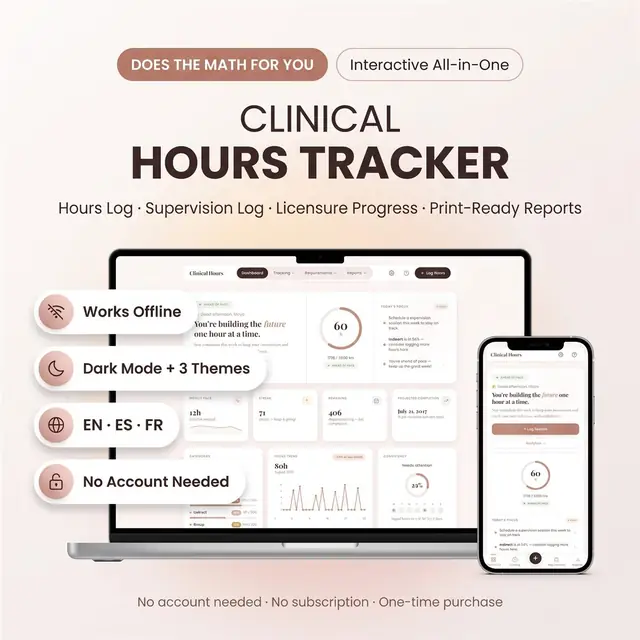
Log clinical hours, sites, and remaining requirements
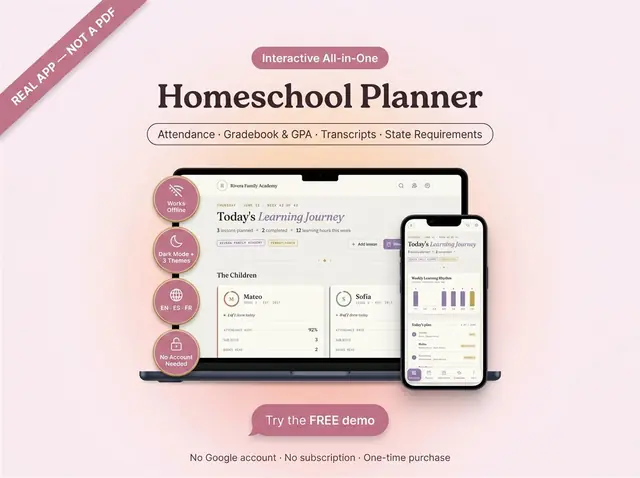
Attendance, grades, GPA, and transcripts in one app
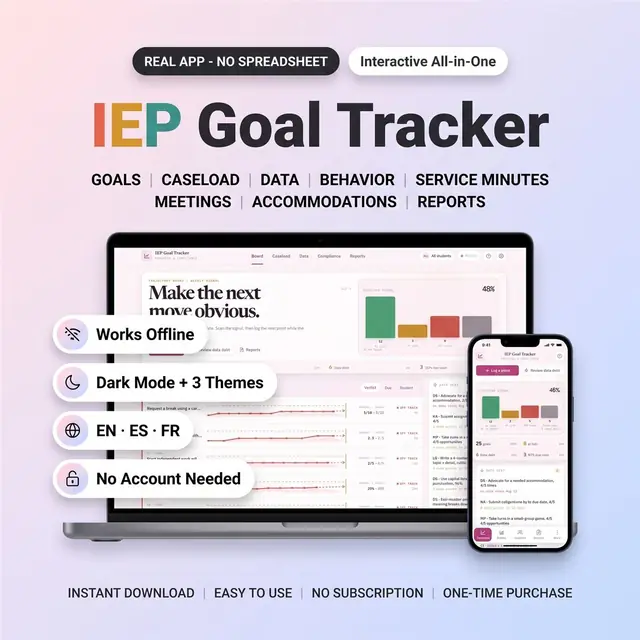
IEP goals, progress notes, and caseload reports
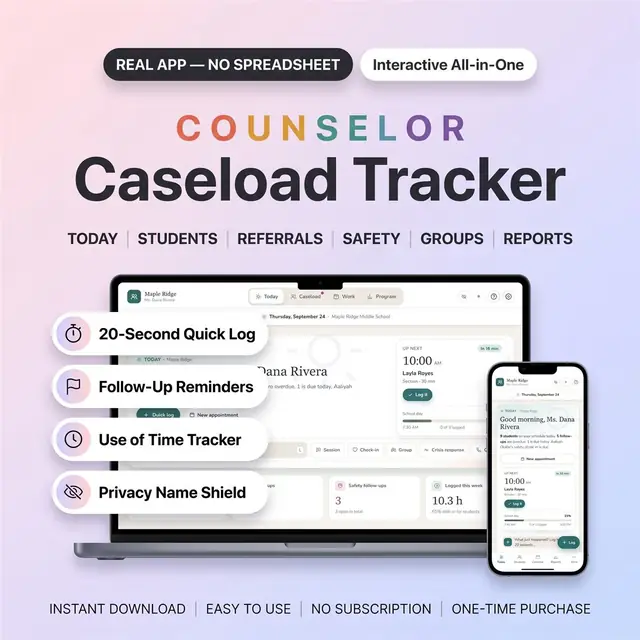
Caseload, sessions, and notes for school counselors
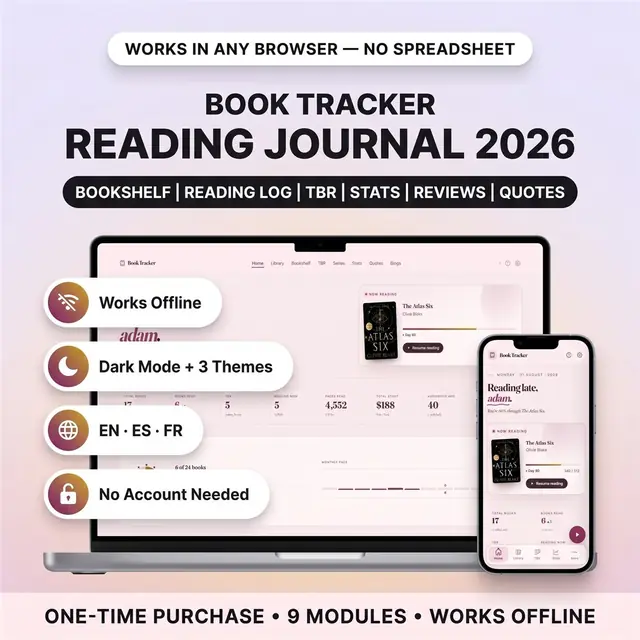
Your books read this year, the second you finish a chapter
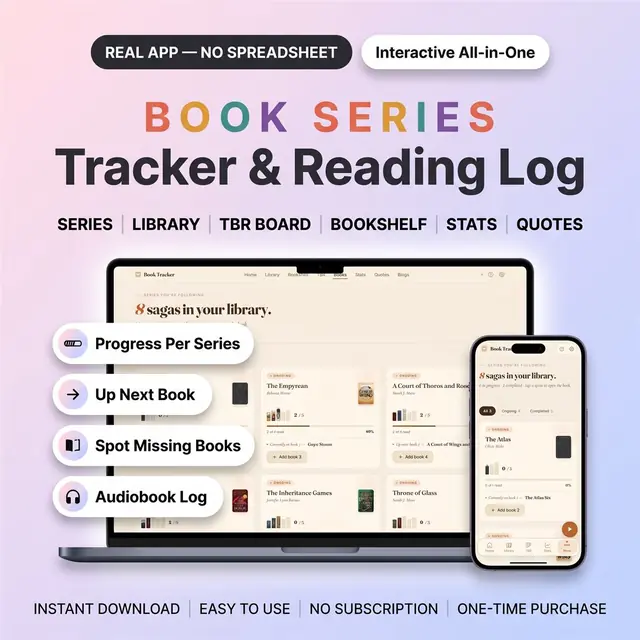
Which book is next, and which one you are missing
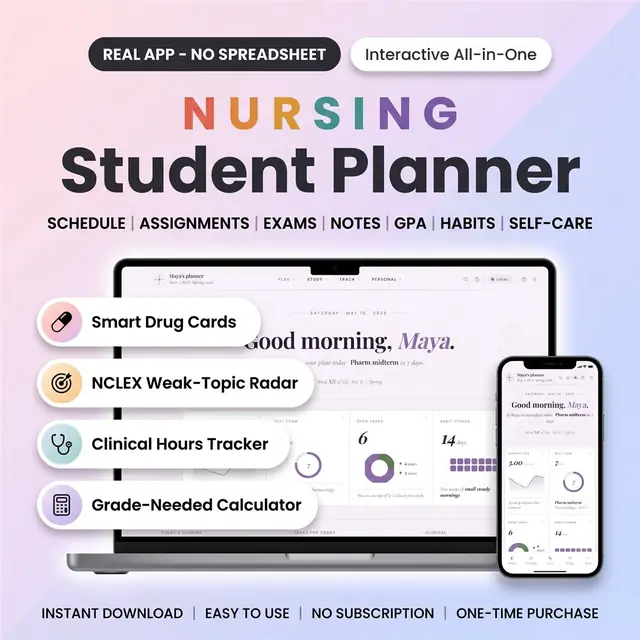
Clinical days, classes, and study blocks in one planner