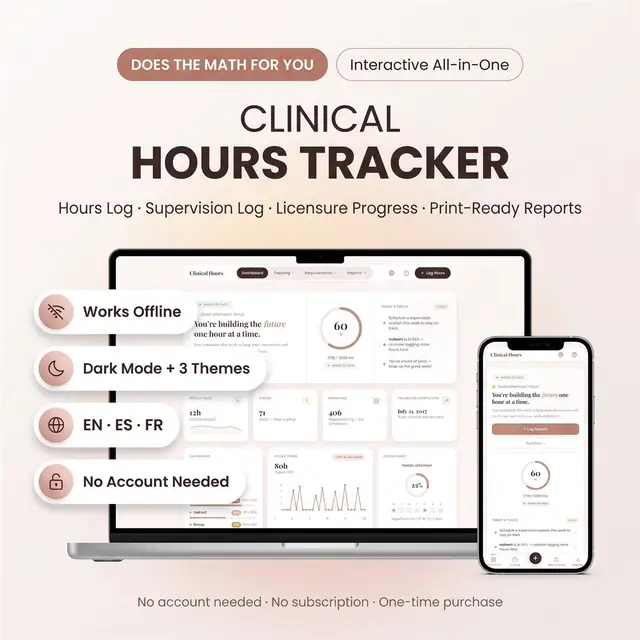
Clinical Hours Tracker
Log clinical hours, sites, and remaining requirements
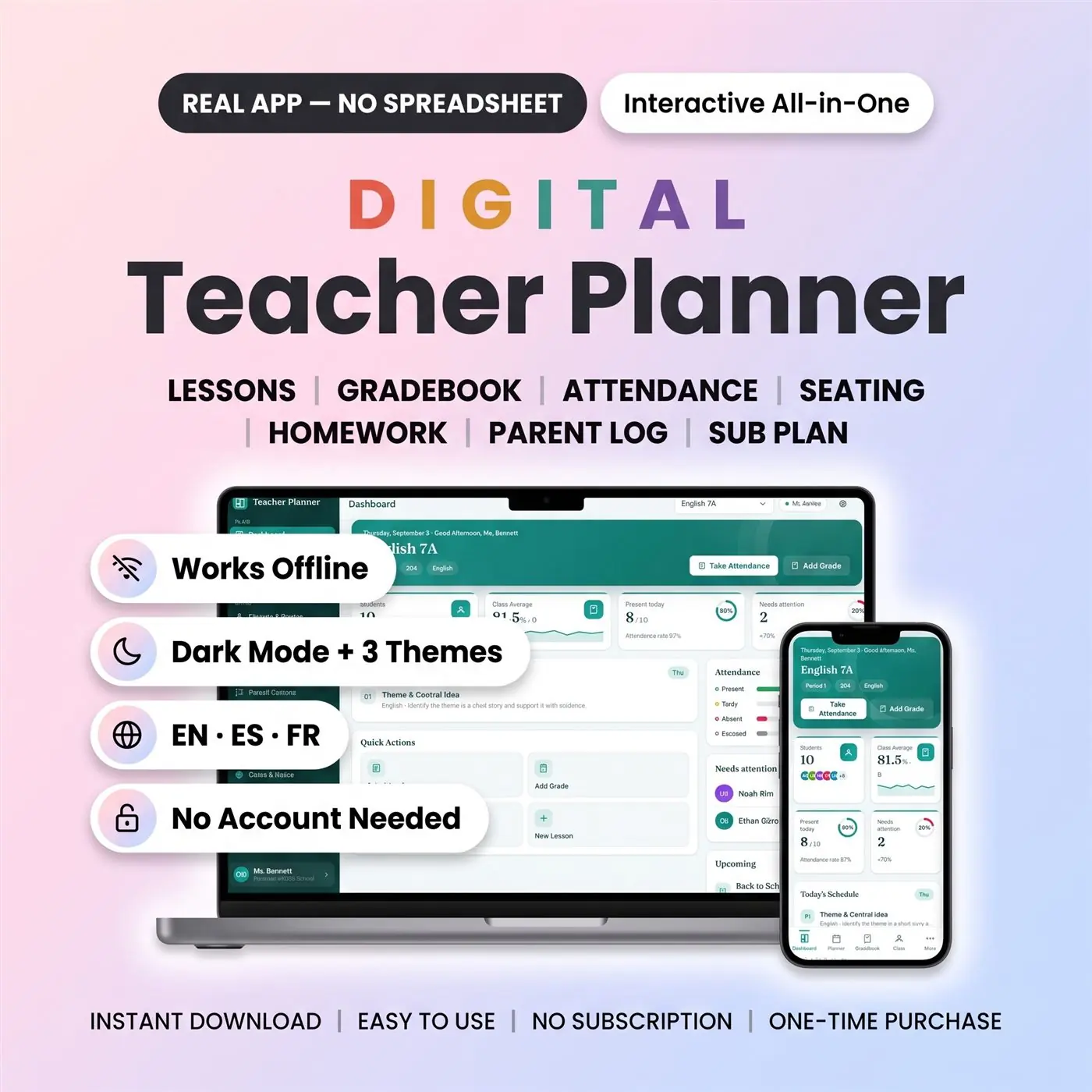
Lessons, grades, and attendance in one classroom workspace
Secure checkout by Whop
You get: a PDF with your private app link and a quick-start guide.
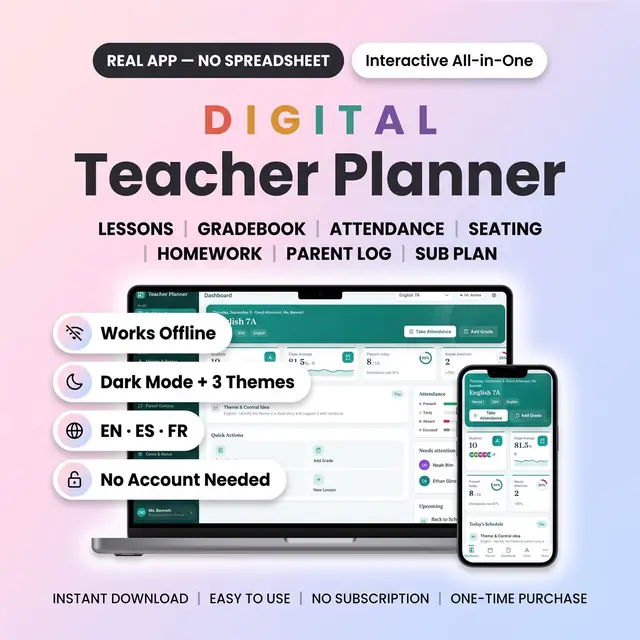
A real browser-based digital teacher planner for lessons, classes, grades, and attendance.
Open it in a modern web browser on your computer, tablet, or phone. Use one interactive workspace for planning lessons, managing classes, recording attendance, and tracking grades.
FILE NOTE: After purchase you receive a short PDF quick-start guide. The guide explains how to access the interactive HTML planner. The planner itself is not a PDF, GoodNotes file, Canva template, Excel file, or Google Sheets spreadsheet.
Plan lessons, switch between classes, record attendance, and update grades without moving between paper notes, spreadsheets, and separate planner pages.
The gradebook calculates averages for you. The weekly planner lets you save and reuse lessons. The dashboard keeps important classroom information in one place.
No physical product is shipped.
Choose the storage method that fits you:
Device mode: Your information saves automatically in the browser on the device you use. Export a backup regularly, especially before clearing browser data or changing devices.
Optional cloud mode: Create a free account to sync your planner across devices when you are online. Cloud sync is optional. You can start using the planner without an account.
The planner can be used offline. If cloud mode is enabled, changes upload when you are online again.
Use the planner in a current browser on:
The interface is available in English, Spanish, and French.
No app-store installation and no monthly planner subscription are required.
This is an interactive HTML browser planner. It is not a printable planner, PDF annotation planner, GoodNotes planner, Canva template, Excel spreadsheet, or Google Sheets file.
Cloud sync requires a free account and an internet connection when syncing. Device mode stores data only in the browser on the device you use, so regular backup exports are recommended.
The sample names and classroom information shown in the images are demonstration data. Replace them with your own information after purchase.
For personal use only. Do not share, resell, redistribute, or upload the planner file for other users.
Card, Apple Pay, Google Pay or crypto. Checkout is by Whop.
It holds your private link to the app and a quick-start guide.
Tap the link on your phone, tablet or computer. The guide shows every step.
The Homeschool planner has helped me tremendously as we start the first year of homeschooling. It has helped me stay organized.
This Inventory Tracker has a classy interface with lots of useful features, and is very user friendly for beginners.
definitely recommend! the planner set up is very user friendly and I love how interactive it is.
Customer Service is Excellent!!! The lesson planner is easy to use. Love it!!
GET THIS ONE! forget the other ones out there. This is the real deal.
Some hiccups with the planner, but seller was very communicative and quick to find a solution.
A PDF with your private link to the app and a quick-start guide. The guide shows how to open it on your phone, tablet or computer.
Any phone, tablet or computer with a current browser. The apps are available in English, Spanish and French.
Yes. Your data is saved on your own device, in your browser. Cloud sync is optional, if you want the same data on more than one device.
No. You pay once and it is yours to keep. There are no renewals.
Log clinical hours, sites, and remaining requirements
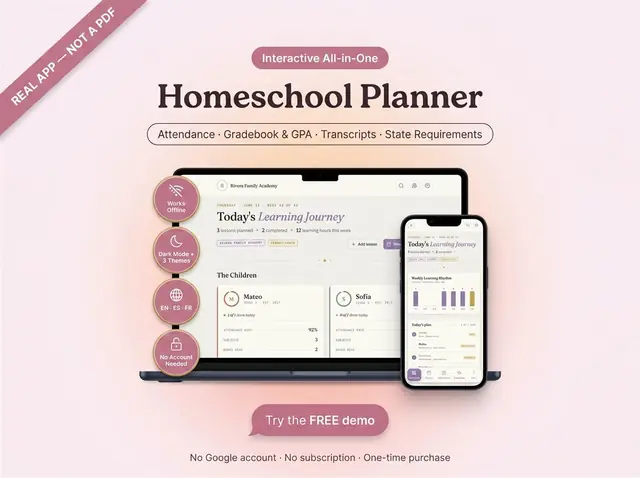
Attendance, grades, GPA, and transcripts in one app
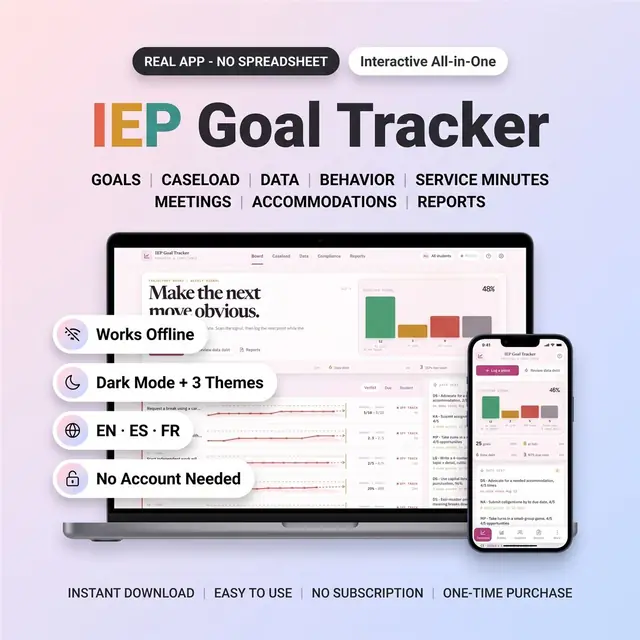
IEP goals, progress notes, and caseload reports
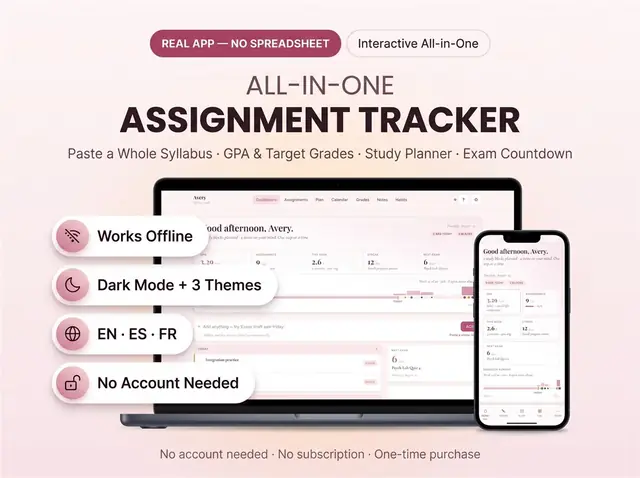
Due dates, classes, and what is still unfinished
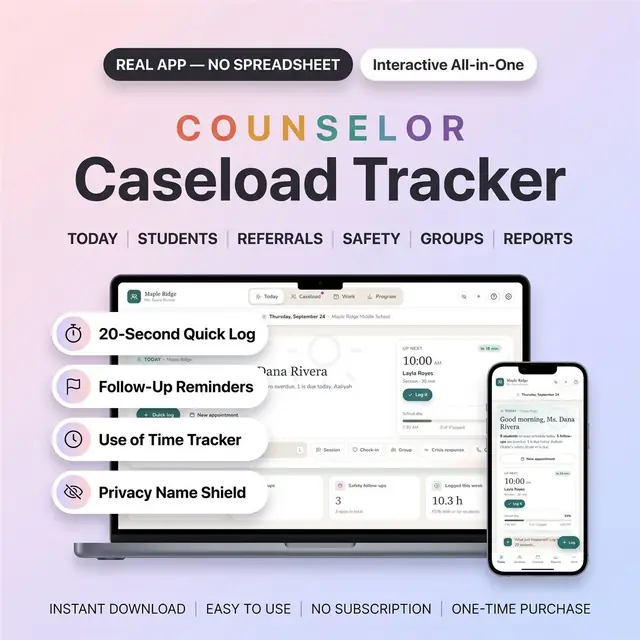
Caseload, sessions, and notes for school counselors
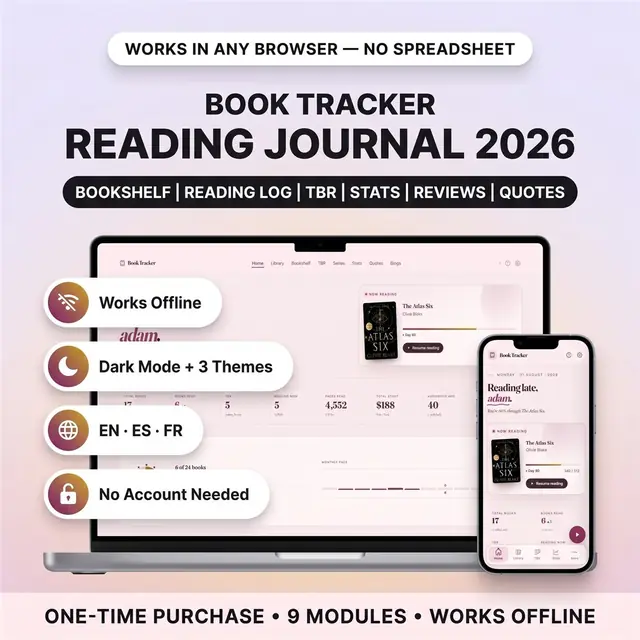
Your books read this year, the second you finish a chapter
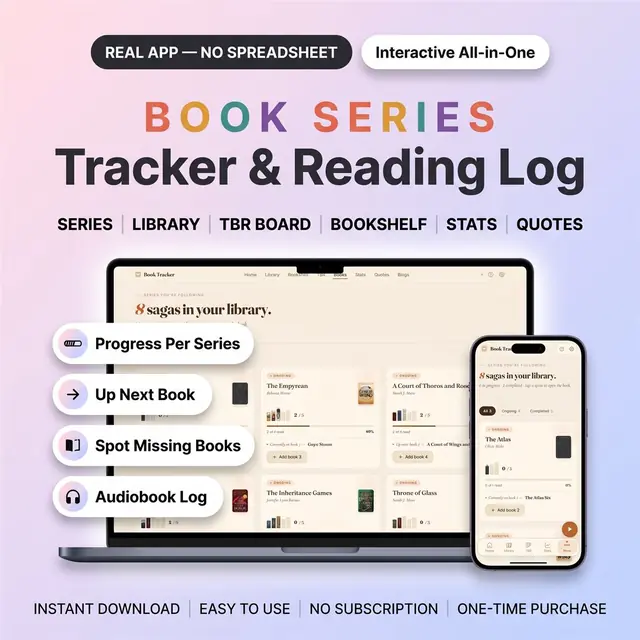
Which book is next, and which one you are missing
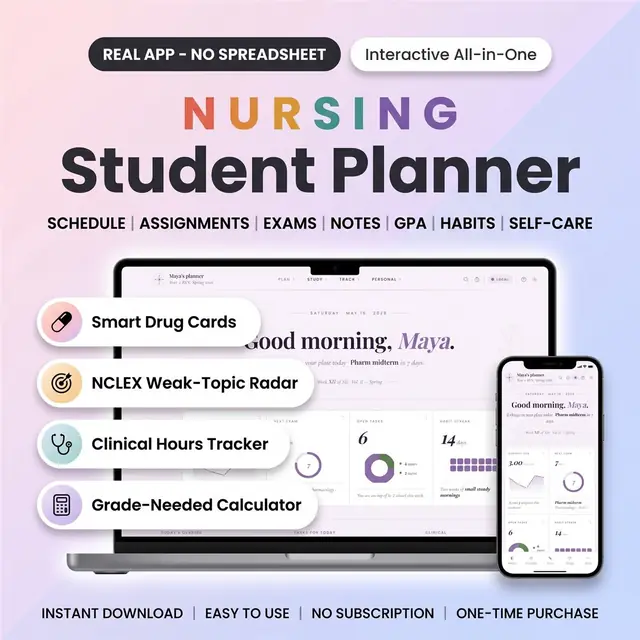
Clinical days, classes, and study blocks in one planner