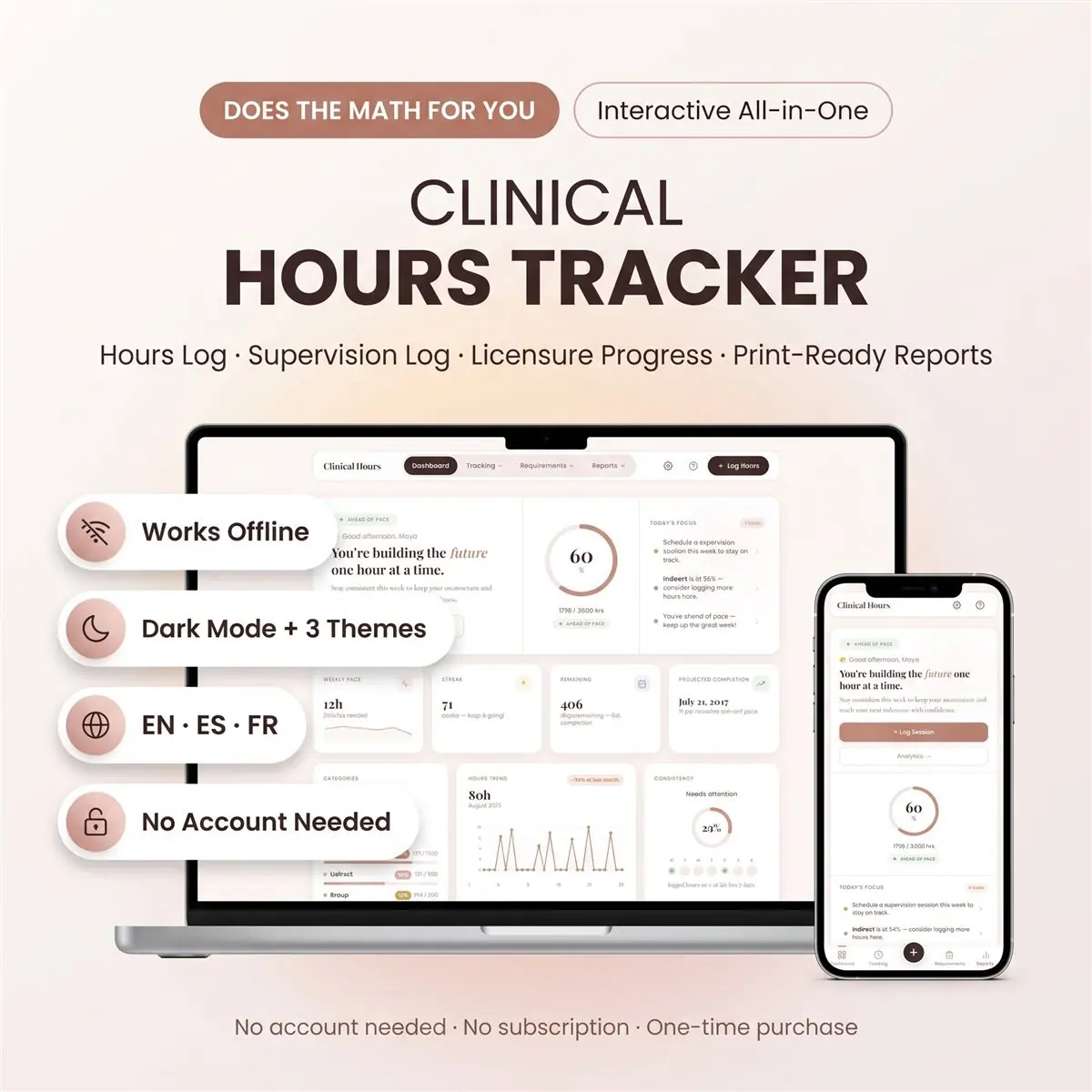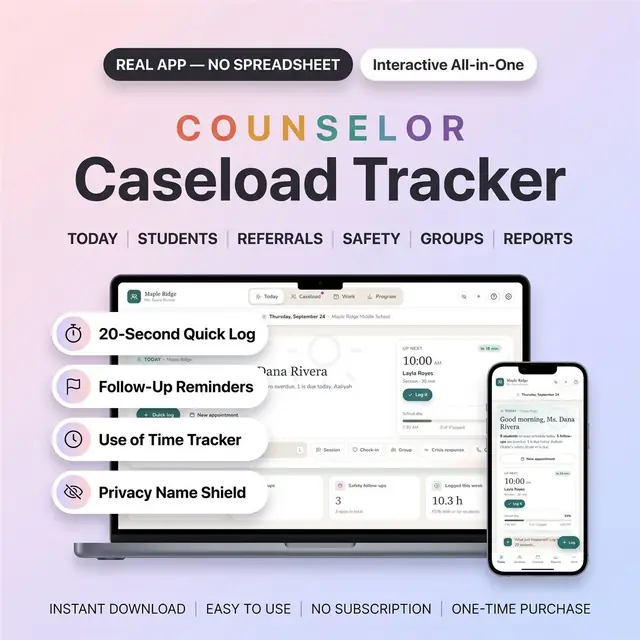
Clinical Hours Tracker — picture 1
1 / 8
Education & Student Tools
4.8 shop rating · 32 reviews on Etsy

Clinical Hours Tracker

Log clinical hours, sites, and remaining requirements

$19.97
  • No subscription
  • Instant access
Buy now

Secure checkout by Whop

  • Instant access
  • Pay once
  • Any device
  • 3 languages

You get: a PDF with your private app link and a quick-start guide.

  • VISA
  • Mastercard
  • Apple Pay
  • Google Pay
  • Crypto
About this appFeatures and what you get

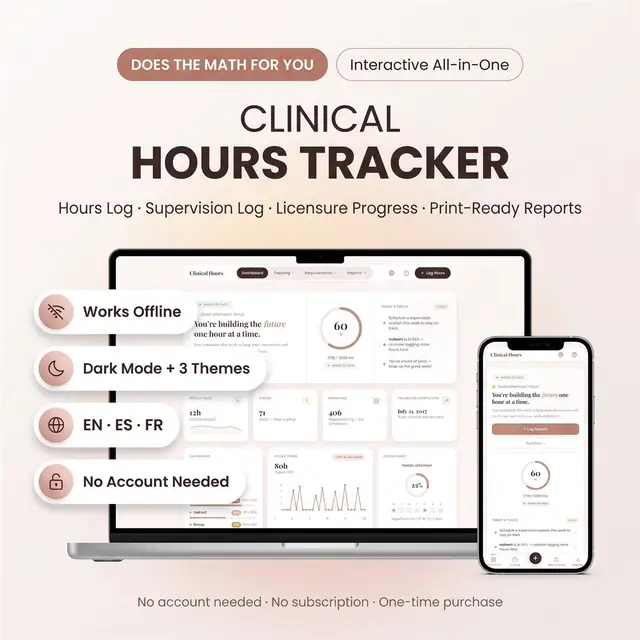
Clinical hours tracker and supervision log for pre-licensed therapists, counselors and social workers logging LCSW, LMFT, LPC or LPCC hours toward licensure.

Open one file in your browser and every hour, every supervision session and every category minimum is counted for you, automatically, with no formulas to break.

Why this is different

Most hour trackers are a shared sheet full of formulas. One wrong click and your totals are gone. This is real software instead:

  • Nothing to set up: it opens and works
  • No cells, tabs or formulas to break
  • No Google account, no login, no monthly fee
  • Works offline: your hours stay with you
  • All the benefit of proper software, without spreadsheet stress or subscription fees

What's inside: 12 tools

  • Dashboard: progress ring, weekly pace, streak, projected completion date, licensure readiness score
  • Hours Log: log every session with date, duration, category, site, supervisor and client code
  • Supervision Log: individual, group and live observation, with topics and a signature line
  • Placements: manage clinical sites and compare hours across settings
  • Licensure Setup: total hours, category minimums and your target date
  • Licensure Reference: LCSW, LPC, LMFT, LPCC, LMHC, LICSW and more, ready to apply in one tap
  • Supervisors: keep credentials and licence numbers on file
  • Weekly Summary: 53 weeks with an On Track or Behind badge on each
  • Monthly Summary: 12-month overview with trends and category breakdown
  • Analytics: cumulative hours vs goal, hours per week, category by month
  • Milestones: set goals and celebrate them
  • Reflections: a guided weekly journal, searchable

Key features

  • Automatic calculations: hours remaining, weekly pace, projected finish date, category percentages
  • Supervisor sign-off: mark each session verified and see exactly how many hours are signed
  • Live impact preview: see how a session moves your progress before you save it
  • Licensure readiness score: one number, 0 to 100, for how prepared you are
  • Decimal or hour:minute format: 1.5 hrs or 1:30, your choice
  • 3 themes and 3 languages: English, Español, Français

Reports you can hand in

  • Print Report: a clean hours report with your track, period, category totals, every session and candidate + supervisor signature lines
  • Supervision Log printout with its own signature block
  • Export CSV: open your hours in any spreadsheet if you ever need to
  • Download Backup: save everything as a file, any time

What you receive

  • clinical-hours-tracker.html: the tracker itself, one file
  • demo-data.json: optional sample data so you can explore before adding your own
  • Quick-Start Guide (PDF)

After purchase, your PDF includes the private access link and quick-start guide.

What you need

  • Any modern browser: Chrome, Safari, Firefox or Edge
  • Phone, tablet, laptop or desktop: Mac, Windows, iOS or Android
  • No account, no software to install, no internet needed after download
  • Your hours are saved on your own device. Optional cloud sync is available if you want your hours on more than one device. It is never required

Please note

  • Instant digital download: nothing is posted to you
  • One-time purchase. No subscription, no renewal, no upsell
  • Because it is an instant download, returns and exchanges are not accepted
  • For personal use only. Please do not resell, share or redistribute
  • This tracker is an organisational tool. Licensure requirements vary by state and by board: always confirm your own numbers with your licensing board

How it works

  1. Pay securely

    Card, Apple Pay, Google Pay or crypto. Checkout is by Whop.

  2. Get your PDF instantly

    It holds your private link to the app and a quick-start guide.

  3. Open it on any device

    Tap the link on your phone, tablet or computer. The guide shows every step.

What buyers say

4.8
Shop rating on Etsy
32
reviews
153
sales
The Homeschool planner has helped me tremendously as we start the first year of homeschooling. It has helped me stay organized.
KrisandraEtsy review · Homeschool Planner
This Inventory Tracker has a classy interface with lots of useful features, and is very user friendly for beginners.
BriannaEtsy review · Inventory Tracker
definitely recommend! the planner set up is very user friendly and I love how interactive it is.
LucianEtsy review · Student Nurse Planner
Customer Service is Excellent!!! The lesson planner is easy to use. Love it!!
BrittEtsy review · Homeschool Planner
GET THIS ONE! forget the other ones out there. This is the real deal.
Etsy buyerEtsy review · Homeschool Planner
Some hiccups with the planner, but seller was very communicative and quick to find a solution.
DanaEtsy review · Homeschool Planner

Questions before you buy

01What do I get after I buy?

A PDF with your private link to the app and a quick-start guide. The guide shows how to open it on your phone, tablet or computer.

02Which devices and languages does it work on?

Any phone, tablet or computer with a current browser. The apps are available in English, Spanish and French.

03Does it work offline?

Yes. Your data is saved on your own device, in your browser. Cloud sync is optional, if you want the same data on more than one device.

04Is it a subscription?

No. You pay once and it is yours to keep. There are no renewals.

You may also like