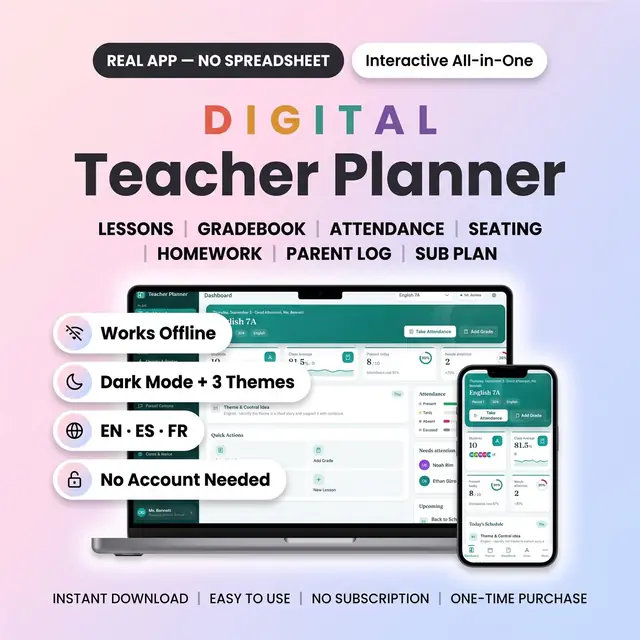
Digital Teacher Planner
Lessons, grades, and attendance in one classroom workspace
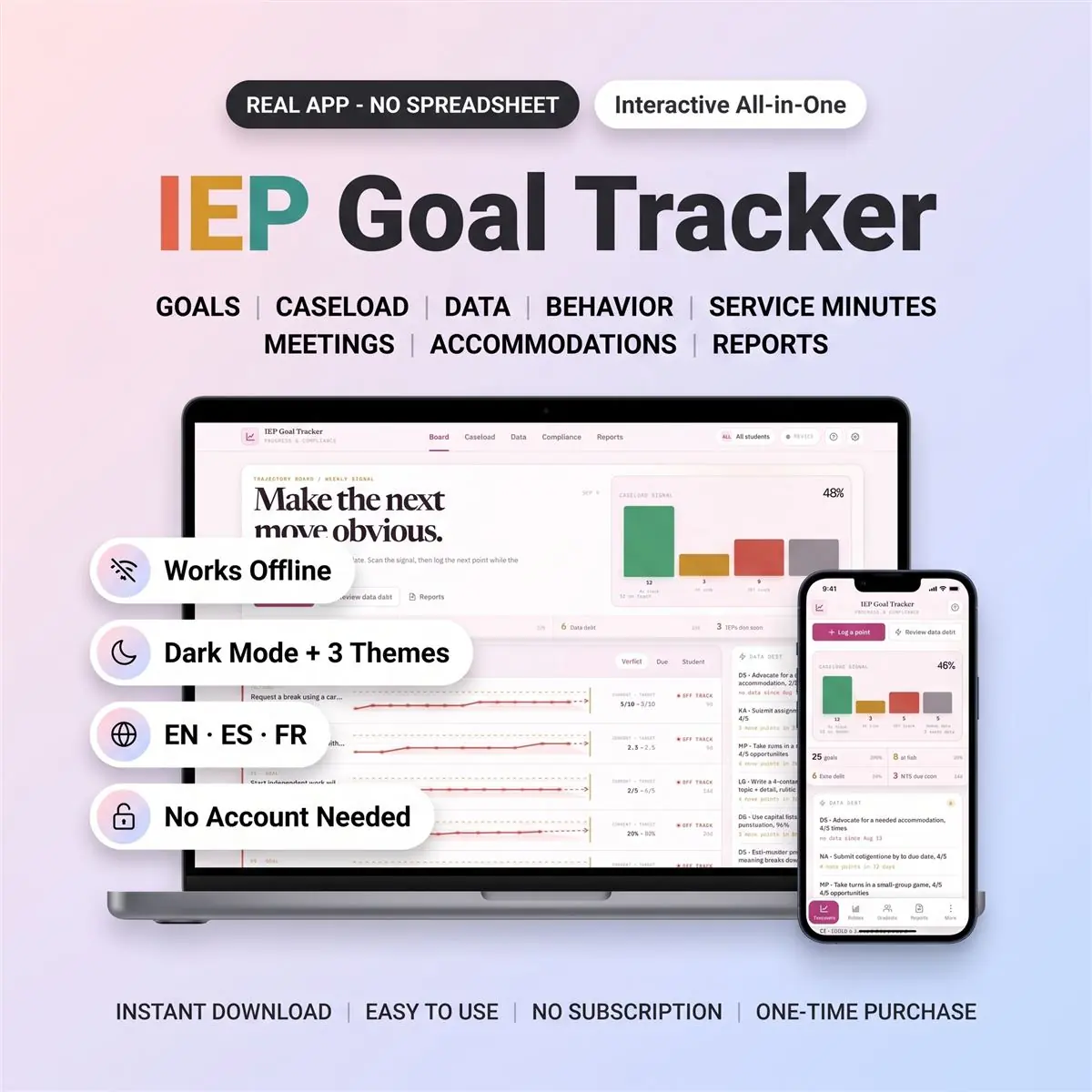
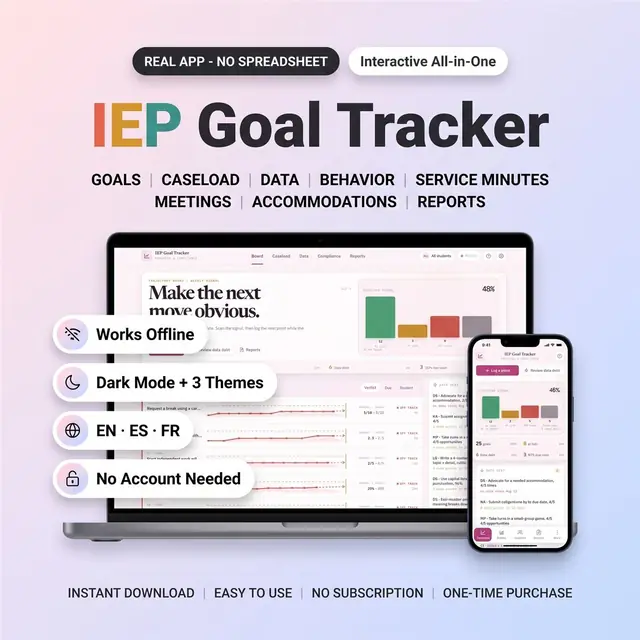
IEP goals, progress notes, and caseload reports
Secure checkout by Whop
You get: a PDF with your private app link and a quick-start guide.
Keep IEP goals, progress data, caseload details, and compliance work in one browser-based tracker made for special education professionals.
This is a digital download. After purchase, your PDF includes the private access link and quick-start guide, with setup instructions. No physical item is shipped. The app opens in a current web browser; it is a browser app, not a Google Sheets template or printable PDF.
The Trajectory Board puts each goal against its baseline, target, and IEP due date. Read actual data points, trend direction, projected progress, and data debt in one view so you can see which goals need attention before a meeting.
Device-only mode requires no account and works without cloud sync. Your data stays in the browser on that device. Optional cloud sync is available if you choose it and your district permits storing student data in a third-party cloud service. Export a backup regularly, especially before clearing browser data or moving to another device.
For use by the purchasing educator or team. You may use the app for your own educational work. Do not resell, share, redistribute, publish, or claim the files as your own. The files are not licensed for resale or redistribution.
Card, Apple Pay, Google Pay or crypto. Checkout is by Whop.
It holds your private link to the app and a quick-start guide.
Tap the link on your phone, tablet or computer. The guide shows every step.
The Homeschool planner has helped me tremendously as we start the first year of homeschooling. It has helped me stay organized.
This Inventory Tracker has a classy interface with lots of useful features, and is very user friendly for beginners.
definitely recommend! the planner set up is very user friendly and I love how interactive it is.
Customer Service is Excellent!!! The lesson planner is easy to use. Love it!!
GET THIS ONE! forget the other ones out there. This is the real deal.
Some hiccups with the planner, but seller was very communicative and quick to find a solution.
A PDF with your private link to the app and a quick-start guide. The guide shows how to open it on your phone, tablet or computer.
Any phone, tablet or computer with a current browser. The apps are available in English, Spanish and French.
Yes. Your data is saved on your own device, in your browser. Cloud sync is optional, if you want the same data on more than one device.
No. You pay once and it is yours to keep. There are no renewals.
Lessons, grades, and attendance in one classroom workspace
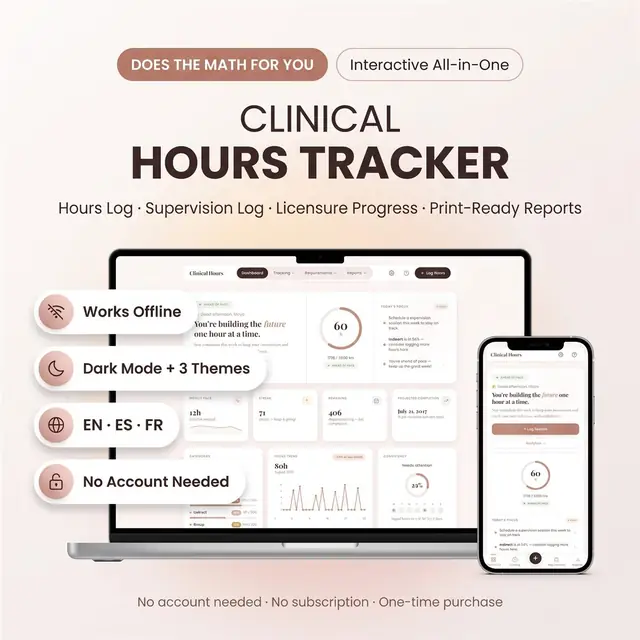
Log clinical hours, sites, and remaining requirements
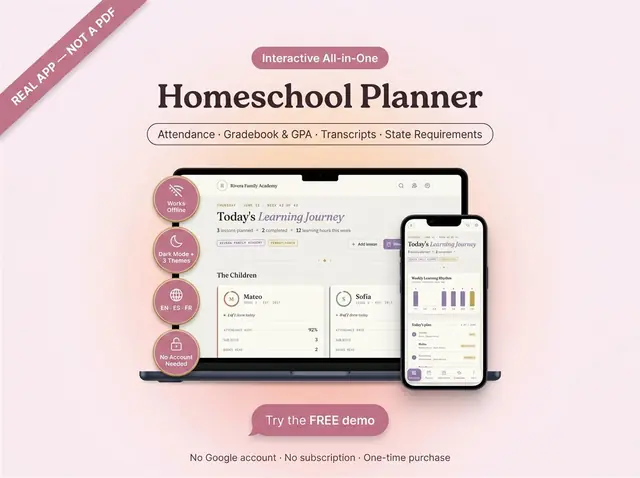
Attendance, grades, GPA, and transcripts in one app
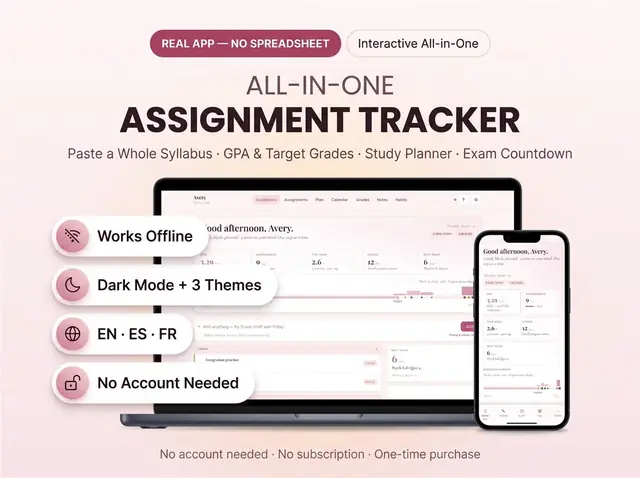
Due dates, classes, and what is still unfinished
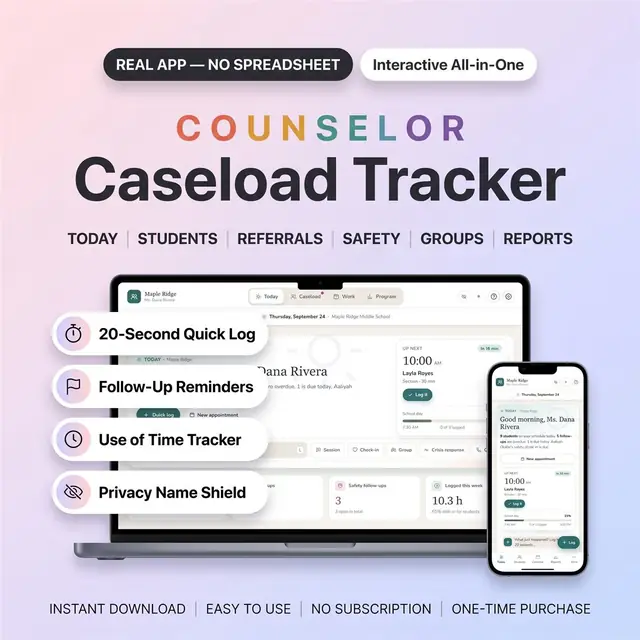
Caseload, sessions, and notes for school counselors
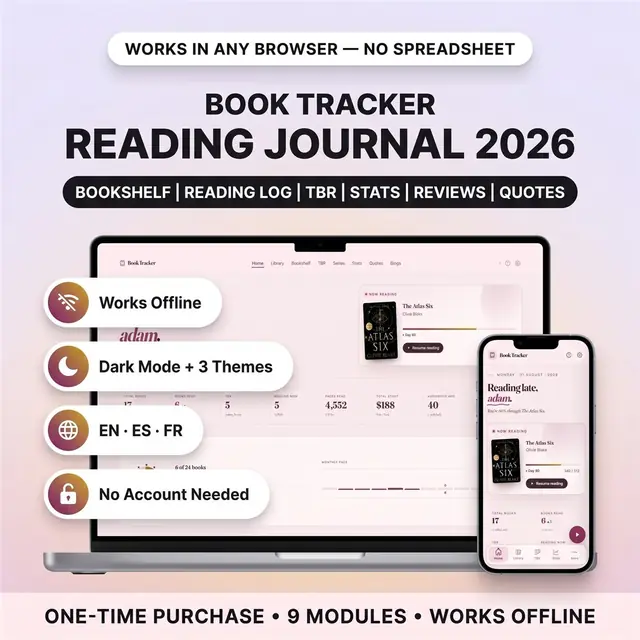
Your books read this year, the second you finish a chapter
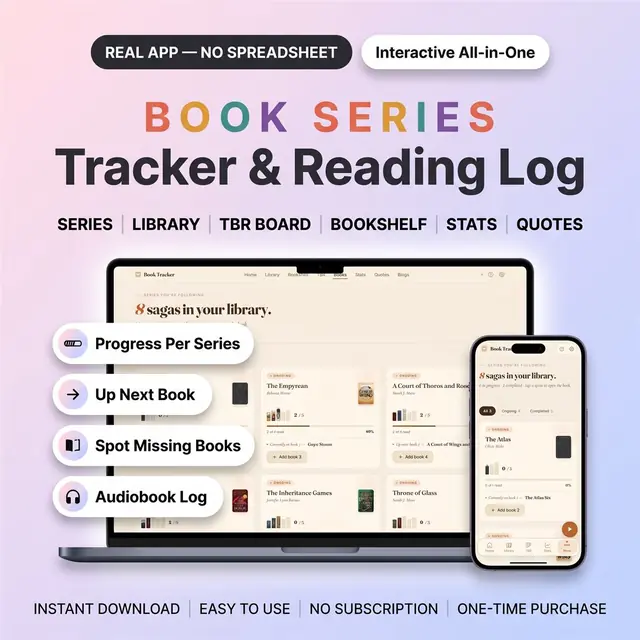
Which book is next, and which one you are missing
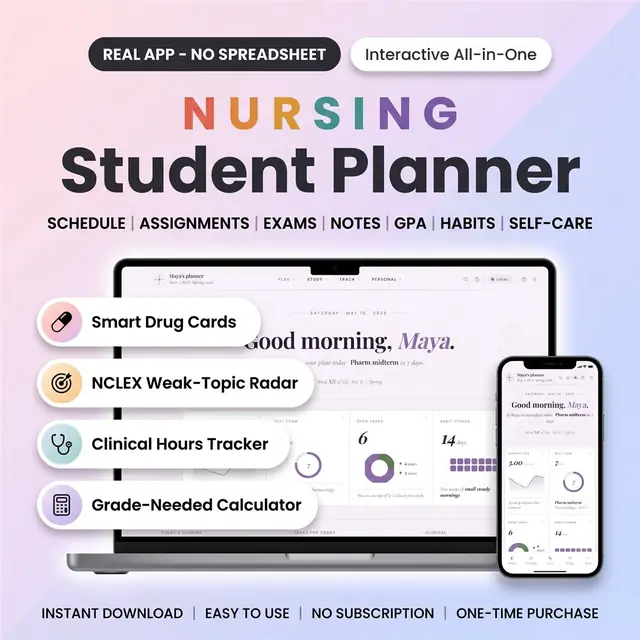
Clinical days, classes, and study blocks in one planner