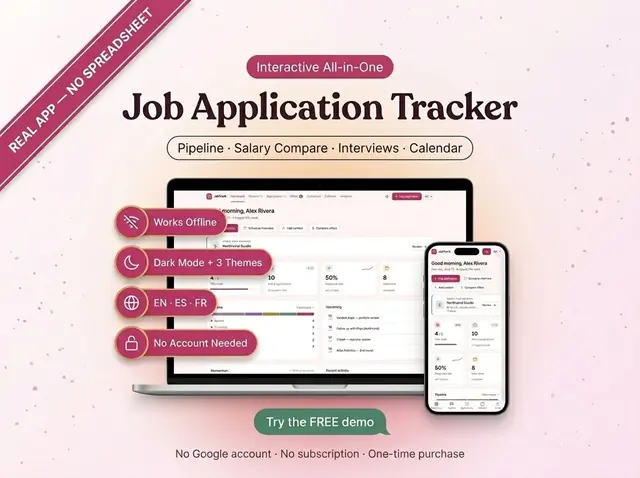
Job Application Tracker
Applications, follow-ups, and interviews in one pipeline
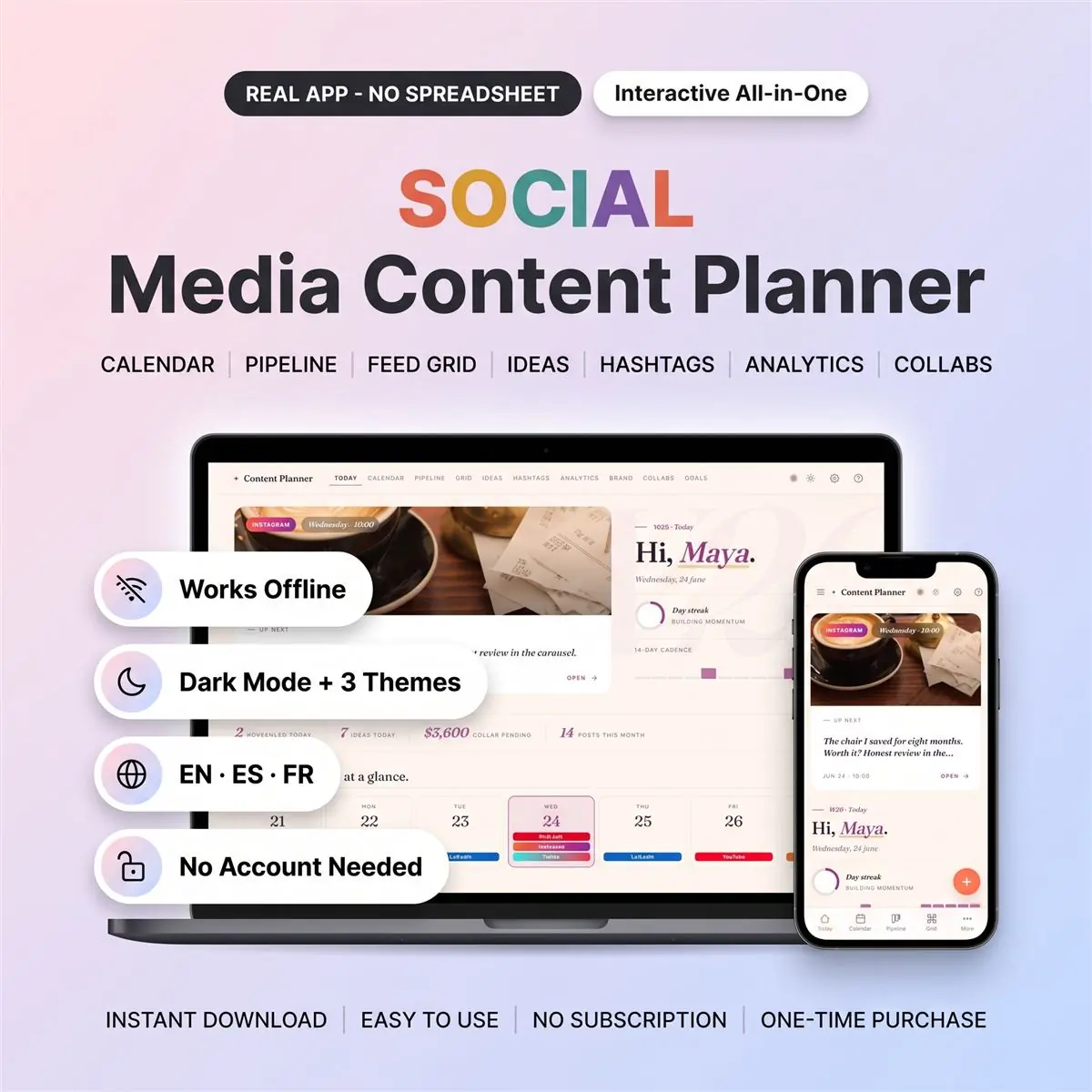
Plan posts, captions, and a week of content in one board
Secure checkout by Whop
You get: a PDF with your private app link and a quick-start guide.
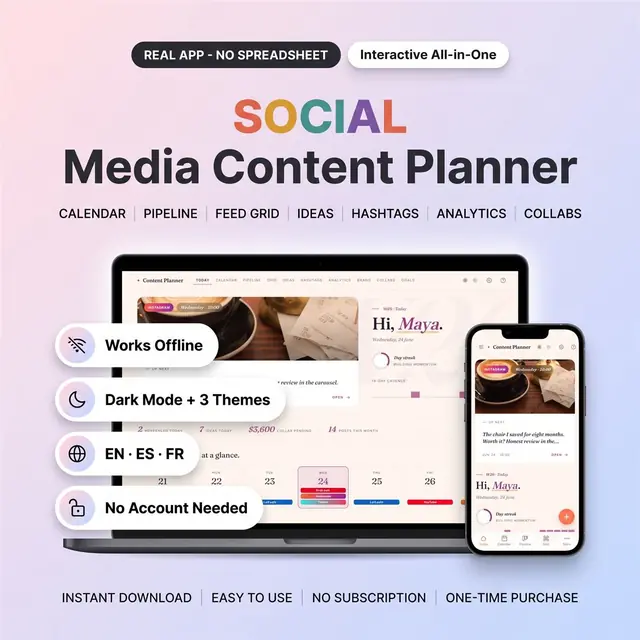
Plan your next post in a social media planner app built around a visual content calendar. Organize content for Instagram, TikTok, YouTube, LinkedIn and Pinterest, from the first idea to the results you record after publishing.
This is an interactive HTML app, not a spreadsheet, Notion template or printable planner. Use buttons, cards and calendar views to manage your content in one place.
Choose from three themes and English, Spanish or French interface options.
An instant-download Quick Start PDF containing the download link to the HTML planner app and setup instructions. You download the app through the link in the PDF; the PDF itself is not the planner.
This is a digital product. No physical item will be shipped.
You can use the planner on one device without an account. Optional cloud sync requires an account and an internet connection. Post photos remain on the device where you add them and are not included in cloud sync.
Local browser data can be lost if it is cleared. Use the export and import options in Settings to back up and restore your planner data. Keep separate copies of your original photos.
Card, Apple Pay, Google Pay or crypto. Checkout is by Whop.
It holds your private link to the app and a quick-start guide.
Tap the link on your phone, tablet or computer. The guide shows every step.
The Homeschool planner has helped me tremendously as we start the first year of homeschooling. It has helped me stay organized.
This Inventory Tracker has a classy interface with lots of useful features, and is very user friendly for beginners.
definitely recommend! the planner set up is very user friendly and I love how interactive it is.
Customer Service is Excellent!!! The lesson planner is easy to use. Love it!!
GET THIS ONE! forget the other ones out there. This is the real deal.
Some hiccups with the planner, but seller was very communicative and quick to find a solution.
A PDF with your private link to the app and a quick-start guide. The guide shows how to open it on your phone, tablet or computer.
Any phone, tablet or computer with a current browser. The apps are available in English, Spanish and French.
Yes. Your data is saved on your own device, in your browser. Cloud sync is optional, if you want the same data on more than one device.
No. You pay once and it is yours to keep. There are no renewals.
Applications, follow-ups, and interviews in one pipeline
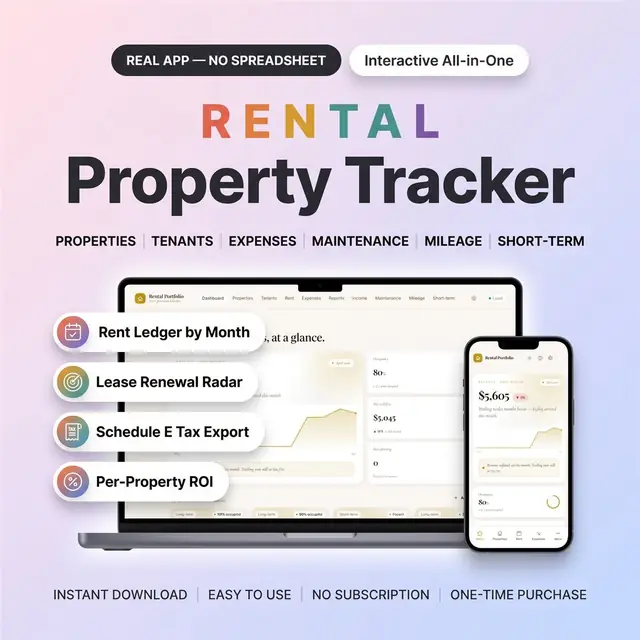
Rent, leases, and expenses for every property
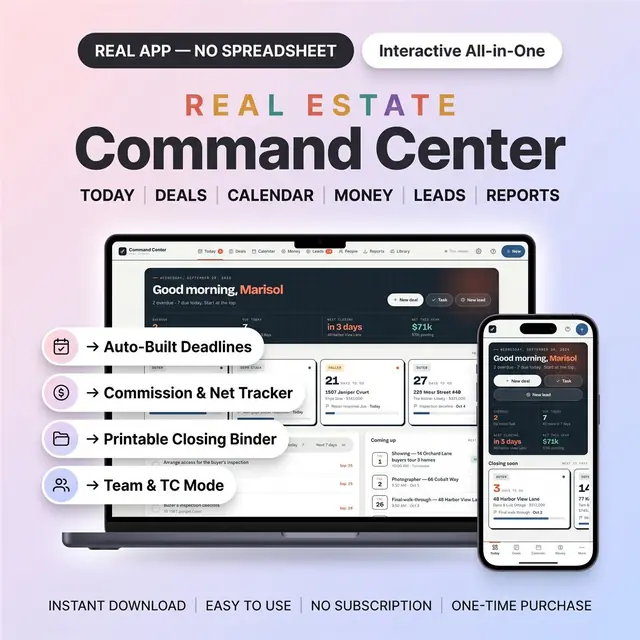
Deadlines, commissions, and a closing binder for every deal
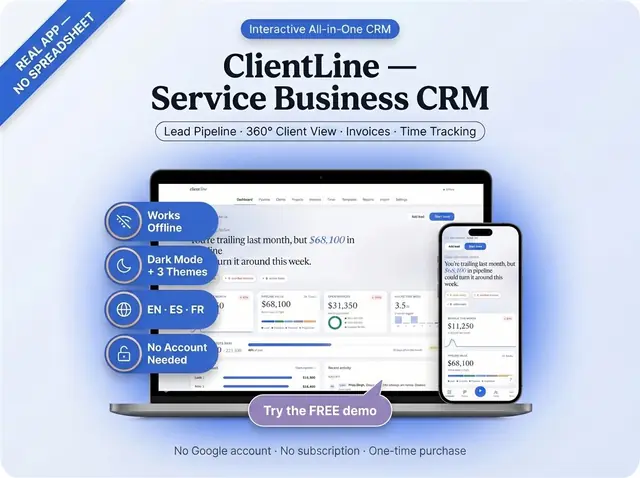
Clients, jobs, and follow-ups for a service business
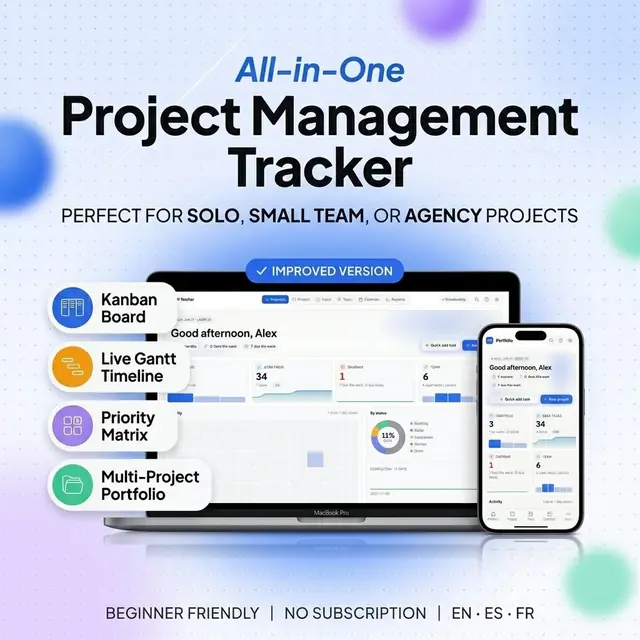
Projects, tasks, and deadlines without a heavy PM tool
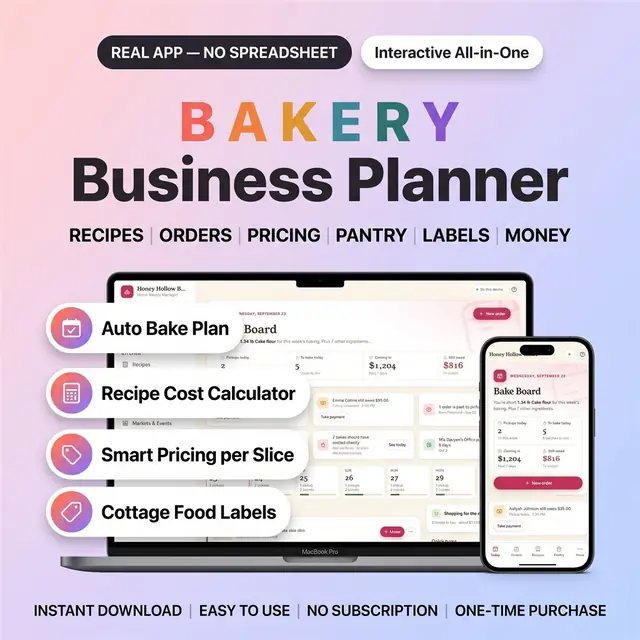
Orders, recipes, costs, and bake days for a home bakery
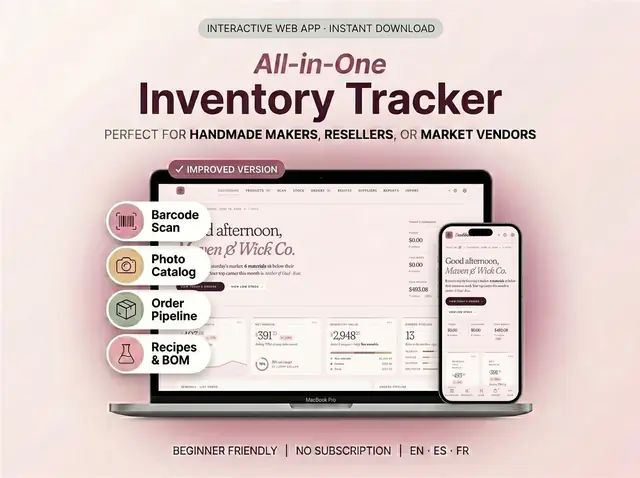
Stock, reorder points, and product counts without a spreadsheet
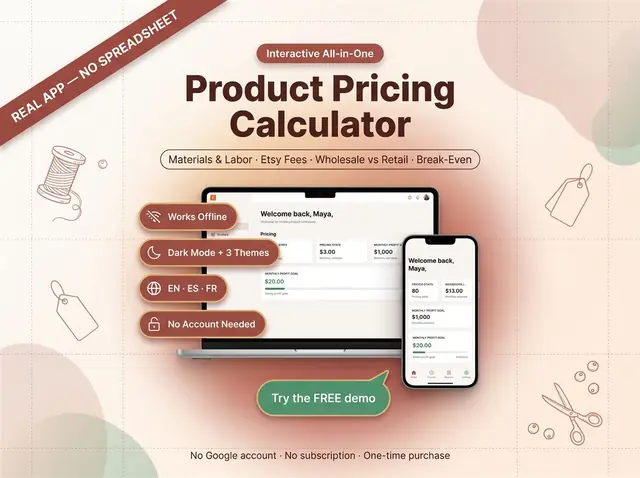
Fees, costs, and a price that still leaves a profit