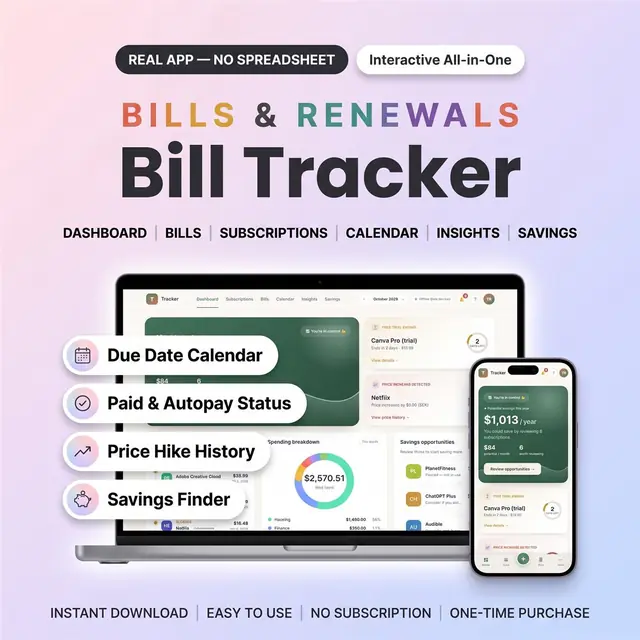
Bill Tracker Web App
Every bill, due date, and remaining balance in one place
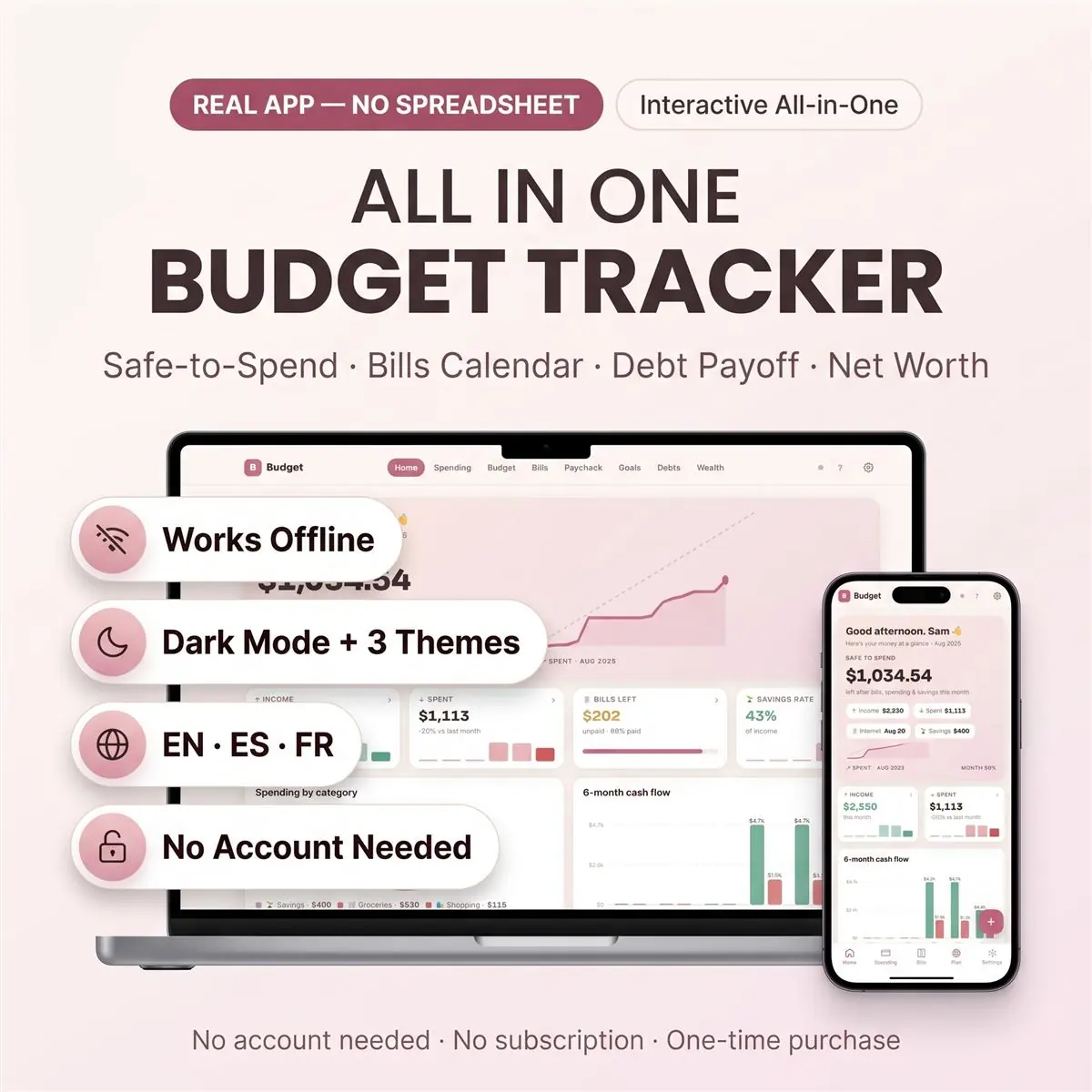
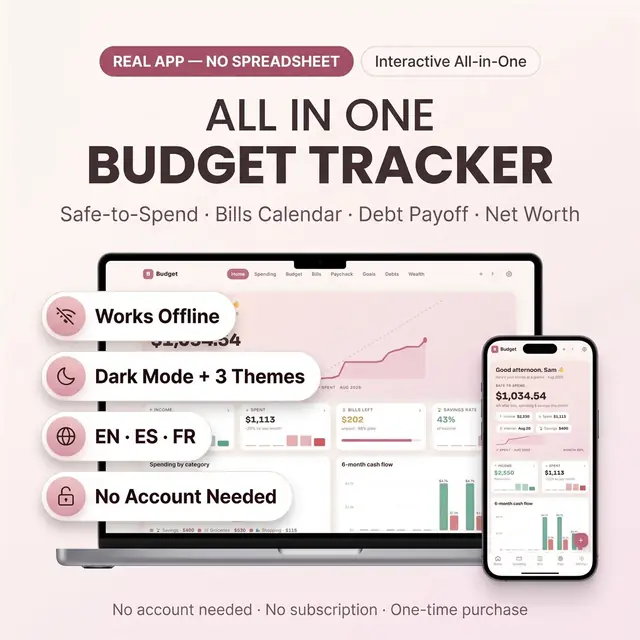
See spending, leftover money, and bills together
Secure checkout by Whop
You get: a PDF with your private app link and a quick-start guide.
Budget tracker app and budget spreadsheet alternative for monthly budgeting, bills, expenses, debt payoff, sinking funds, savings goals, paycheck planning, and net worth - all inside one browser file.
If spreadsheets stress you out, this was built for you.
Most budget templates ask you to manage tabs, formulas, tiny cells, locked rows, and setup guides. This one is different. It opens like a real app in your browser, saves automatically, works on phone, tablet, and computer, and gives you one clear daily number:
SAFE TO SPEND.
That number shows what is really left after bills, spending, savings, and goals. You do not need to understand formulas. You just add your money, bills, spending, debts, and goals. The app does the math.
You get a cleaner way to budget: buttons, cards, charts, calendars, and clear numbers.
Offline local mode works after download. Optional cloud sync requires internet and login.
This budget tracker is useful if you want to:
This is a digital download. No physical product will be shipped.
Is this a spreadsheet? No. It is an interactive HTML budget app. You open it in your browser.
Do I need Excel or Google Sheets? No.
Does it work on phone? Yes. It was built and tested for mobile, tablet, and desktop.
Does it work offline? Yes, in local mode after download. Cloud sync needs internet.
Can I change categories? Yes. You can add, edit, rename, and delete your own categories.
Can I track debt? Yes. It includes debt payoff tracking with snowball and avalanche options.
Can I track bills? Yes. It includes recurring bills, paid checkoff, and a bill calendar.
Can I use it in another language? Yes. English, Spanish, and French are included.
Card, Apple Pay, Google Pay or crypto. Checkout is by Whop.
It holds your private link to the app and a quick-start guide.
Tap the link on your phone, tablet or computer. The guide shows every step.
The Homeschool planner has helped me tremendously as we start the first year of homeschooling. It has helped me stay organized.
This Inventory Tracker has a classy interface with lots of useful features, and is very user friendly for beginners.
definitely recommend! the planner set up is very user friendly and I love how interactive it is.
Customer Service is Excellent!!! The lesson planner is easy to use. Love it!!
GET THIS ONE! forget the other ones out there. This is the real deal.
Some hiccups with the planner, but seller was very communicative and quick to find a solution.
A PDF with your private link to the app and a quick-start guide. The guide shows how to open it on your phone, tablet or computer.
Any phone, tablet or computer with a current browser. The apps are available in English, Spanish and French.
Yes. Your data is saved on your own device, in your browser. Cloud sync is optional, if you want the same data on more than one device.
No. You pay once and it is yours to keep. There are no renewals.
Every bill, due date, and remaining balance in one place
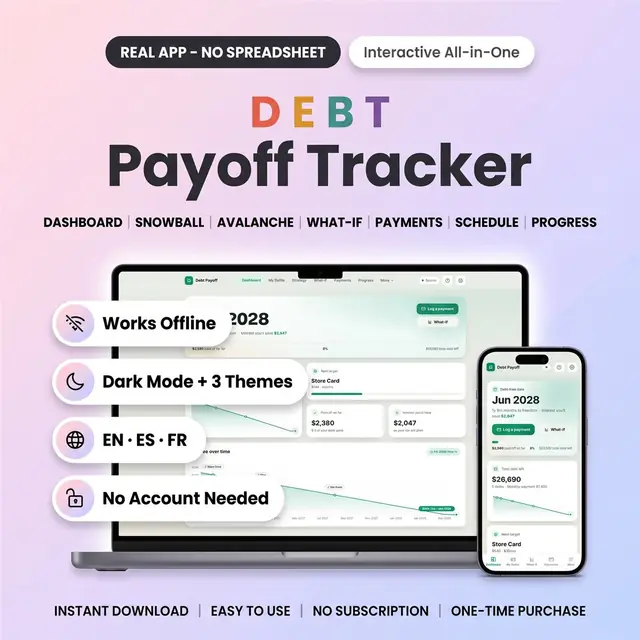
Snowball or avalanche, then watch your debt-free date move
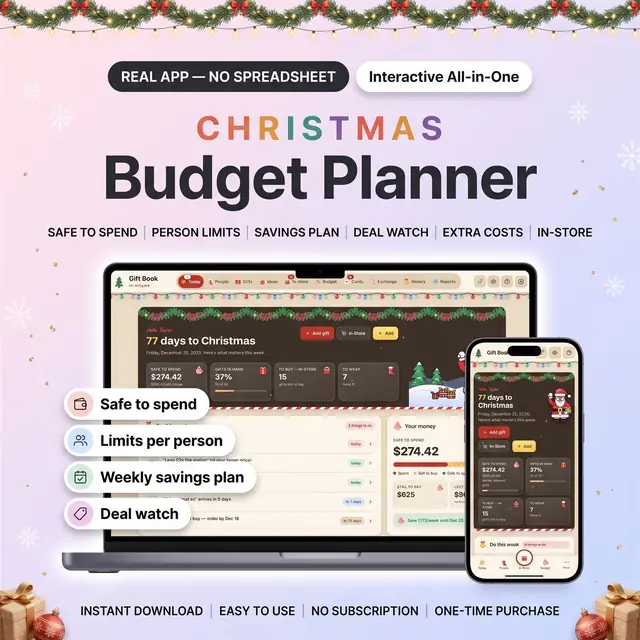
Know what is safe to spend before you buy
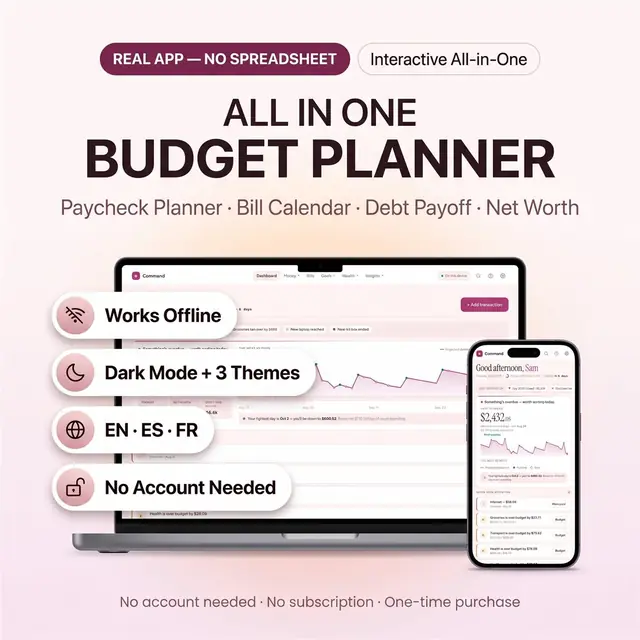
Bills, savings, debt, and spending in one budget app
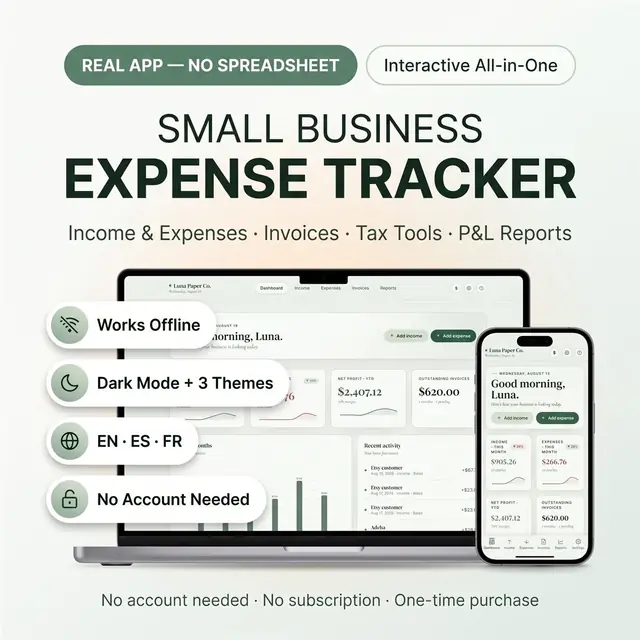
Log expenses by category and see the month at a glance
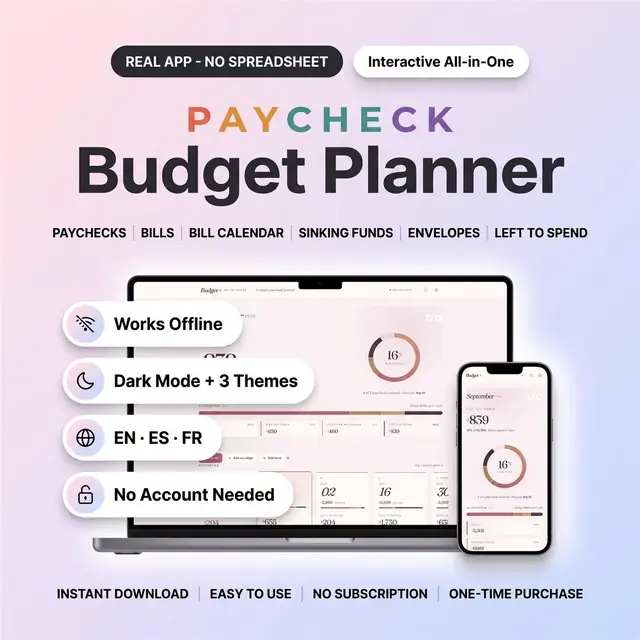
Plan bills and sinking funds one paycheck at a time
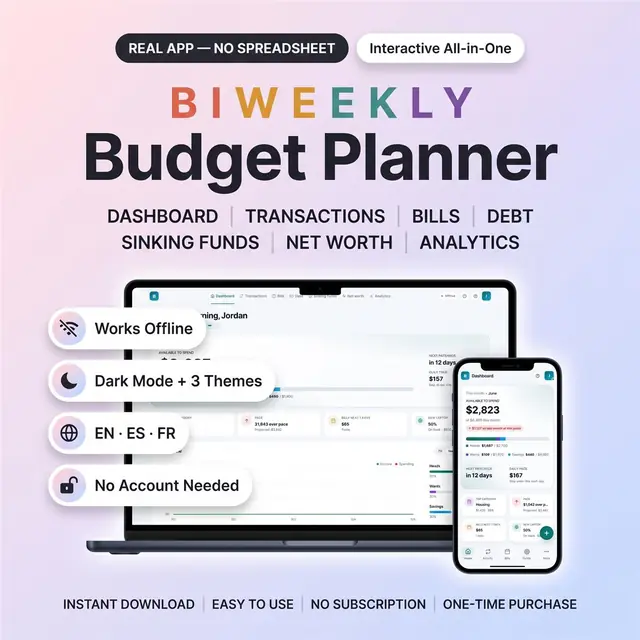
Budget on a two-week paycheck without leftover confusion
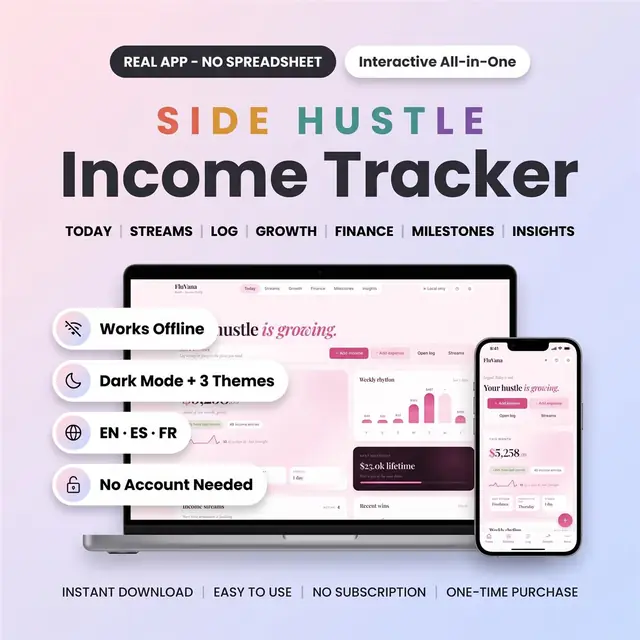
Track every hustle payment, fee, and leftover profit