Weight Loss Tracker
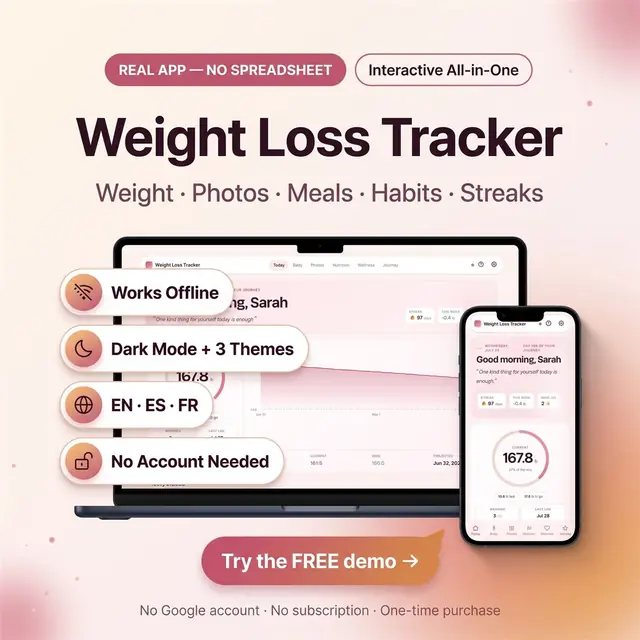
Weight, meals, photos, and habits in one browser app
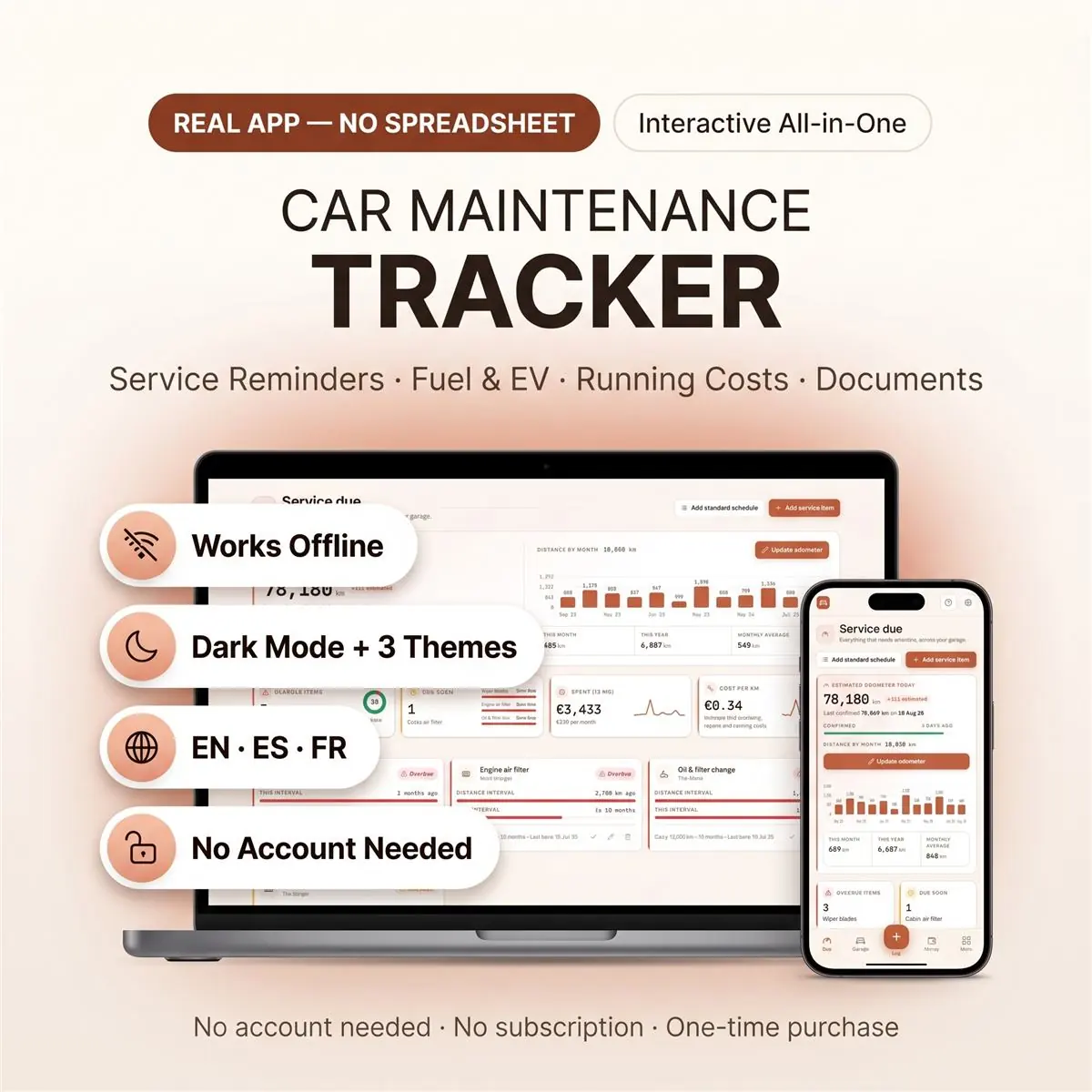
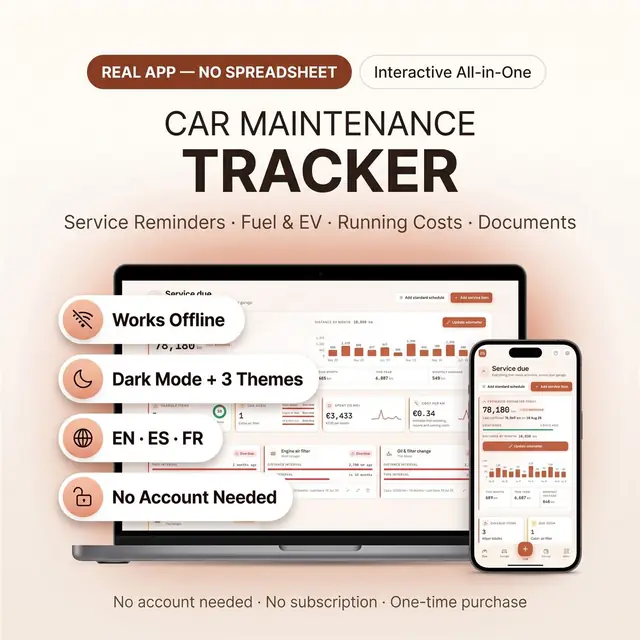
Oil changes, repairs, and mileage in one car log
Secure checkout by Whop
You get: a PDF with your private app link and a quick-start guide.
Keep every car you own on schedule with a car maintenance planner that tracks services, mileage reminders, fuel and running costs in one place. This is a real vehicle service tracker you open in your browser — not a spreadsheet to wrestle with, and not a printable you fill in by hand.
It opens on your phone at the pump, on the tablet in the garage, and on the laptop at home.
Most vehicle trackers assume you're sitting at a desk. You aren't — you're standing at a pump with one cold hand free.
Tap the big round button and a full-screen keypad opens. Odometer, litres, total, saved. About ten seconds, one-handed. There's a high-contrast bright mode for when the sun is straight on your screen.
It looks and behaves like real software, because that's what it is.
Set a vehicle to electric and the fuel section becomes charging — kWh, charge type, range added and battery health over time. Keep the family petrol car and the EV in the same garage and switch between them at the top of the screen.
After purchase, your download contains:
Nothing to install. No account to create. No subscription.
This is a digital download — nothing is posted to you. The service intervals included are common starting points for your convenience; your owner's manual and a qualified mechanic remain the authority on what your vehicle actually needs. This is a record-keeping tool, not mechanical, insurance or tax advice.
Card, Apple Pay, Google Pay or crypto. Checkout is by Whop.
It holds your private link to the app and a quick-start guide.
Tap the link on your phone, tablet or computer. The guide shows every step.
The Homeschool planner has helped me tremendously as we start the first year of homeschooling. It has helped me stay organized.
This Inventory Tracker has a classy interface with lots of useful features, and is very user friendly for beginners.
definitely recommend! the planner set up is very user friendly and I love how interactive it is.
Customer Service is Excellent!!! The lesson planner is easy to use. Love it!!
GET THIS ONE! forget the other ones out there. This is the real deal.
Some hiccups with the planner, but seller was very communicative and quick to find a solution.
A PDF with your private link to the app and a quick-start guide. The guide shows how to open it on your phone, tablet or computer.
Any phone, tablet or computer with a current browser. The apps are available in English, Spanish and French.
Yes. Your data is saved on your own device, in your browser. Cloud sync is optional, if you want the same data on more than one device.
No. You pay once and it is yours to keep. There are no renewals.
Weight, meals, photos, and habits in one browser app
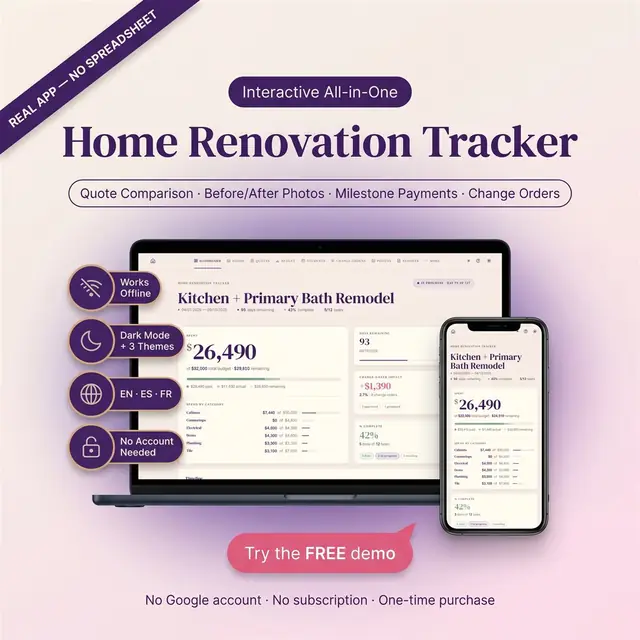
Rooms, budgets, contractors, and what is still open
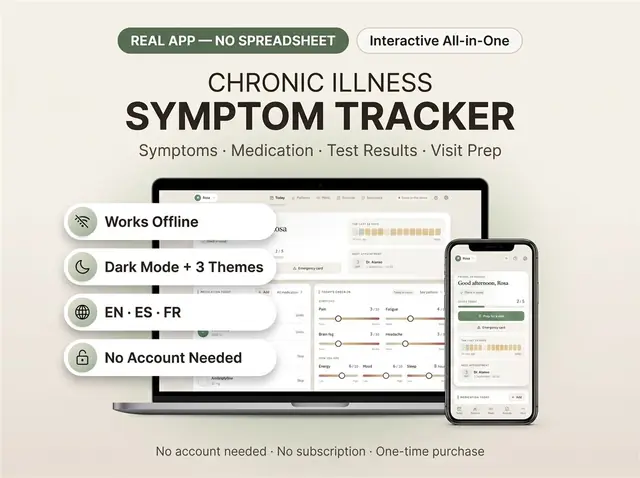
Symptoms, meds, and patterns you can actually review
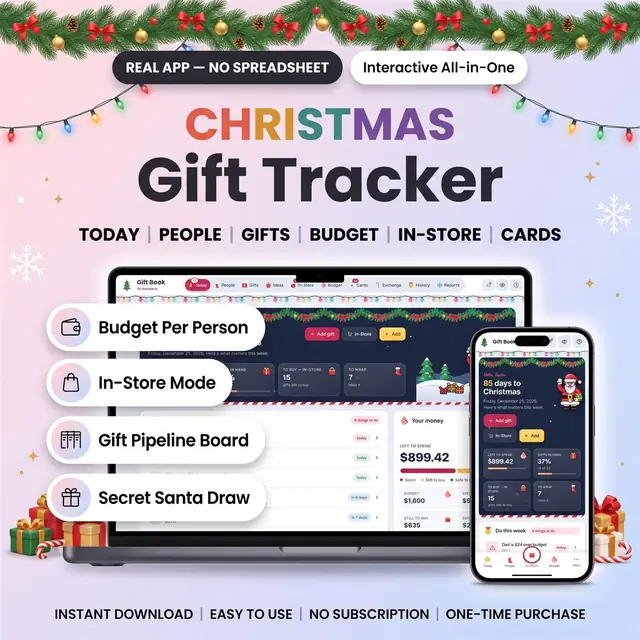
Everyone on your list, store by store, with a budget each
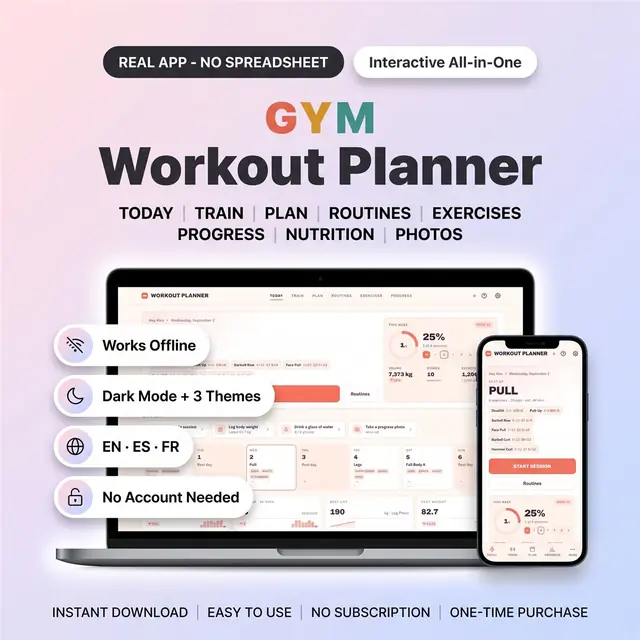
Plan workouts, log sets, and see the week of training
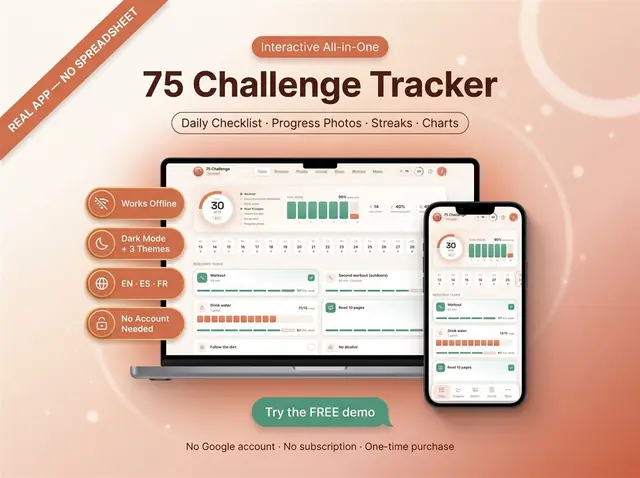
Check off each day of a 75-day challenge
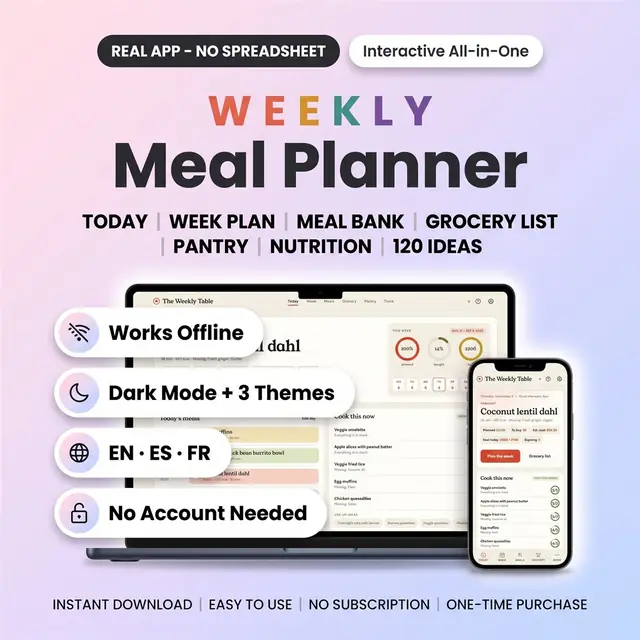
Meals, groceries, and leftovers for the week
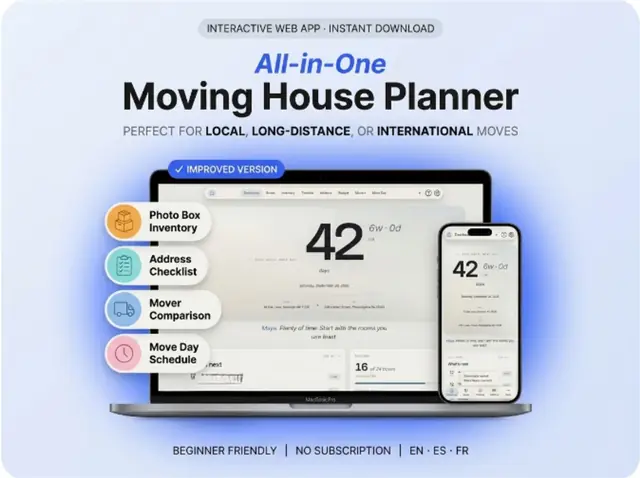
Rooms, boxes, utilities, and a moving-day checklist