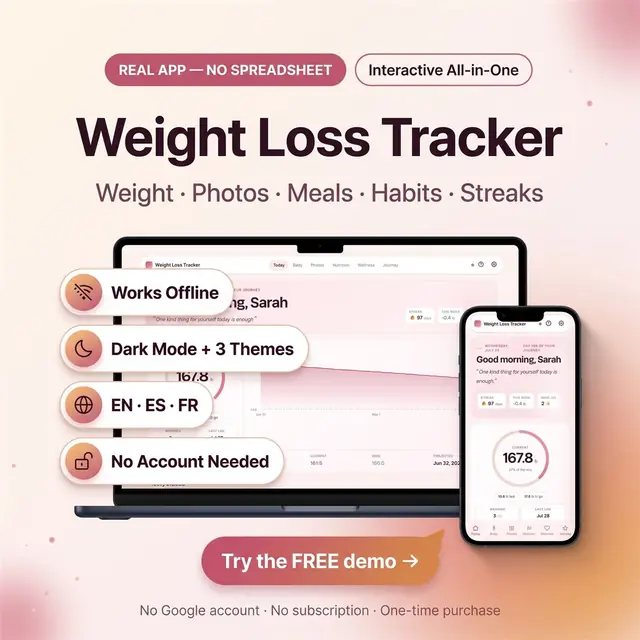
Weight Loss Tracker
Weight, meals, photos, and habits in one browser app
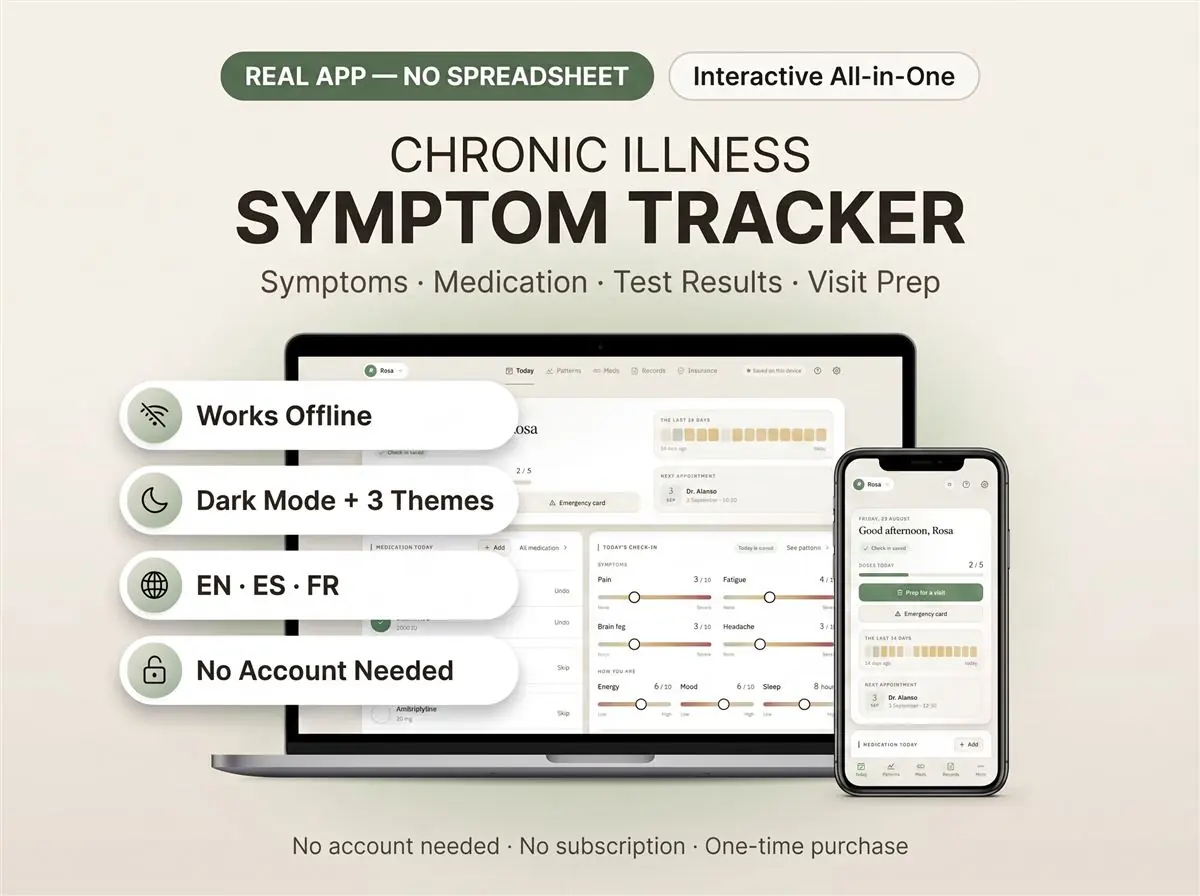
Symptoms, meds, and patterns you can actually review
Secure checkout by Whop
You get: a PDF with your private app link and a quick-start guide.
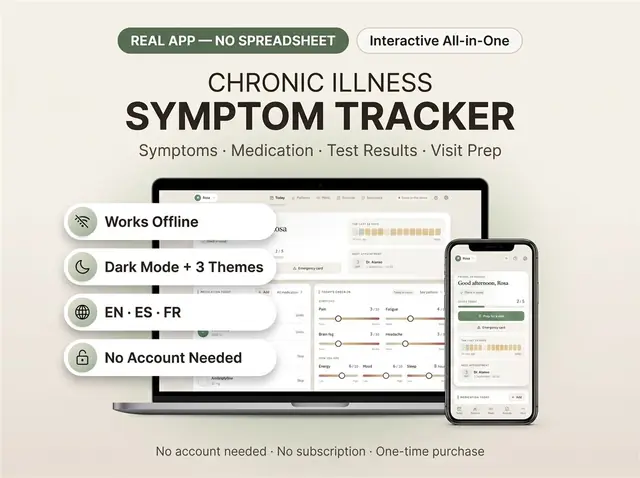
A symptom tracker that actually finds the pattern, instead of just storing the days.
This is a complete health binder for chronic illness that opens in your browser. Log how you feel each day. It watches for what repeats. Then it hands you one clean page before your next appointment.
Not a spreadsheet. Not a printable you fill in by hand. A real app you own outright.
The symptom tracker opens straight onto today. Log the day in under a minute. Pain, fatigue and mood on simple sliders. Add symptoms by name with a severity. Tick off what you took. Flag a flare day.
This is the part other trackers skip. It compares your own days against each other. It tells you what changed after a medication change, and by how much. It only reports a finding when it has enough days to be honest about it.
You get a trend chart, a heat map of recent weeks, your hardest and easiest days, and how consistently you took what you were prescribed.
Because it follows any symptom you name, it doubles as a migraine tracker, a fatigue diary or a joint-pain record. You decide what it watches.
A full medication tracker for what you take now and what you took before. Doses, timing and a medicine schedule you can read at a glance. Keep a running medication list to hand to anyone who asks. Allergies stay pinned where nobody can miss them.
The medication log records what you actually took, not just what was prescribed.
Your medical history, your care team, your appointments, your test results and your documents. The appointment tracker holds what is coming and what already happened. Test results keep their reference ranges, so a number means something later.
One page for your next appointment. What has changed, what you want to ask, and what the doctor said afterwards. Print it or read it off your phone in the waiting room. It works as an appointment planner and a record of the visit itself.
A printable card with your conditions, medications, allergies and contacts. Put it in a wallet or a bag. It is there when you cannot explain things yourself.
Policy details, deductible, out-of-pocket maximum and every claim. See what was billed, what they paid and what came out of your pocket.
It works as a caregiver planner too. Set it up for a parent, a partner or a child. The caregiver log keeps appointments, medicines and questions in one place. Useful for elderly care, where several people share the same information.
English, Spanish and French. Switch any time. Three themes, including a dark one for bad-light days. Choose your units, date format and paper size.
Open the file in any browser. Chrome, Safari, Edge or Firefox. Works on phone, tablet, laptop and desktop. Nothing to install.
Your data saves as you type. No account is needed. If you would rather have it on several devices, you can turn on syncing with a free sign-up. That choice is yours, and you make it on the first screen.
Works offline. Pay once. No subscription, ever.
A symptom tracker is only as useful as the days you put in it. Ten minutes a week is enough. This is a personal record you keep for yourself. It is not a medical device and it does not give medical advice. Export a backup any time from Settings.
Card, Apple Pay, Google Pay or crypto. Checkout is by Whop.
It holds your private link to the app and a quick-start guide.
Tap the link on your phone, tablet or computer. The guide shows every step.
The Homeschool planner has helped me tremendously as we start the first year of homeschooling. It has helped me stay organized.
This Inventory Tracker has a classy interface with lots of useful features, and is very user friendly for beginners.
definitely recommend! the planner set up is very user friendly and I love how interactive it is.
Customer Service is Excellent!!! The lesson planner is easy to use. Love it!!
GET THIS ONE! forget the other ones out there. This is the real deal.
Some hiccups with the planner, but seller was very communicative and quick to find a solution.
A PDF with your private link to the app and a quick-start guide. The guide shows how to open it on your phone, tablet or computer.
Any phone, tablet or computer with a current browser. The apps are available in English, Spanish and French.
Yes. Your data is saved on your own device, in your browser. Cloud sync is optional, if you want the same data on more than one device.
No. You pay once and it is yours to keep. There are no renewals.
Weight, meals, photos, and habits in one browser app
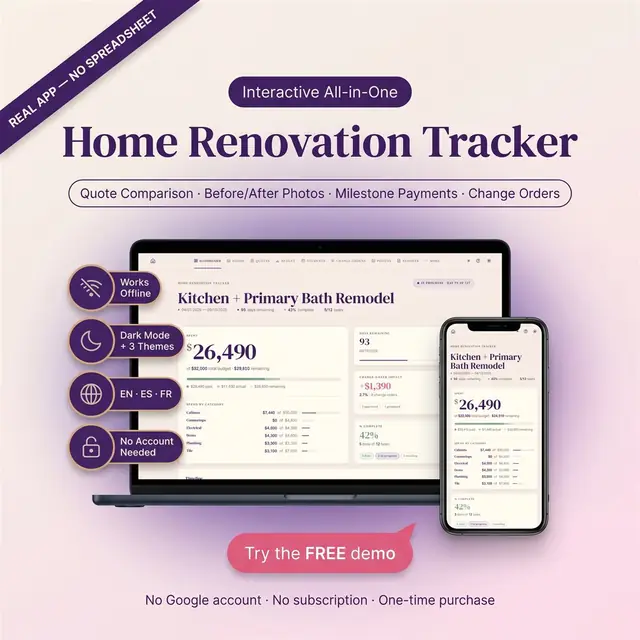
Rooms, budgets, contractors, and what is still open
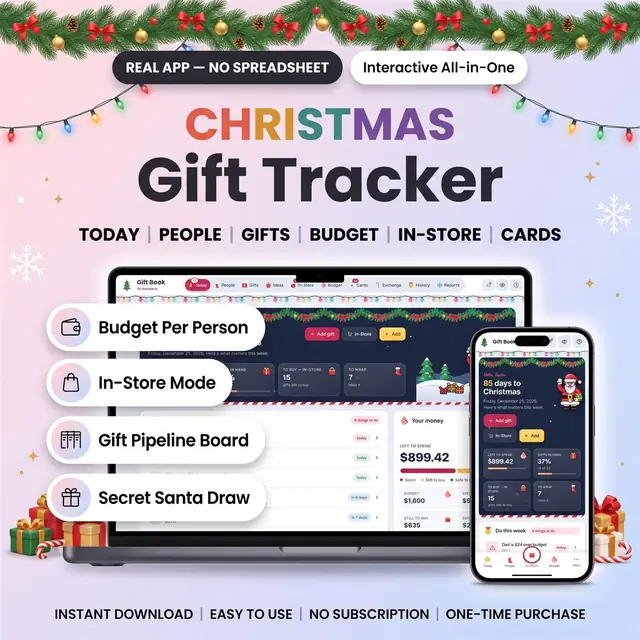
Everyone on your list, store by store, with a budget each
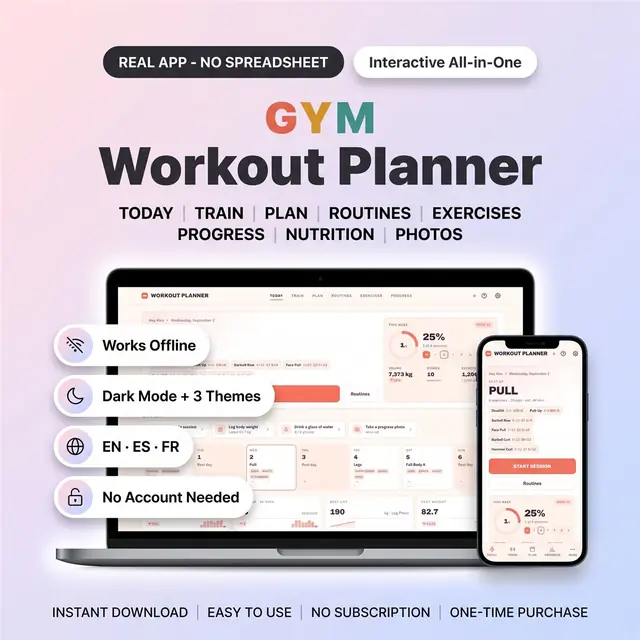
Plan workouts, log sets, and see the week of training
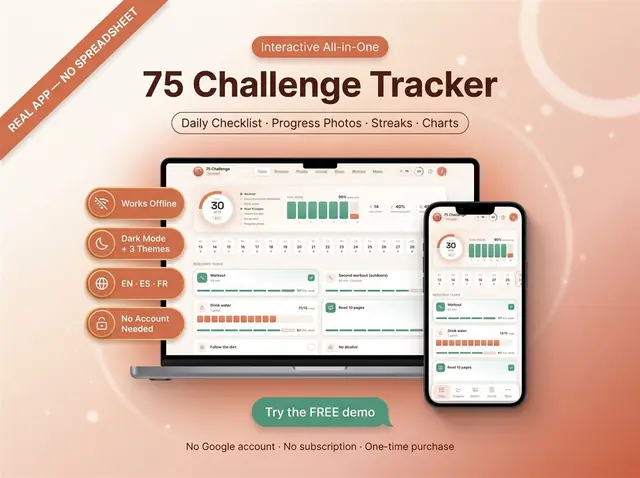
Check off each day of a 75-day challenge
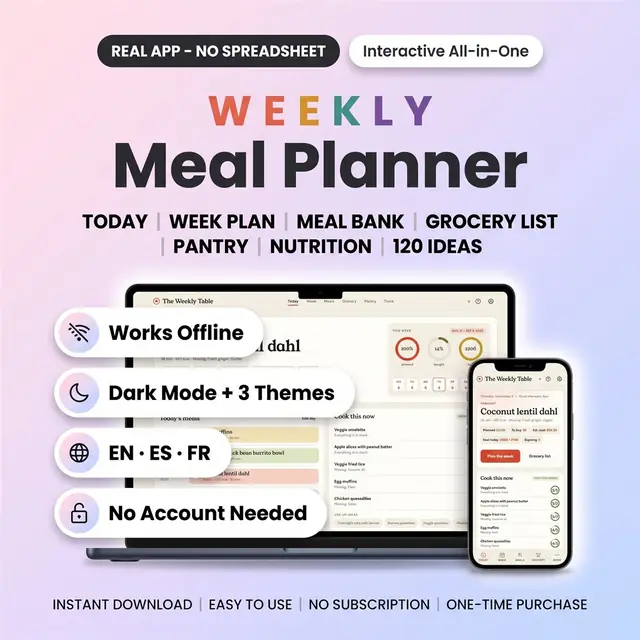
Meals, groceries, and leftovers for the week
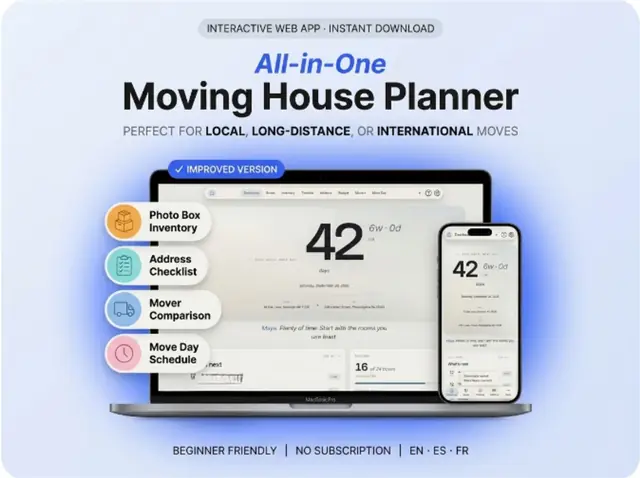
Rooms, boxes, utilities, and a moving-day checklist
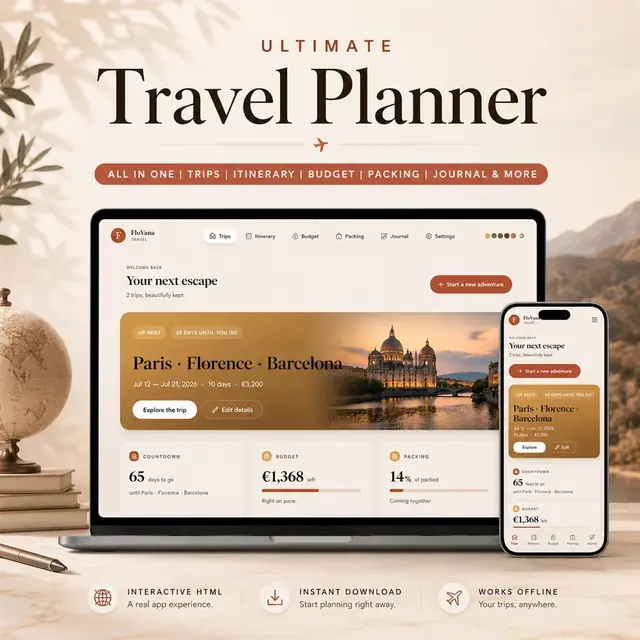
Trips, packing, bookings, and a day-by-day itinerary