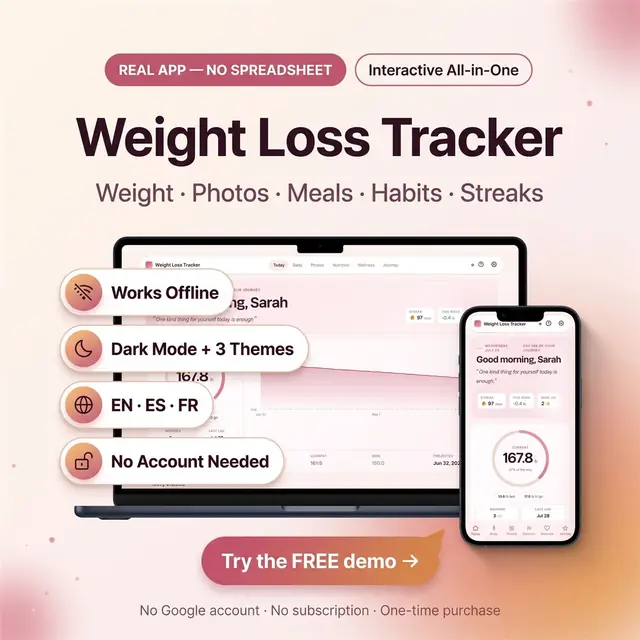
Weight Loss Tracker
Weight, meals, photos, and habits in one browser app
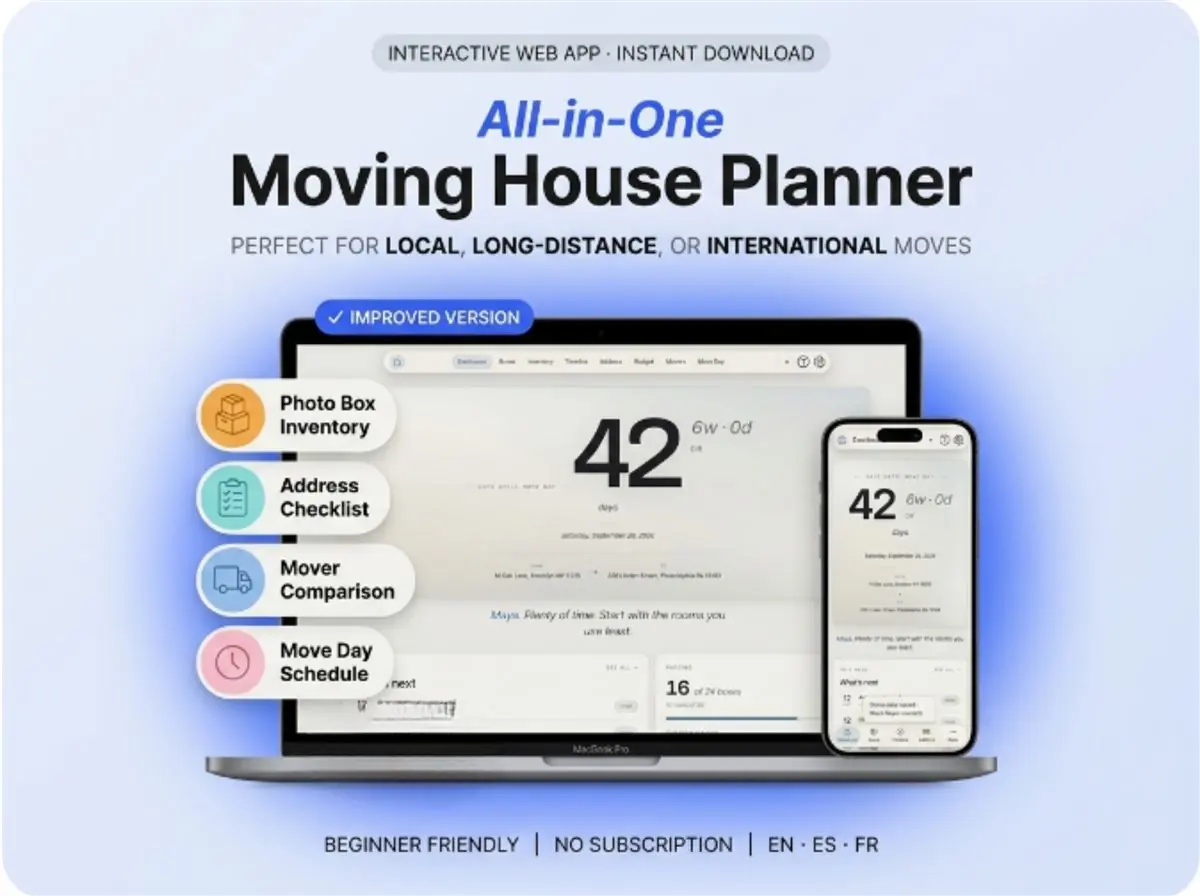
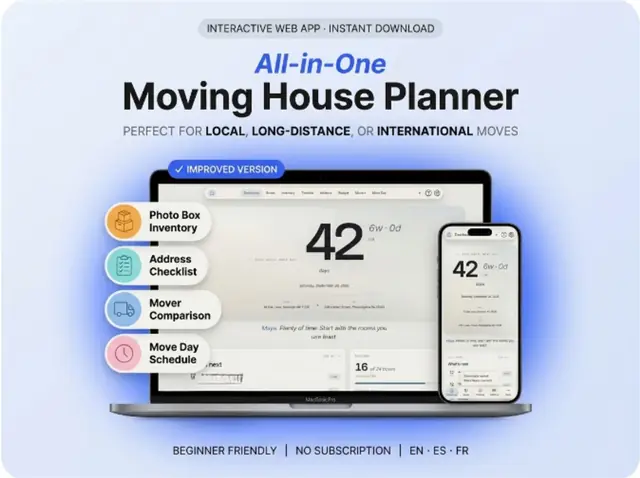
Rooms, boxes, utilities, and a moving-day checklist
Secure checkout by Whop
You get: a PDF with your private app link and a quick-start guide.
Moving is chaos. This planner makes it feel calm.
A real interactive app, not a spreadsheet, not a PDF, that opens in any browser, saves on your device, and walks you box-by-box, day-by-day to the other side of move day.
One purchase. No account. No subscription. No internet required.
Every other "moving planner" is either a static Google Sheet that breaks on your phone, a printable PDF you fill in by hand, or an app that rents you access for $24+ every month. This one is a single .html file, a genuine app you double-click to open. It calculates live, looks beautiful on every screen, and the data lives only on YOUR device.
Chrome, Safari, Edge, Firefox, Brave, on Windows, Mac, Chromebook, iPad, iPhone, Android. No app store. No installation. No JavaScript or tech skills required from you.
There's no sign-up and no cloud unless you choose it. Everything you enter is saved in your own browser, on your own device. Photos NEVER leave your device, even if you turn on cloud sync, only the text data syncs. Plan on a plane, in a half-empty new house with no Wi-Fi: it just works.
Every field is editable. Add custom tasks, custom address-change items, custom budget categories, custom move-day blocks. Make it your move.
Make your move feel handled. Open it in seconds. Yours forever.
This planner is a private organizational tool, not legal, financial, insurance, or professional moving advice. All cost figures are your own estimates; confirm dates, prices and requirements with your movers, providers, and the relevant authorities. This is an instant digital download, no physical item is shipped, and because of the nature of digital goods, all sales are final and non-refundable. This is an independent product and is not affiliated with, endorsed by, or connected to USPS, any moving company, utility provider, or any inventory or moving app. Works in any modern browser; requires JavaScript enabled. Photos are stored only in your own browser's local storage (IndexedDB); back them up regularly using the Export feature in Settings.
Card, Apple Pay, Google Pay or crypto. Checkout is by Whop.
It holds your private link to the app and a quick-start guide.
Tap the link on your phone, tablet or computer. The guide shows every step.
The Homeschool planner has helped me tremendously as we start the first year of homeschooling. It has helped me stay organized.
This Inventory Tracker has a classy interface with lots of useful features, and is very user friendly for beginners.
definitely recommend! the planner set up is very user friendly and I love how interactive it is.
Customer Service is Excellent!!! The lesson planner is easy to use. Love it!!
GET THIS ONE! forget the other ones out there. This is the real deal.
Some hiccups with the planner, but seller was very communicative and quick to find a solution.
A PDF with your private link to the app and a quick-start guide. The guide shows how to open it on your phone, tablet or computer.
Any phone, tablet or computer with a current browser. The apps are available in English, Spanish and French.
Yes. Your data is saved on your own device, in your browser. Cloud sync is optional, if you want the same data on more than one device.
No. You pay once and it is yours to keep. There are no renewals.
Weight, meals, photos, and habits in one browser app
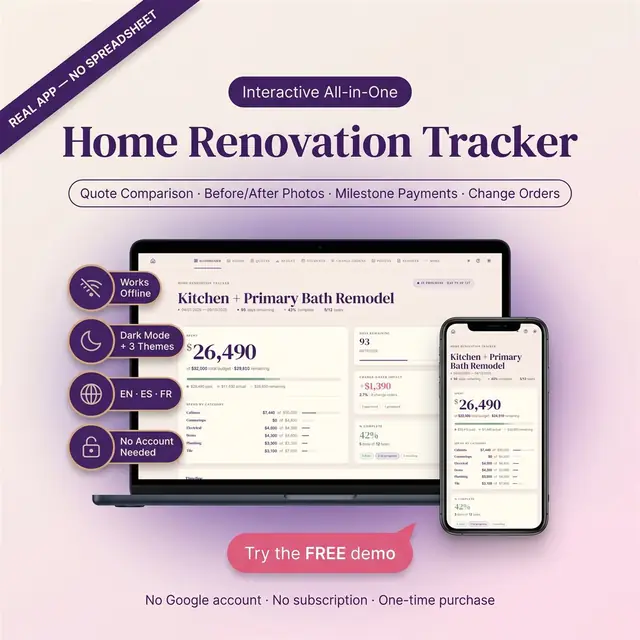
Rooms, budgets, contractors, and what is still open
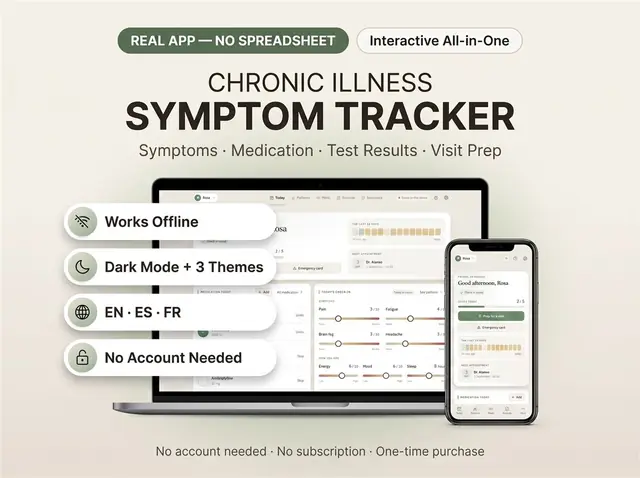
Symptoms, meds, and patterns you can actually review
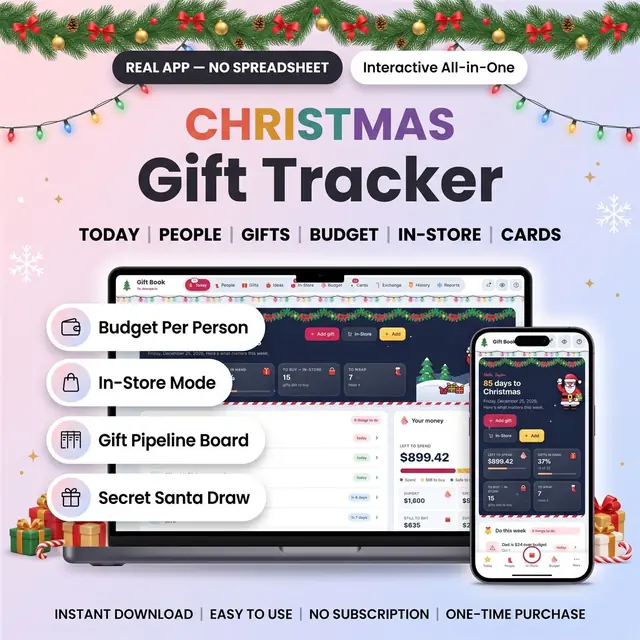
Everyone on your list, store by store, with a budget each
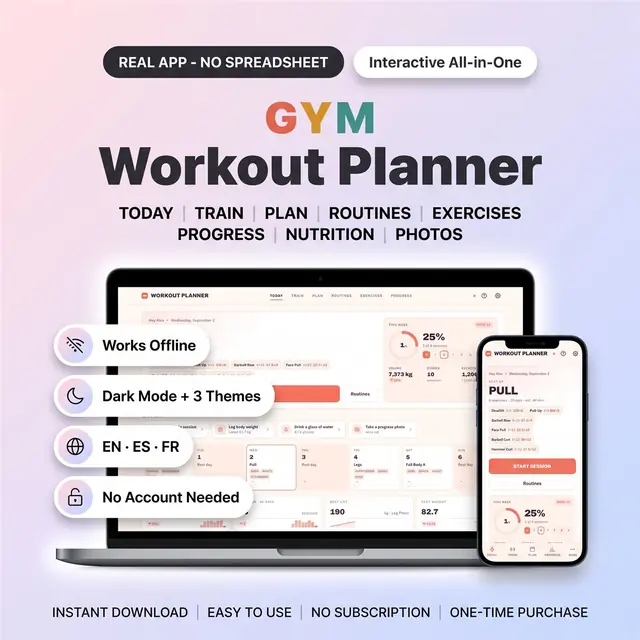
Plan workouts, log sets, and see the week of training
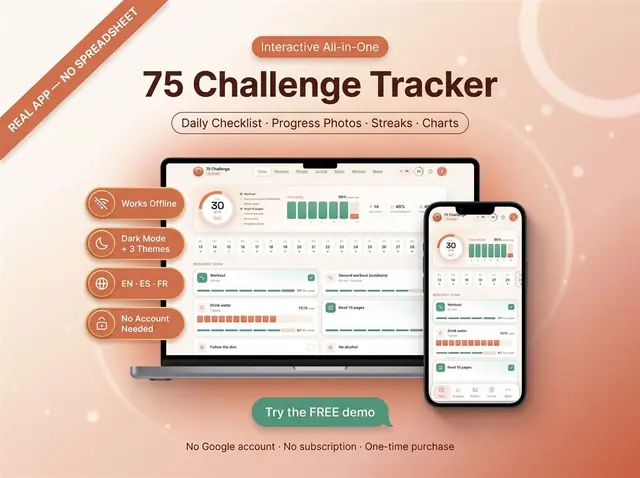
Check off each day of a 75-day challenge
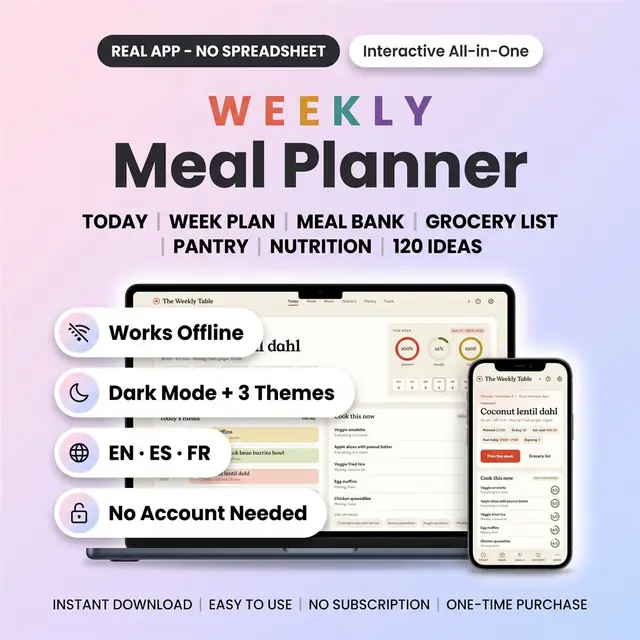
Meals, groceries, and leftovers for the week

Trips, packing, bookings, and a day-by-day itinerary