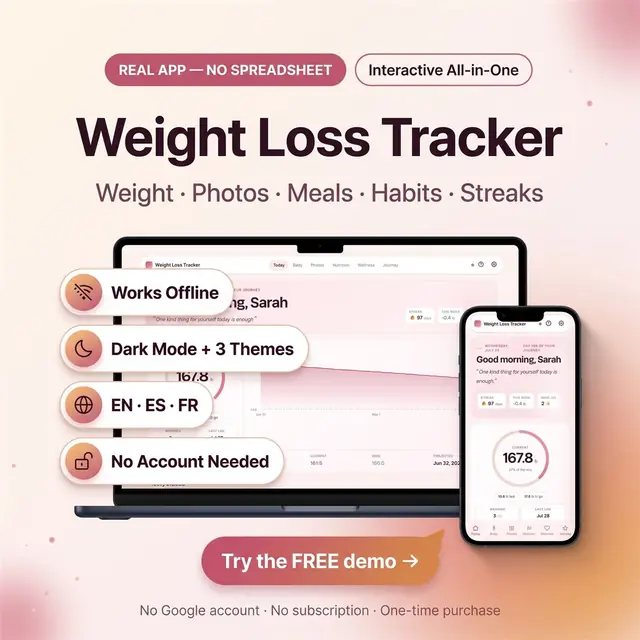
Weight Loss Tracker
Weight, meals, photos, and habits in one browser app
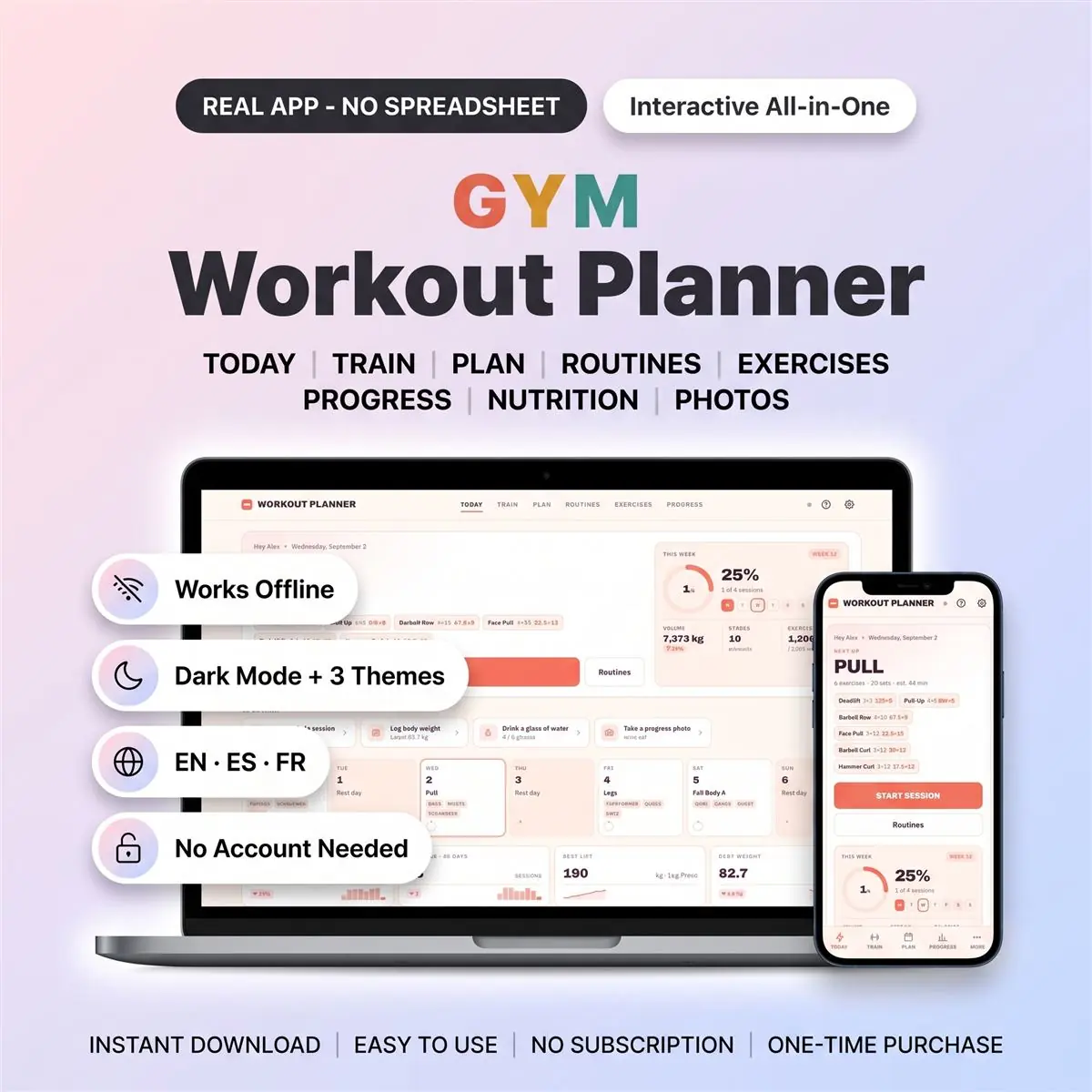
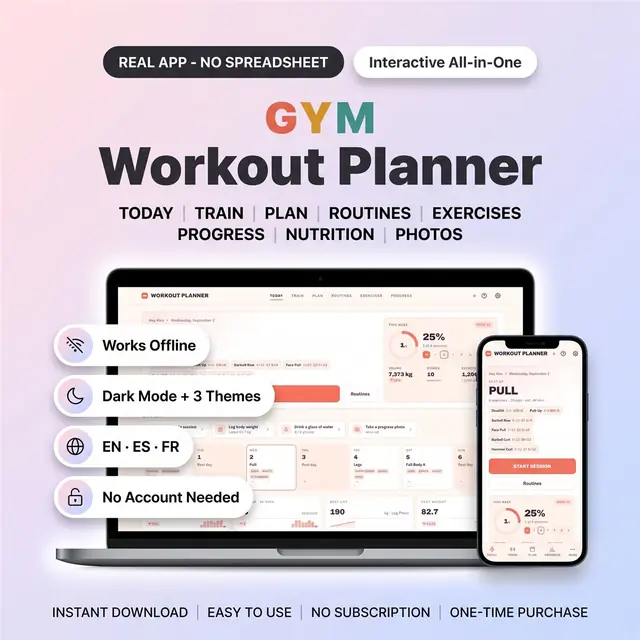
Plan workouts, log sets, and see the week of training
Secure checkout by Whop
You get: a PDF with your private app link and a quick-start guide.
Tired of a workout spreadsheet that fights you on your phone? This digital planner logs every set, times your rest and charts your progress. It is a real workout planner app you own, not a template.
Made for lifters who want one place for the plan, the log and the results. Nothing to install, no subscription, and it works offline at the gym.
1. Open the workout planner in your browser and pick a training split. 2. Tap Start Session. Tick each set as you go. 3. Watch the charts, records and streaks build on the Progress screen.
Everything saves on your device the moment you type it, even offline. Optional free cloud sync keeps every device in step. No account is needed unless you want that.
Export a backup or import one any time from the settings screen.
Every session keeps how it felt and an effort score, so it doubles as a fitness journal and gym log.
The lifting tracker also covers cardio: distance, time and pace for runs, rides and rows.
The workout planner file, a sample data file and a quick-start guide with the download link. One-time purchase, no subscription, free updates.
Card, Apple Pay, Google Pay or crypto. Checkout is by Whop.
It holds your private link to the app and a quick-start guide.
Tap the link on your phone, tablet or computer. The guide shows every step.
The Homeschool planner has helped me tremendously as we start the first year of homeschooling. It has helped me stay organized.
This Inventory Tracker has a classy interface with lots of useful features, and is very user friendly for beginners.
definitely recommend! the planner set up is very user friendly and I love how interactive it is.
Customer Service is Excellent!!! The lesson planner is easy to use. Love it!!
GET THIS ONE! forget the other ones out there. This is the real deal.
Some hiccups with the planner, but seller was very communicative and quick to find a solution.
A PDF with your private link to the app and a quick-start guide. The guide shows how to open it on your phone, tablet or computer.
Any phone, tablet or computer with a current browser. The apps are available in English, Spanish and French.
Yes. Your data is saved on your own device, in your browser. Cloud sync is optional, if you want the same data on more than one device.
No. You pay once and it is yours to keep. There are no renewals.
Weight, meals, photos, and habits in one browser app
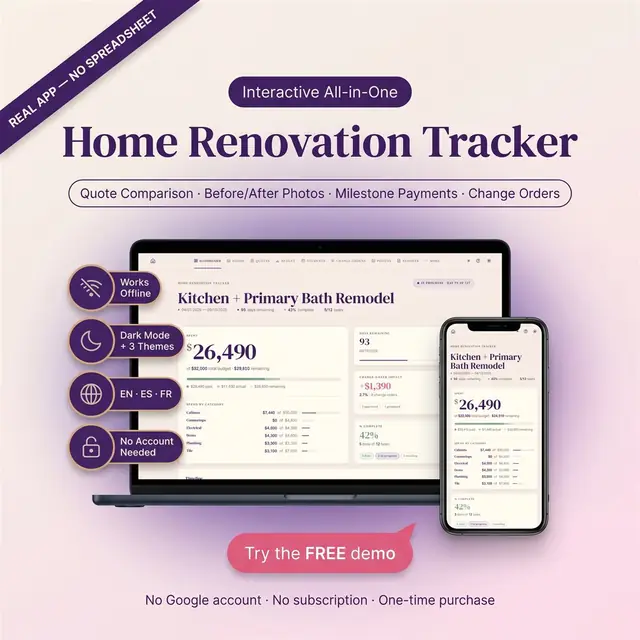
Rooms, budgets, contractors, and what is still open
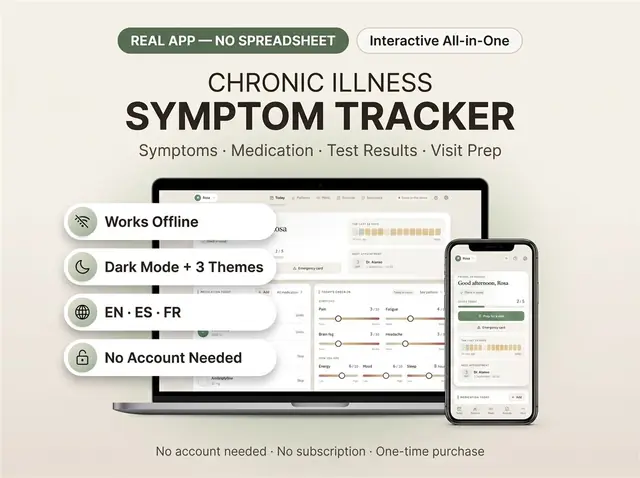
Symptoms, meds, and patterns you can actually review
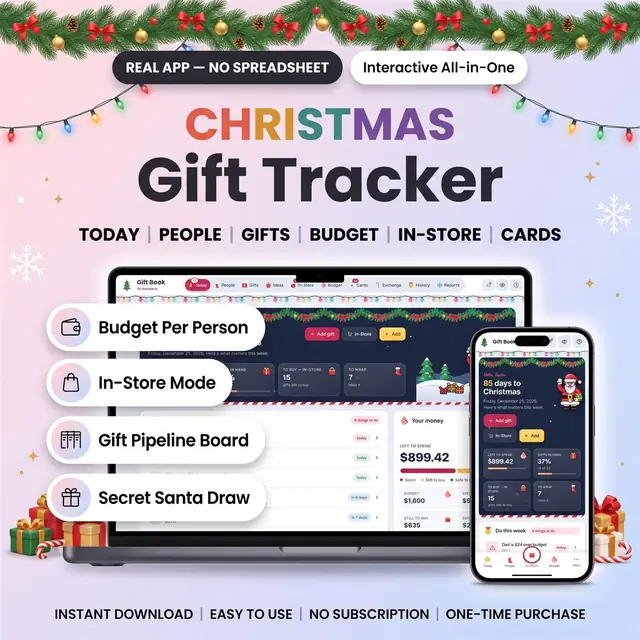
Everyone on your list, store by store, with a budget each
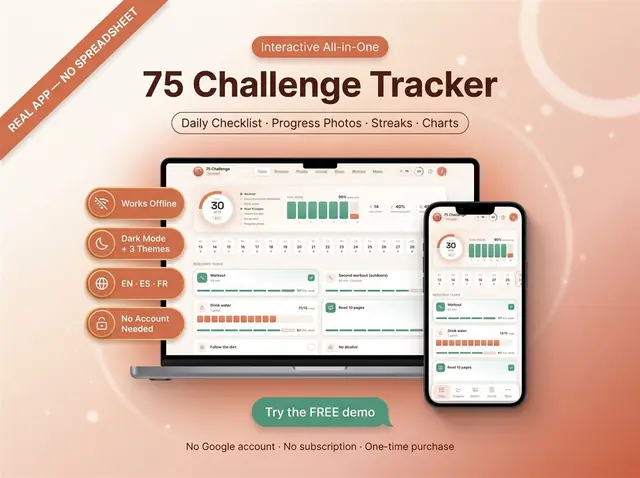
Check off each day of a 75-day challenge
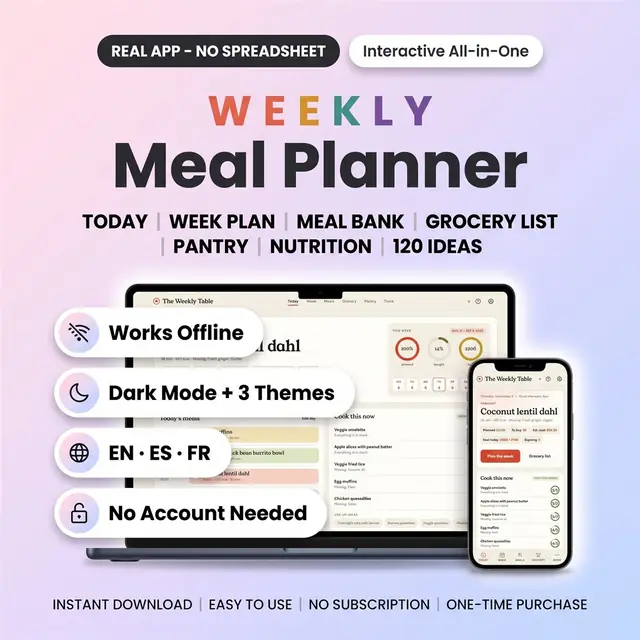
Meals, groceries, and leftovers for the week
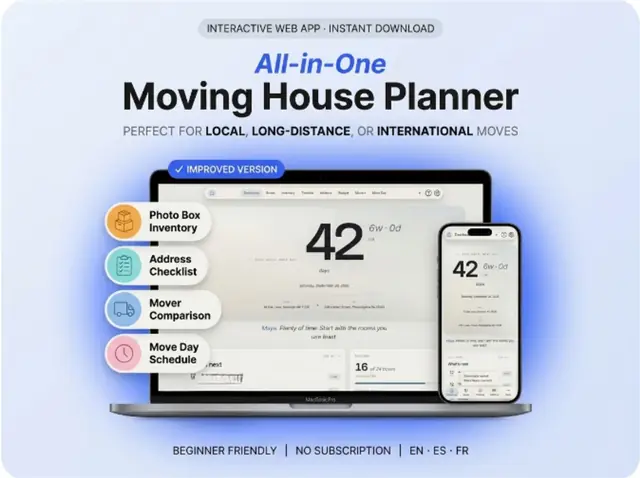
Rooms, boxes, utilities, and a moving-day checklist
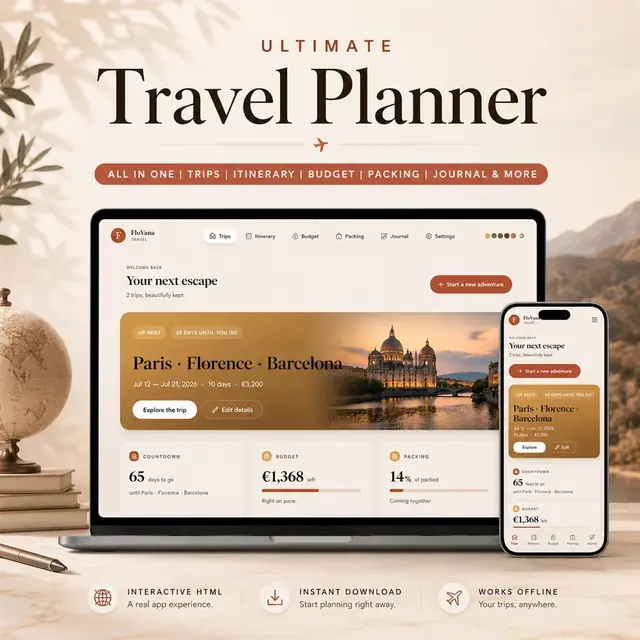
Trips, packing, bookings, and a day-by-day itinerary