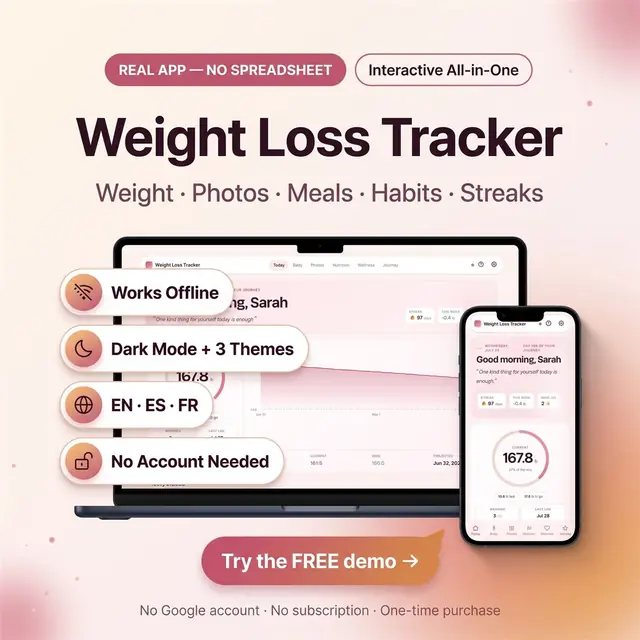
Weight Loss Tracker
Weight, meals, photos, and habits in one browser app
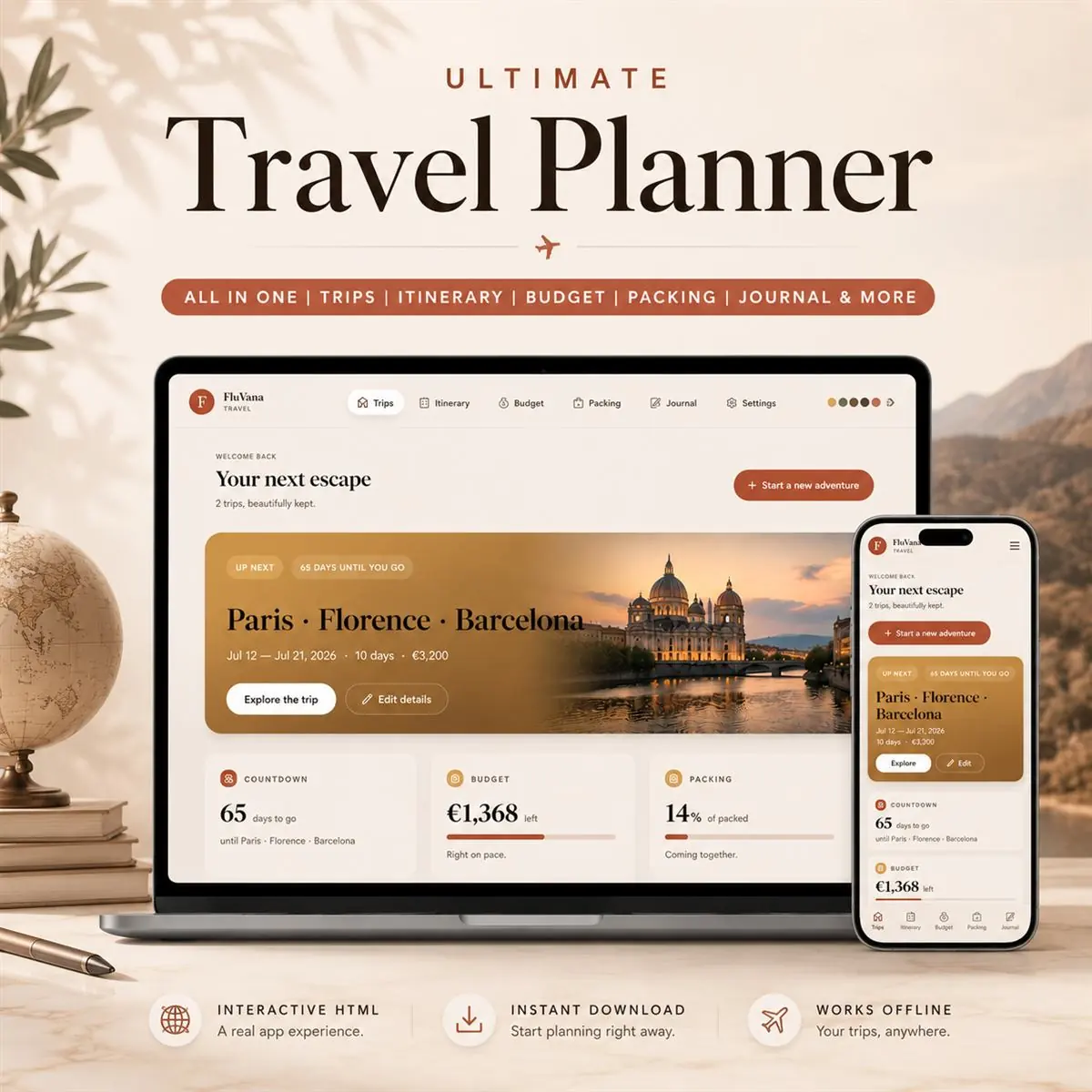
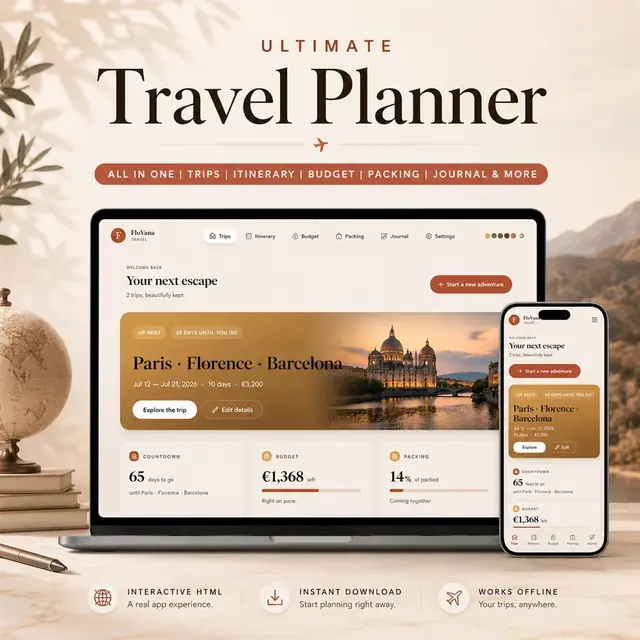
Trips, packing, bookings, and a day-by-day itinerary
Secure checkout by Whop
You get: a PDF with your private app link and a quick-start guide.
Not a spreadsheet. Not a PDF. Not a Canva template.
This is a real travel planning app, designed to feel like premium software, not a downloadable file. Open it in your browser. Plan your trip. Take it on the plane. Watch it sync across your phone and laptop (only if you want it to).
Mobile-first. Offline-ready. Editorial design. No spreadsheet skills needed.
Instant download. Lifetime use. Free updates.
Does it work on my phone? Yes, fully mobile-optimized with a bottom navigation bar, large touch targets, and full-screen modals. iPhone, iPad, and Android.
Do I need internet? No, the app works fully offline. Internet is only needed if you turn on the optional cloud sync.
Is the cloud sync free? Yes, completely free, and totally optional. Your trips work fine without it.
Is my data private? Yes. Everything saves to your browser by default. Nothing is uploaded anywhere unless you turn on cloud backup, and even then only you can see it.
Can I use it for multiple trips? Yes, unlimited trips, each with its own cover, itinerary, budget, and journal.
Will my data be lost if I clear cache? Use the "Export backup" button in Settings any time to save a .json file you can keep anywhere, and re-import later.
Does it work in Excel or Google Sheets? No, it's a real web app, not a spreadsheet. That's the whole point. No Excel skills needed.
Refunds? Digital downloads cannot be refunded once delivered.
Travel beautifully.
Card, Apple Pay, Google Pay or crypto. Checkout is by Whop.
It holds your private link to the app and a quick-start guide.
Tap the link on your phone, tablet or computer. The guide shows every step.
The Homeschool planner has helped me tremendously as we start the first year of homeschooling. It has helped me stay organized.
This Inventory Tracker has a classy interface with lots of useful features, and is very user friendly for beginners.
definitely recommend! the planner set up is very user friendly and I love how interactive it is.
Customer Service is Excellent!!! The lesson planner is easy to use. Love it!!
GET THIS ONE! forget the other ones out there. This is the real deal.
Some hiccups with the planner, but seller was very communicative and quick to find a solution.
A PDF with your private link to the app and a quick-start guide. The guide shows how to open it on your phone, tablet or computer.
Any phone, tablet or computer with a current browser. The apps are available in English, Spanish and French.
Yes. Your data is saved on your own device, in your browser. Cloud sync is optional, if you want the same data on more than one device.
No. You pay once and it is yours to keep. There are no renewals.
Weight, meals, photos, and habits in one browser app
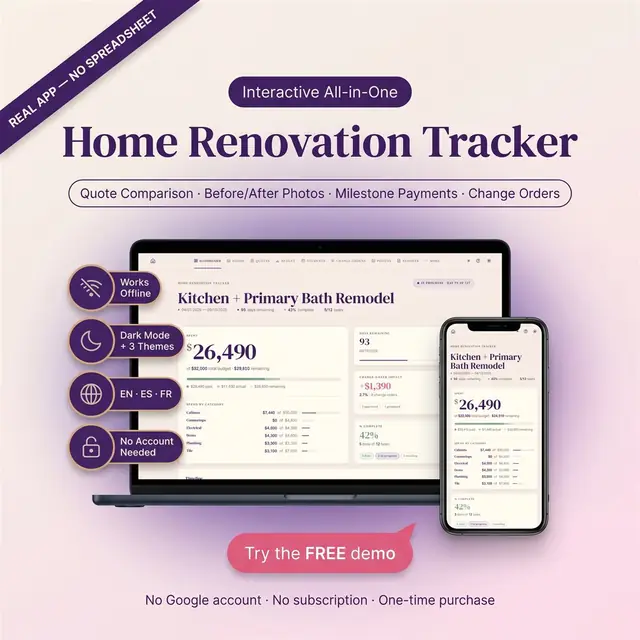
Rooms, budgets, contractors, and what is still open
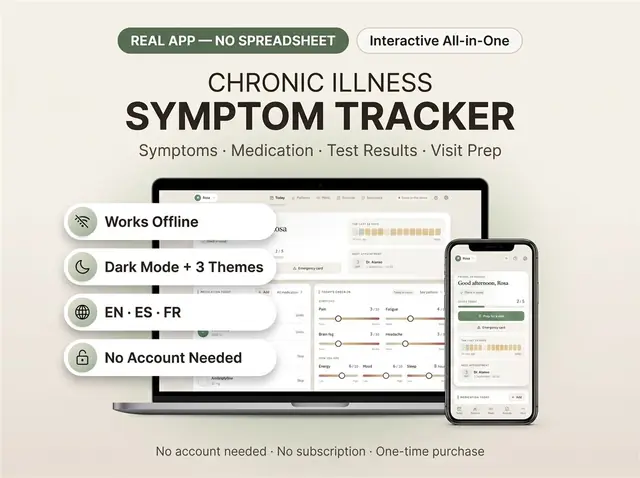
Symptoms, meds, and patterns you can actually review
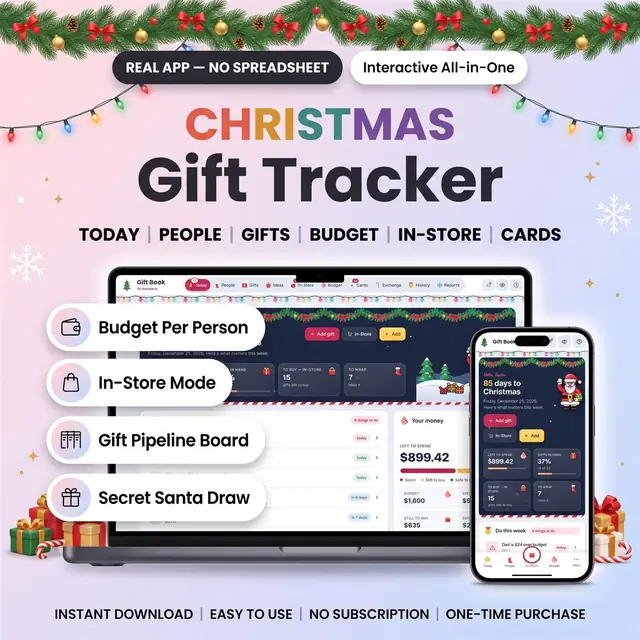
Everyone on your list, store by store, with a budget each
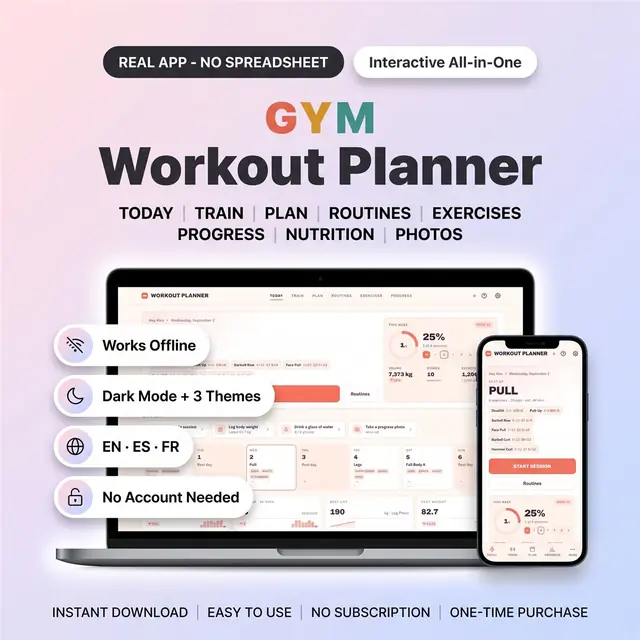
Plan workouts, log sets, and see the week of training
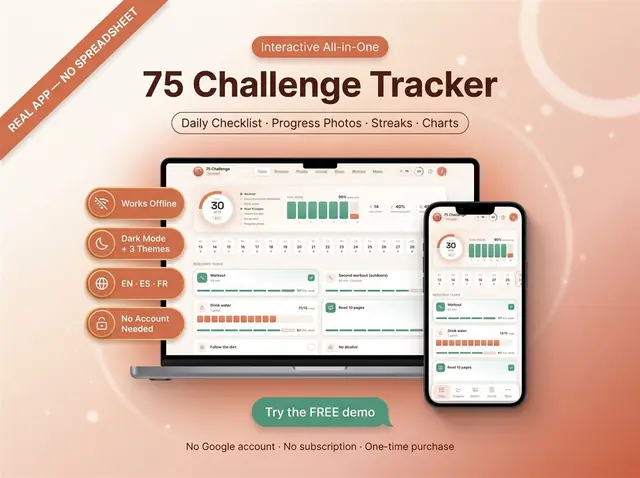
Check off each day of a 75-day challenge
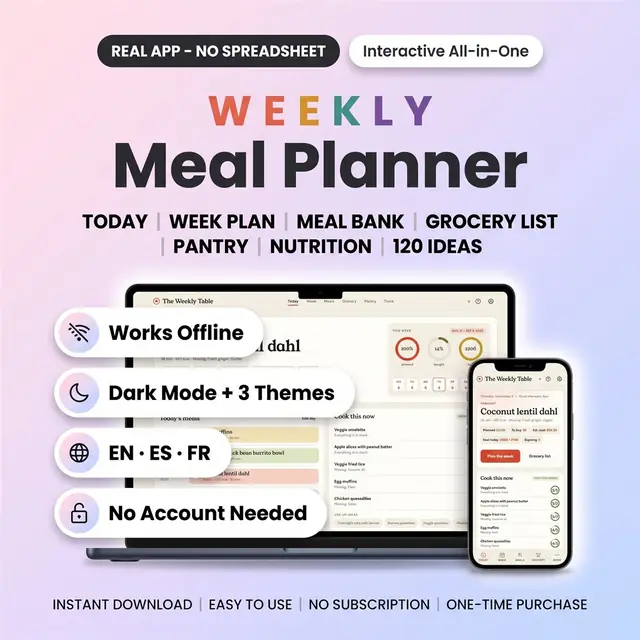
Meals, groceries, and leftovers for the week
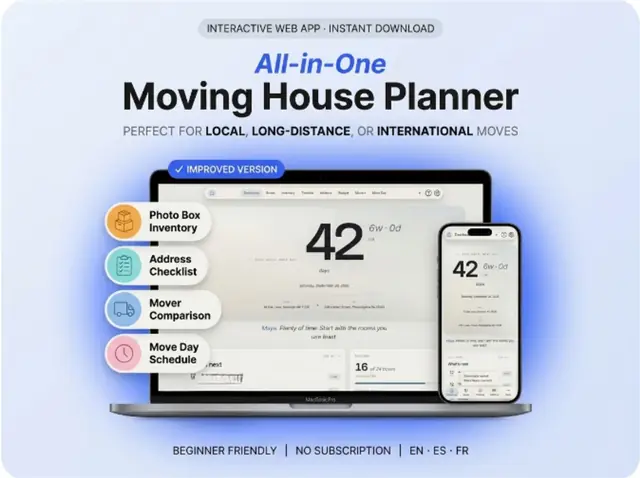
Rooms, boxes, utilities, and a moving-day checklist