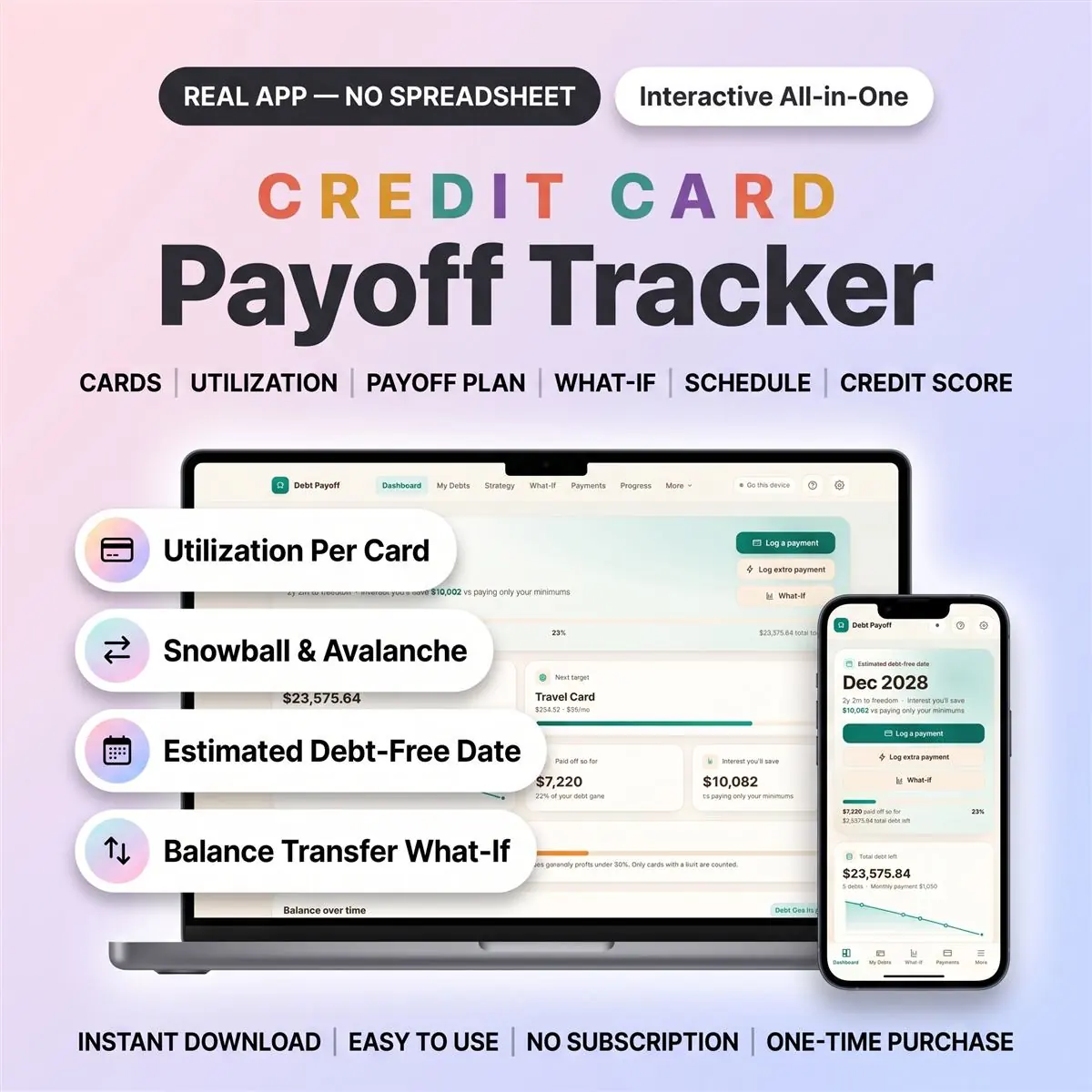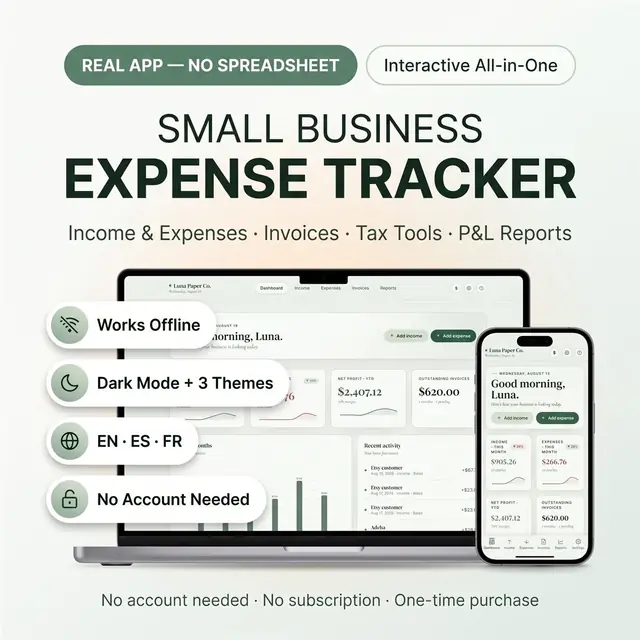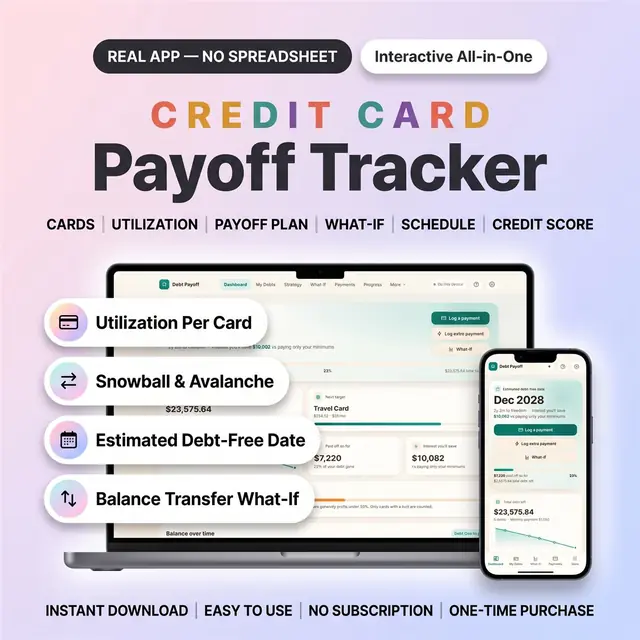
Credit Card Payoff Tracker App — picture 1
1 / 10
Money & Budgeting
4.8 shop rating · 32 reviews on Etsy

Credit Card Payoff Tracker App

See which card to pay first, and your debt-free date

$19.97
  • Best seller
  • No subscription
  • Instant access
Buy now

Secure checkout by Whop

  • Instant access
  • Pay once
  • Any device
  • 3 languages

You get: a PDF with your private app link and a quick-start guide.

  • VISA
  • Mastercard
  • Apple Pay
  • Google Pay
  • Crypto
About this appFeatures and what you get

This credit card payoff tracker is an interactive app that shows which card to pay first, how much interest each plan costs and your estimated debt-free date.

Add each card with its balance, APR, minimum and credit limit, then let the debt snowball calculator or the avalanche plan (highest APR first) set your payoff order. It replaces the credit card payoff spreadsheet you keep fixing: no formulas, no cells, nothing to set up.

It's a web app that opens in your browser on your phone, tablet or computer. It is not an Excel or Google Sheets file, and not printable pages.

What You Get

  • After purchase, your PDF includes the private access link and quick-start guide.
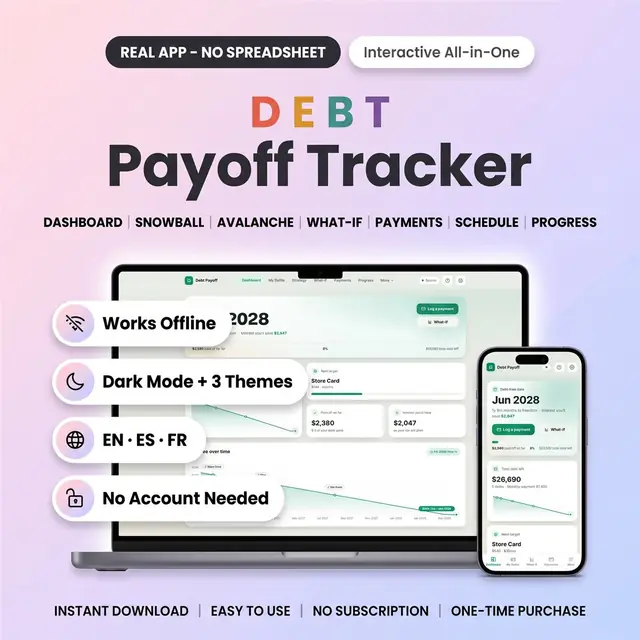
  • The app (inside, it's called Debt Payoff Tracker: your cards plus any car, student or medical debt in one plan)
  • Optional sample data (4 cards, a car loan and a medical bill) to import from Settings and try every screen first

Your Devices And Your Data

  • Opens in the browser on iPhone, iPad, Android, Mac and Windows
  • Works offline once it's open
  • No account needed: every change is saved on your device first
  • Optional free cloud sync, to use it on more than one device

Your Payoff At A Glance

  • Estimated debt-free date, total left, paid off so far and the next card to attack
  • Interest you'll save compared with paying only your minimums
  • "Log a payment" and "Log extra payment" right on the home screen

Every Card In One Place

  • Balance, APR, minimum payment and payment day on each card
  • Add a credit limit to see utilization for each card and across all your cards
  • A payment-day countdown on every card
  • A warning when a minimum doesn't even cover the monthly interest
  • Used a card again, or interest posted? Add a charge and your earlier progress is kept
  • Store cards, car loans, student loans, medical bills and more: add as many debts as you have

Snowball, Avalanche Or Your Own Order

  • Set one monthly amount: the app covers every minimum, then puts the rest on your target card
  • Snowball, avalanche and your own custom order side by side, with debt-free date and total interest
  • A clear warning if your monthly amount is below your total minimums

What-If And Balance Transfer

  • Slide an extra monthly amount or a one-time payment and watch the date move
  • Balance transfer what-if: move one card to a 0% offer and see if it still saves money after the fee

Payments And Charges

  • Log regular, extra and windfall payments with notes
  • Charges and posted interest sit in the same history; delete an entry to undo it
  • Monthly bars and your total paid

Month-By-Month Schedule

  • For each debt: payment, interest, principal and balance, month by month
  • The month each card is cleared, and the estimated interest on each debt

Credit Score Log

  • Type in your score whenever you check it: a 300-850 gauge, score band, trend chart and points since your first entry
  • Your total utilization on the same page

Progress

  • Progress ring, milestones and a journey chart of what you've paid

Your Data, Backed Up

  • Export to CSV: your debts, payments and charges, or credit scores, to open in any spreadsheet
  • A full backup file, plus restore points: one a day for the last 7 days, and one before each import, erase or restore
  • Optional payment-day alerts. They only show while the app is open in your browser
  • Print-ready screens and a built-in help guide

Made Yours

  • 3 themes: Midnight (dark mode), Daylight and Momentum
  • English, Español and Français
  • 14 currencies
  • Want something changed? Customization is on request
  • Free updates
  • One-time payment. No subscription

Good To Know

  • You type in your cards, payments and scores. It doesn't connect to your bank, your card company or a credit bureau
  • Dates and interest are estimates from the numbers you enter (each month's interest is the APR ÷ 12)
  • It logs your credit score; it doesn't change your score or repair credit
  • A tool to organise your payoff, not financial advice
  • On this device only, clearing your browser data erases it. Export a backup now and then, or turn on cloud sync
  • Screenshots use sample data

What You Need

  • A phone, tablet or computer with Safari, Chrome, Edge or Firefox
  • Internet to download the app and, if you choose, for cloud sync

What You Don't Get

  • Nothing is shipped: this is a digital item
  • Not an Excel or Google Sheets file, and not printable planner pages
  • It isn't from the App Store or Google Play: it runs in your browser
  • Nothing preloaded: the app starts empty, and the sample data is optional
  • For personal use only. Please don't resell or share it

Digital Download Note

Digital items can't be returned or exchanged.

How it works

  1. Pay securely

    Card, Apple Pay, Google Pay or crypto. Checkout is by Whop.

  2. Get your PDF instantly

    It holds your private link to the app and a quick-start guide.

  3. Open it on any device

    Tap the link on your phone, tablet or computer. The guide shows every step.

What buyers say

4.8
Shop rating on Etsy
32
reviews
153
sales
The Homeschool planner has helped me tremendously as we start the first year of homeschooling. It has helped me stay organized.
KrisandraEtsy review · Homeschool Planner
This Inventory Tracker has a classy interface with lots of useful features, and is very user friendly for beginners.
BriannaEtsy review · Inventory Tracker
definitely recommend! the planner set up is very user friendly and I love how interactive it is.
LucianEtsy review · Student Nurse Planner
Customer Service is Excellent!!! The lesson planner is easy to use. Love it!!
BrittEtsy review · Homeschool Planner
GET THIS ONE! forget the other ones out there. This is the real deal.
Etsy buyerEtsy review · Homeschool Planner
Some hiccups with the planner, but seller was very communicative and quick to find a solution.
DanaEtsy review · Homeschool Planner

Questions before you buy

01What do I get after I buy?

A PDF with your private link to the app and a quick-start guide. The guide shows how to open it on your phone, tablet or computer.

02Which devices and languages does it work on?

Any phone, tablet or computer with a current browser. The apps are available in English, Spanish and French.

03Does it work offline?

Yes. Your data is saved on your own device, in your browser. Cloud sync is optional, if you want the same data on more than one device.

04Is it a subscription?

No. You pay once and it is yours to keep. There are no renewals.

You may also like